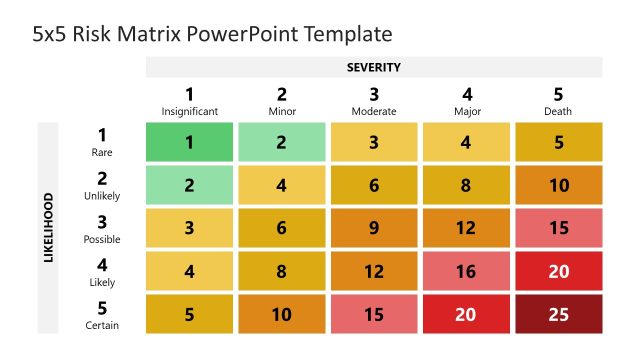
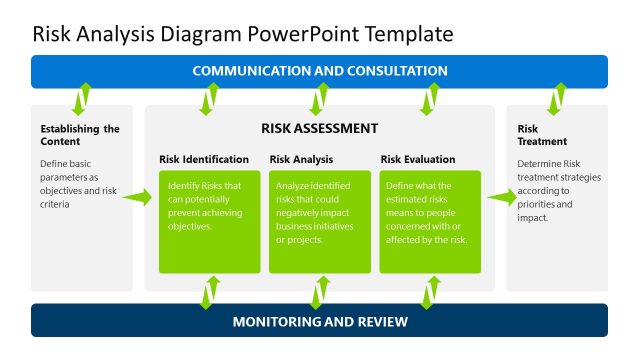
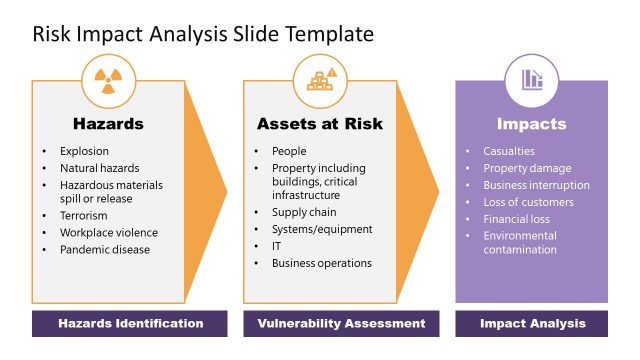
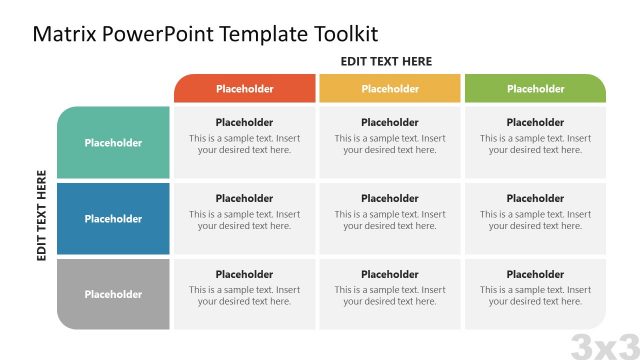
Risk Matrix PowerPoint Template is a presentation template and design for Microsoft PowerPoint presentations containing several risk matrix slides that you can use in presentations on Risk Management.
You can download this risk matrix template for PowerPoint to make presentations on Risk Management and Risk Evaluation projects during Project Planning presentations or Project Management presentations.
What’s inside this template
Example presentation scenarios
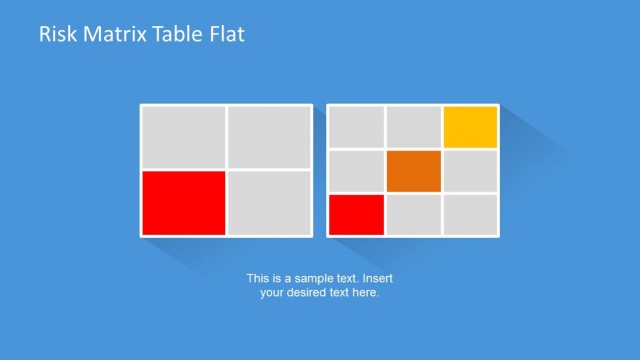
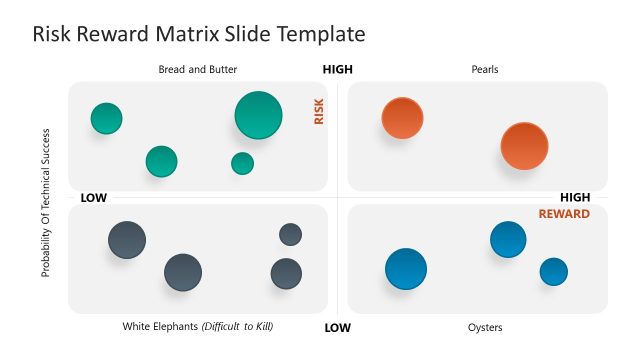
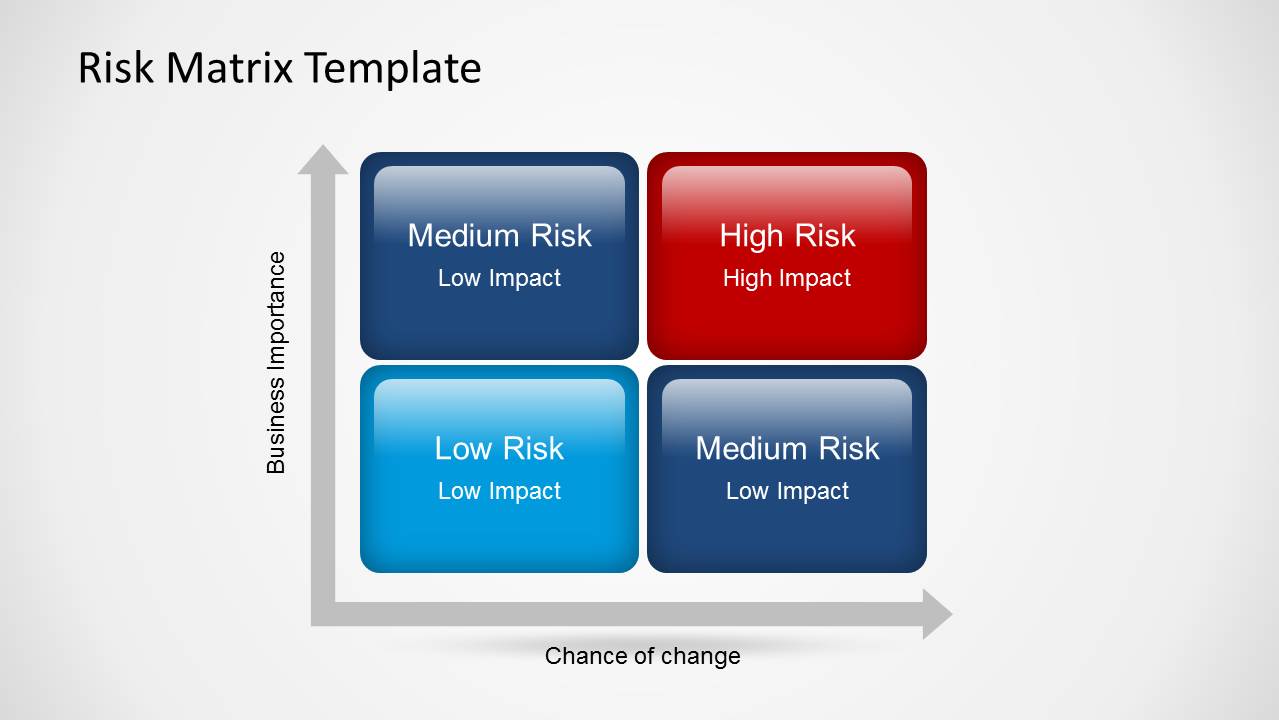
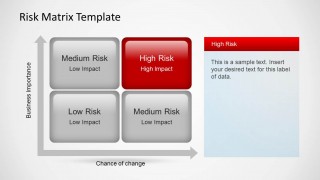
- A project manager can use the 2x2 risk matrix to brief sponsors on which risks have high business importance and a high chance of change.
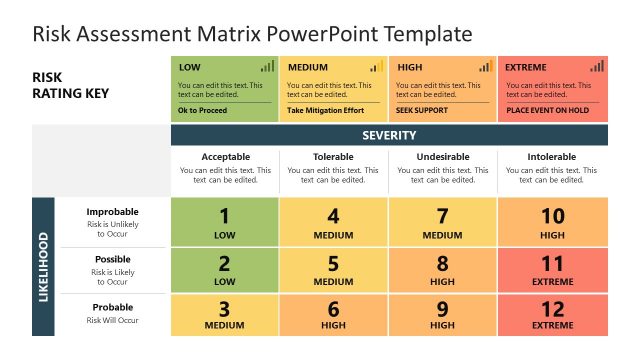
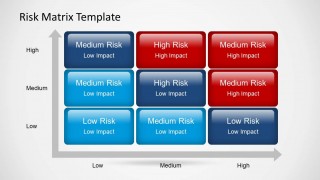
- A PMO leader can use the 3x3 severity grid to standardize how teams classify low, medium, and high risk items across a portfolio review.
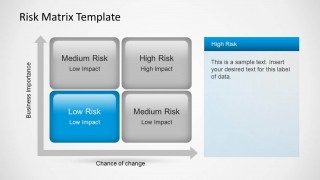
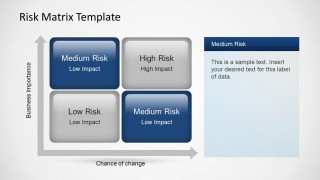
- A risk manager can use the highlighted quadrant callout slides to explain why one specific category, such as high risk, needs immediate action.
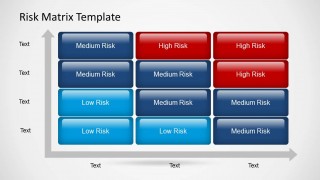
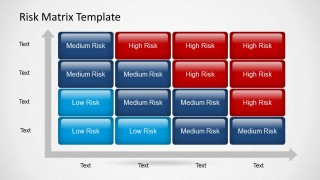
- A business analyst can use the 4x4 matrix table to run a workshop where stakeholders map risk items against custom likelihood and impact labels.
Features
- 100% editable presentation template
- Compatible with Microsoft PowerPoint and Google Slides
- 16:9 aspect ratio slides
- Scalable vector shapes, icons and illustrations
- AI-Ready for Microsoft Copilot and Claude
- Instant access and download
Frequently asked questions
Q: How should a presenter explain the risk levels without overcrowding the matrix?
A: Start with the clean 2x2 matrix to define the axes, then move to a highlighted quadrant slide when discussing one risk category in depth. Keep each tile label short and place supporting detail in the callout panel. This separates the decision logic from the evidence behind it.
Q: Who is this template best suited for in a risk review meeting?
A: This template fits project managers, PMO leads, and risk owners who need a fast shared view of severity and priority. The 2x2 and 3x3 layouts work well for executive updates, while the 4x4 table supports working sessions where teams classify more detailed risk categories.
Q: Why use matrix visuals instead of a plain risk list?
A: A matrix turns risk evaluation into a spatial comparison, so the audience can see severity patterns before reading details. The axis arrows create a clear likelihood and importance metaphor, while the color progression from cyan to navy to red guides attention toward the cells that require action.


Risk Matrix PowerPoint Template
7-slide presentation template for risk matrix analysis, severity grids, and project risk evaluation
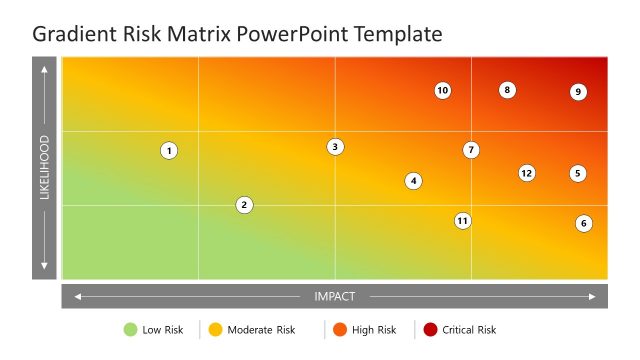
Risk Matrix PowerPoint Template is a 7-slide business presentation for classifying project risks by importance, likelihood, and impact. It includes a 2x2 risk matrix, highlighted quadrant callouts, a 3x3 risk grid, and 4x3 and 4x4 table-style severity matrices for project managers in Microsoft PowerPoint and Google Slides.
- Category
- Business PowerPoint Templates
- Rating


 Loading...
- Aspect ratio
- 16:9
- Item ID
- 6299-01
- Colors
 Microsoft PowerPoint
  Microsoft Copilot
  Claude for PowerPoint
 Other formats supported
Subscribe today and get immediate
access to download our PowerPoint templates.