Slide 3 of 3 from QRQC Model PowerPoint Template
QRQC Model Template Slide with Arrows
QRQC Model Overview Slide
- Diagram
- Matrix Quadrant
- Process Slide
- 16:9
- 100% Editable
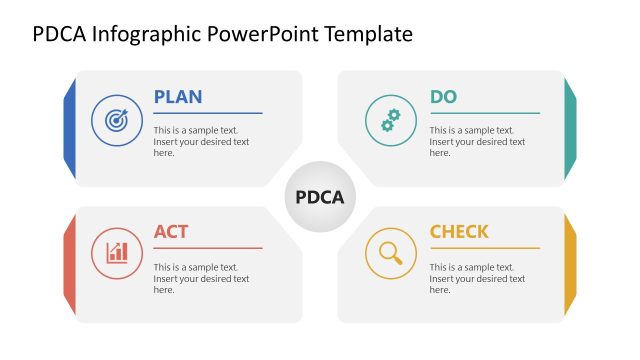
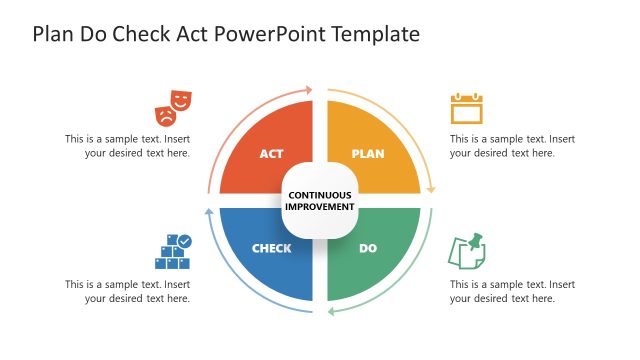
The QRQC Model Overview slide from the QRQC Model PowerPoint Template offers a clear matrix layout ideal for quality management presentations and operational strategy discussions. This slide uses editable shapes and vector icons to visually distinguish the PLAN, DO, CHECK, and ACT stages, making it a practical choice for business presentation slide decks focused on incident response training.
What’s on This Slide
The layout features a two-row, four-column structure. The top row contains the headers 'PLAN', 'DO', 'CHECK', and 'ACT', each with a corresponding letter 'Q', 'R', 'Q', 'C' below. The bottom row includes labels 'QUICK', 'RESPONSE', 'QUALITY', and 'CONTROL', with icons beneath each label. Text placeholders are centered within each cell, allowing for the insertion of specific content. The color scheme alternates between blue, orange, and green, creating a clear visual distinction among the columns. Each cell is bordered, enhancing the overall organization.
How to Use It
This layout serves as a structured overview of the QRQC model, illustrating the four key stages of the process. It is suitable for presentations focused on quality management and incident response. This slide fits well after problem identification and before detailing specific actions or strategies. It is ideal for operational leaders and quality control managers to convey essential concepts in a concise format.
Text Placeholders & Capacity
Keep your copy within these limits so it fits without resizing. Node body slots can hold roughly 10-12 words each.
| Placeholder | Count | Max characters (approx.) |
|---|---|---|
| Item heading | 8 | 30 |
| Item body | 8 | 50 |
Slide Keywords
Download unlimited PowerPoint templates, charts and graphics for your presentations with our annual plan.
DOWNLOADReturn to QRQC Model PowerPoint Template.