Slide 2 of 3 from QRQC Model PowerPoint Template
Horizontal Layout – QRQC Model PowerPoint Template
QRQC Model Overview Slide
- Diagram
- Matrix Grid
- Concept Explanation Slide
- 16:9
- 100% Editable
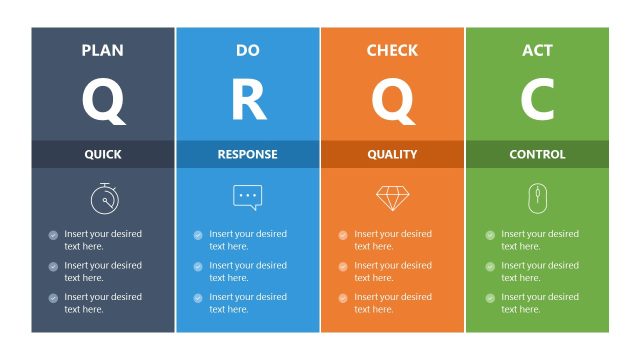
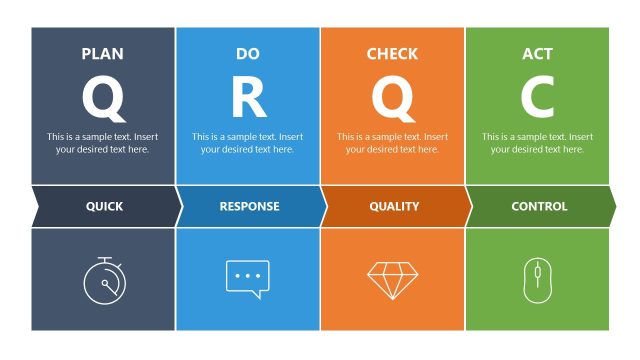
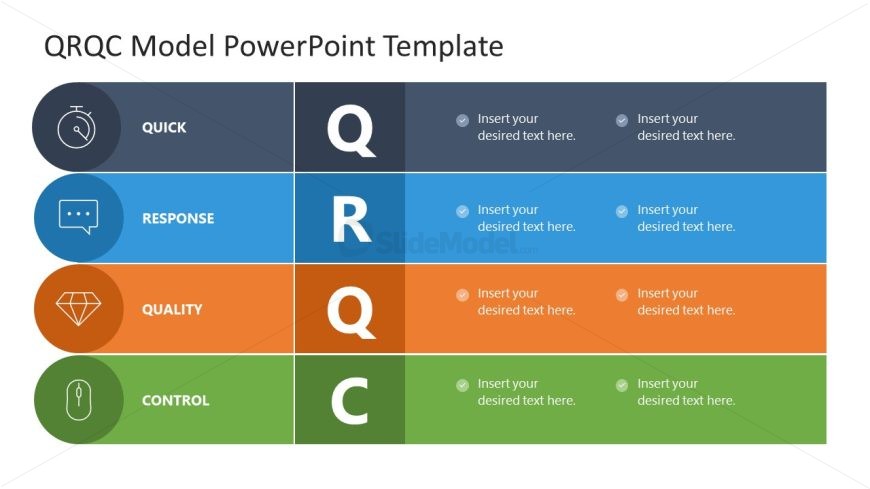
The QRQC Model Overview slide from the QRQC Model PowerPoint Template provides a clear, structured diagram layout ideal for quality management presentations. This slide uses editable shapes and vector icons to visually represent the Quick, Response, Quality, and Control components, making it suitable for corporate presentations and incident response training. Its organized design supports strategic planning discussions by offering concise, easy-to-understand content in a professional slide deck format.
What’s on This Slide
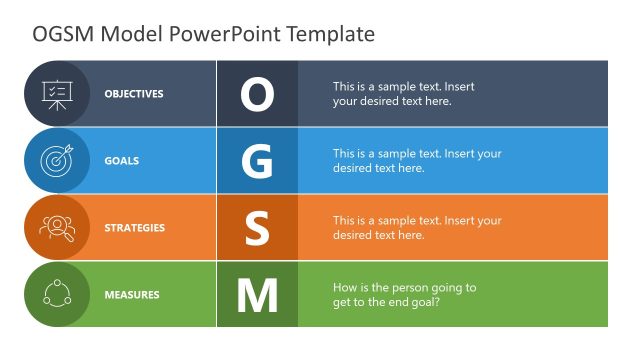
The slide features a four-row layout, each row representing a component of the QRQC model: Quick, Response, Quality, and Control. Each row contains a circular icon on the left, followed by a bold title and a text placeholder aligned to the right. The rows alternate in color, with dark gray for Quick, blue for Response, orange for Quality, and green for Control. The overall layout is structured and organized, with clear visual hierarchy. Text placeholders are evenly distributed, allowing for concise information entry. The background is a light color, enhancing readability.
How to Use It
This layout serves as a structured overview of the QRQC model, ideal for presentations on quality management and incident response. It fits well after introductory slides, providing a clear framework for discussing each component. This slide is suitable for quality control managers and operations leaders to outline key concepts in a concise format. It can be used in training sessions or strategic meetings to facilitate discussions on quality processes and improvements.
Text Placeholders & Capacity
Keep your copy within these limits so it fits without resizing. Node body slots can accommodate roughly 10-12 words each.
| Placeholder | Count | Max characters (approx.) |
|---|---|---|
| Item heading | 4 | 20 |
| Item body | 4 | 50 |
Slide Keywords
Download unlimited PowerPoint templates, charts and graphics for your presentations with our annual plan.
DOWNLOADReturn to QRQC Model PowerPoint Template.