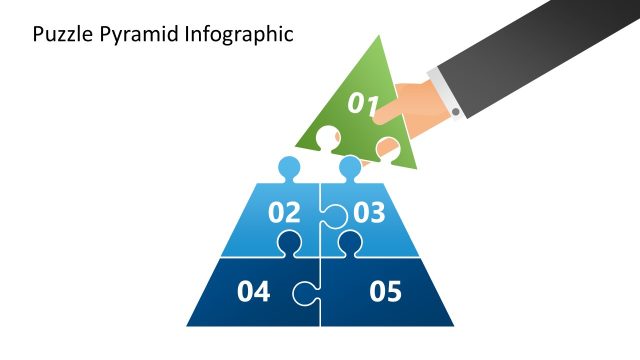
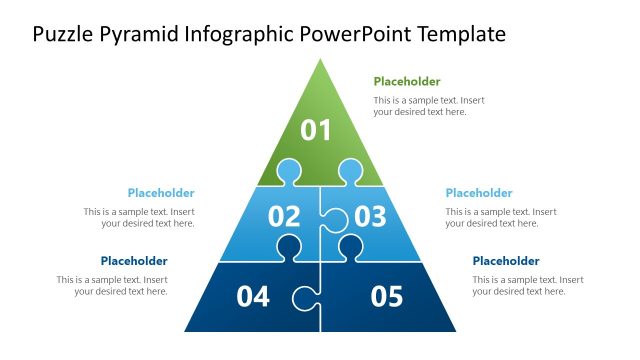
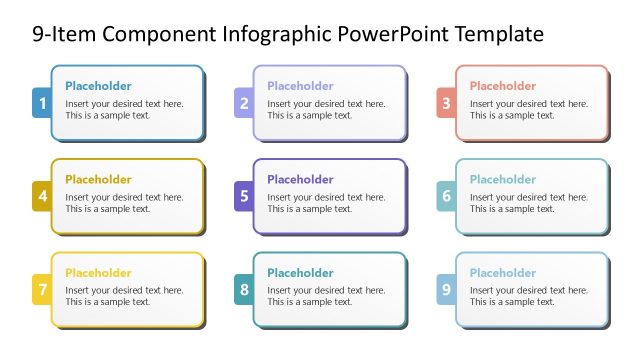
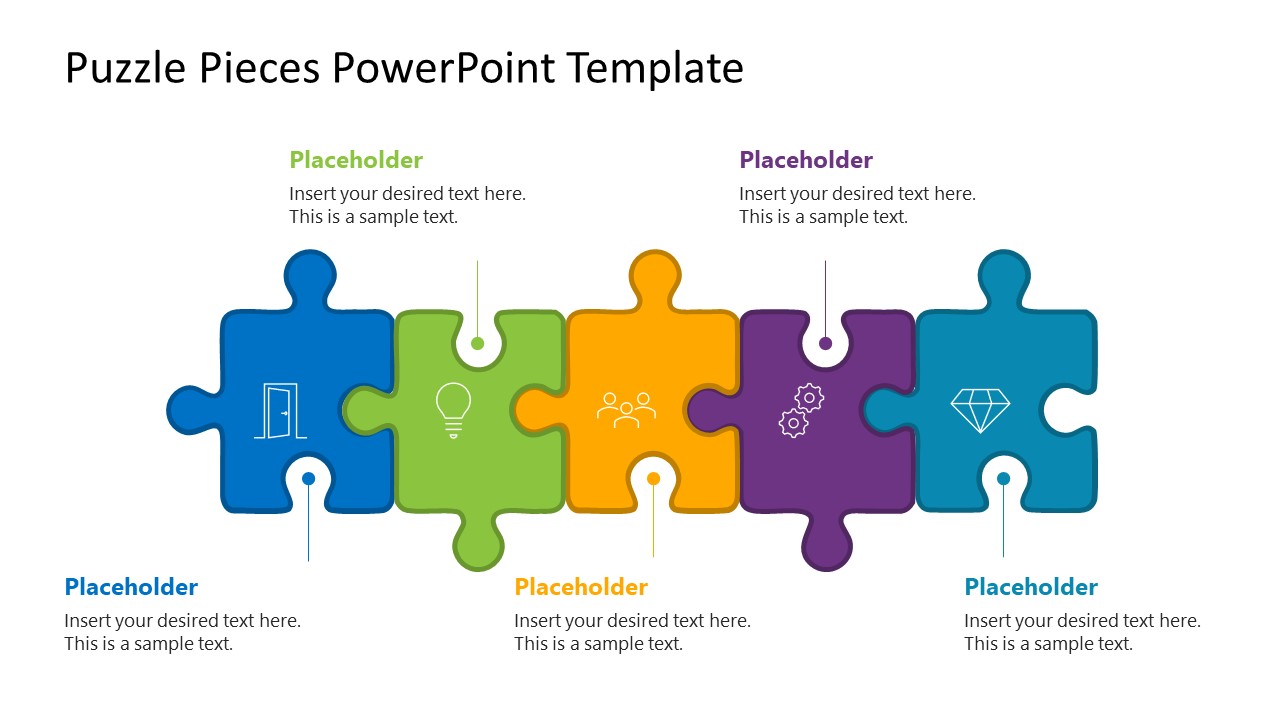
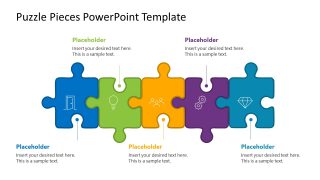
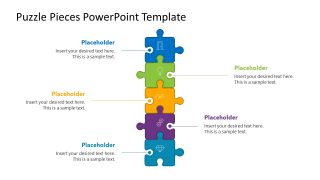
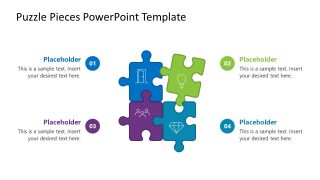
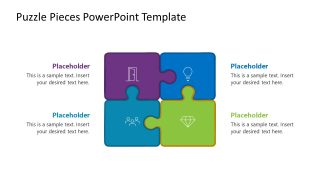
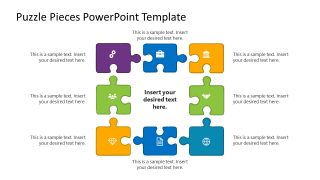
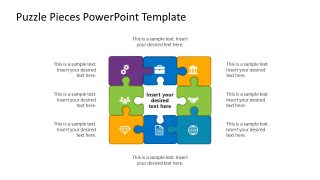
Present interconnected strategies or business components to cross-functional teams using our editable Puzzle Pieces PowerPoint Template. This PPT template features 11 slides with the same interlocking puzzle pieces, arranged in different formats. The number of puzzle pieces and their arrangement vary in all slides. For instance, the first slide shows five puzzle pieces interlocked in a linear array. Some of the slides show 4 linear puzzle pieces, a 2×2 puzzle, or a 3×3 grid. The aggregate of multiple pieces forms a unified structure for business presentations. For instance, the roles of different employees within a team collectively contribute to completing the business project or milestone.
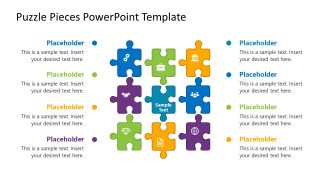
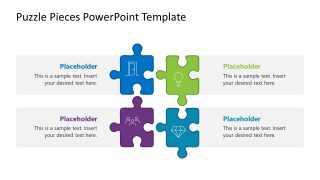
Management consultants use infographic icons and text boxes with all the puzzle pieces to communicate information clearly. Project managers use the Puzzle Pieces PowerPoint Template to showcase the breakdown of different project components and milestones. The interlocking represents how one step feeds into the next progressive stage or connected process. The 2×2 grid is also useful for analysts to mention SWOT, TOWS, or other business frameworks in corporate assessment presentations. A SaaS product director uses the nine-puzzle-piece grid to showcase the connections among modules, integrations, and support functions. An HR leader uses the puzzle-piece diagram to present recruitment frameworks to stakeholders.
Users can modify the layout, infographics, arrangement, and number of puzzle pieces in the template to suit their needs. They can also copy and paste the slide into other decks (such as project proposals or investor decks) to present data in a visually appealing way. Download the puzzle pieces diagram PPT template to effectively structure multiple components.
What’s inside this template
Example presentation scenarios
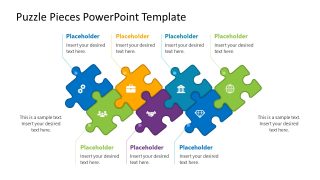
- A management consultant can use the horizontal five-piece chain to explain how strategy, operations, people, technology, and outcomes fit into one client recommendation.
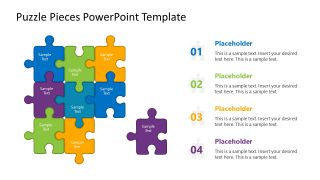
- A project manager can use the numbered four-piece block to brief executives on related workstreams, owners, milestones, and dependencies.
- A product director can use the compact puzzle grid to show how modules, integrations, support functions, and customer value connect inside a platform.
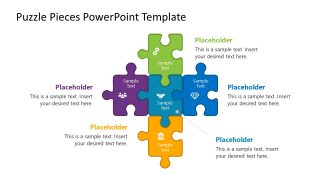
- An HR leader can use the cross puzzle layout to explain a recruitment or onboarding framework where one central idea links to four supporting actions.
Features
- 100% editable presentation template
- Compatible with Microsoft PowerPoint
- 16:9 aspect ratio slides
- Scalable vector shapes, icons and illustrations
- AI-Ready for Microsoft Copilot and Claude
- Instant access and download
Frequently asked questions
Q: How should a presenter use these puzzle slides to explain a complex framework clearly?
A: Start with a simple chain or four-piece block before moving to the denser 3x3 grid. Assign one idea per puzzle piece and keep each callout short. Use the same color consistently for related categories, such as people, process, technology, and outcomes, so the audience can follow the logic without rereading every label.
Q: Who benefits most from using a puzzle-piece diagram instead of a standard bullet slide?
A: This template works best for presenters explaining interdependent parts rather than isolated points. Consultants can frame client capabilities, project managers can show workstream dependencies, product teams can map modules, and HR leaders can describe role-based programs. The puzzle format helps the audience see that each part matters because it connects to others.
Q: Why does the interlocking puzzle metaphor improve communication in this template?
A: The puzzle metaphor makes dependency visible. A linear chain implies sequence, the 2x2 block implies a balanced framework, and the 3x3 grid implies a complete system. These visual cues reduce the need for long explanations because the audience immediately sees that the pieces are separate, but not independent.


Puzzle Pieces PowerPoint Template
11-slide Microsoft PowerPoint presentation template for puzzle piece diagrams, key concepts, and business components
The Puzzle Pieces PowerPoint Template is an 11-slide Microsoft PowerPoint diagram deck for showing connected business concepts. It includes horizontal and vertical puzzle chains, numbered puzzle lists, 2x2 blocks, cross layouts, and 3x3 grids. Consultants, project managers, product leaders, and HR teams can map dependencies, roles, modules, or framework components.
- Category
- Diagrams
- Rating

 Loading...
- Aspect ratio
- 16:9
- Item ID
- 23642-01
- Colors
 Microsoft PowerPoint
  Microsoft Copilot
  Claude for PowerPoint
 Other formats supported
Subscribe today and get immediate
access to download our PowerPoint templates.