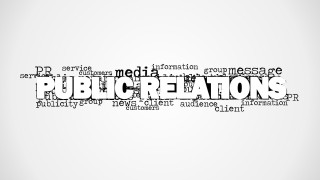
Emphasize the importance of public relations for your company with the Public Relations Word Cloud Picture for PowerPoint. The user can highlight the main elements of public relations, and the different channels that are affected by it. The PowerPoint template can also be used to introduce the importance of PR in the corporate world, showcasing its role in marketing and advertising.
The user can also download other PowerPoint templates from the Gallery, such as the PR Word Cloud Picture for PowerPoint.
Public Relations generally refers to the company’s public image, and its reputation for how it treats the customers. Proper public relations generates goodwill for the company, resulting in an increase in customers and sales that can be attributed to its reputation alone. Public relations can also refer to the company’s effort to improve its strategies to promote company exposure.
The public relations departments are usually in charge of determining appropriate times and strategies for different company showcases. These can range from simple brochure ads, to personal appearances from top company executives. The extent to which the company puts an effort into its advertising methods generally reflects on the company’s image. Considering this, the company’s public relations usually reflect the company’s mission and vision, in order to project the image that the executives have planned for the company.
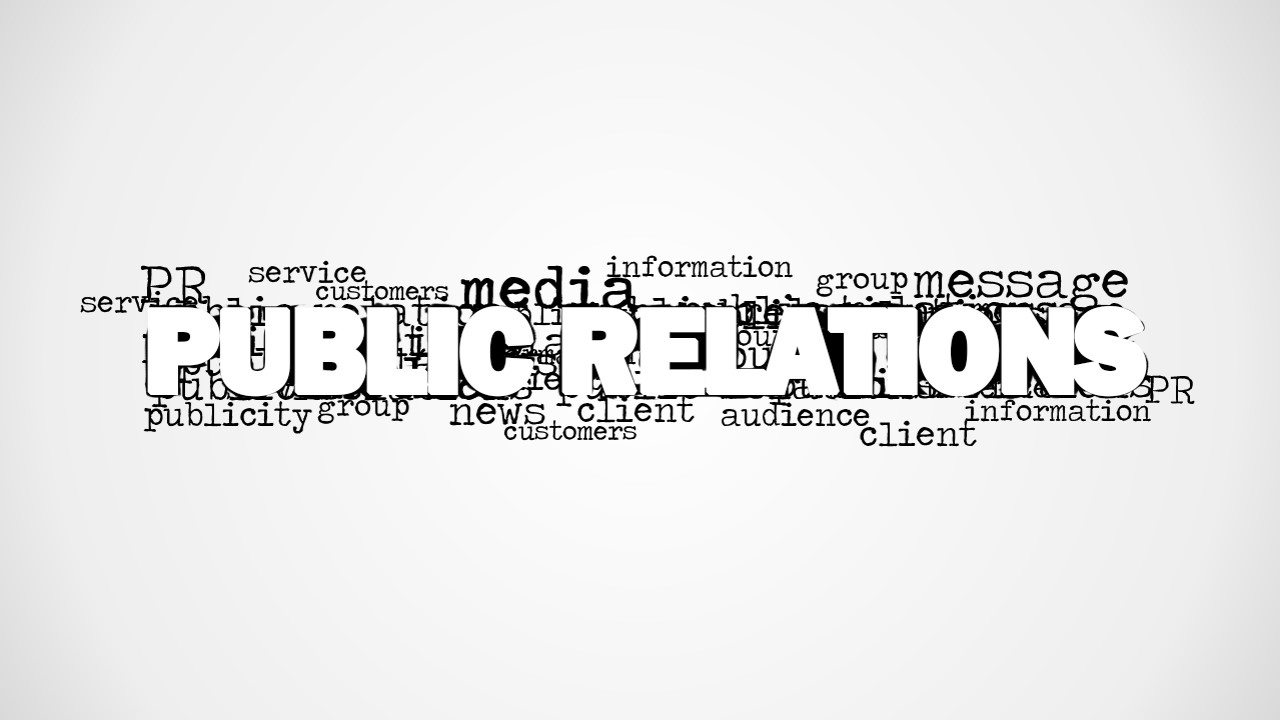
The presenter can also make use of the words found in the word cloud to show the different departments, individuals, and entities that contribute to public relations. Terms, such as news, publicity, and information, can be used to show the different elements which result from the marketing and advertising activities of the company, whether they are planned or unplanned.
Suitable for brief yet informative presentations, the Public Relations Word Cloud Picture for PowerPoint can be edited to adhere to the specifications required by the presenter. It is a creative alternative to generic slides, allowing the user to make quick presentations, like elevator pitches.
What’s inside this template
Example presentation scenarios
- A PR manager can use the centered word cloud to open an internal briefing on media relations, messaging, publicity, and audience perception.
- A marketing consultant can introduce a client workshop by using the large PUBLIC RELATIONS title as a shared vocabulary slide before discussing reputation strategy.
- A corporate trainer can use the white-background word cloud to start a short lesson on how news, clients, service, and customers connect to public image.
- An agency presenter can place the gray vignette word cloud before a proposal section to frame the role of PR in campaign planning.
Features
- 100% editable presentation template
- Compatible with Microsoft PowerPoint and Google Slides
- 16:9 aspect ratio slides
- Scalable vector shapes, icons and illustrations
- AI-Ready for Microsoft Copilot and Claude
- Instant access and download
Frequently asked questions
Q: How should a presenter use this word cloud without making it feel like decoration?
A: Treat the word cloud as a framing slide, not as the full explanation. Start with the dominant PUBLIC RELATIONS phrase, then call out selected surrounding terms such as media, message, news, publicity, client, and audience. This gives the audience a vocabulary map before the presenter moves into strategy, examples, or discussion.
Q: Who is this template best suited for in a business presentation?
A: It fits PR managers, communications leads, marketing consultants, trainers, and agency teams who need a short visual opener. The layout is best when the goal is to introduce the scope of public relations, connect PR with media and reputation, or prompt discussion before detailed campaign planning.
Q: Why does the typography-first design work for a public relations topic?
A: Public relations is language-driven, so a word cloud is an appropriate metaphor for perception, messaging, and public conversation. The oversized central phrase establishes hierarchy, while the smaller surrounding terms show the ecosystem around PR. The grayscale palette keeps attention on meaning rather than decorative color.


Public Relations Word Cloud Picture for PowerPoint
2-slide public relations word cloud presentation template with PR terminology for PowerPoint and Google Slides
This is a 2-slide public relations word cloud picture template for Microsoft PowerPoint and Google Slides. It centers a large PUBLIC RELATIONS typographic graphic with related PR terms such as media, message, news, publicity, client, audience, and customers, using gray vignette and white-background variations for marketing and communications presenters.
- Category
- Pictures
- Rating


 Loading...
- Aspect ratio
- 16:9, 4:3
- Item ID
- 8345-01
- Colors
 Microsoft PowerPoint
  Microsoft Copilot
  Claude for PowerPoint
 Other formats supported
Subscribe today and get immediate
access to download our PowerPoint templates.