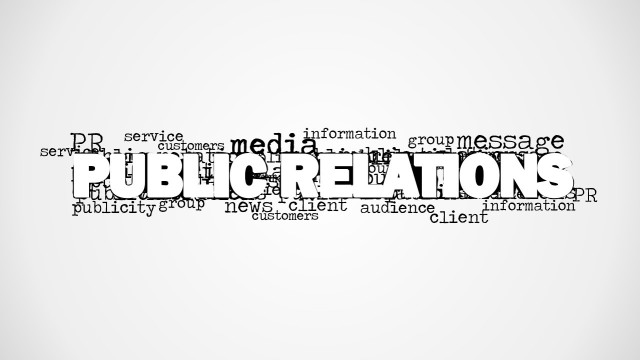
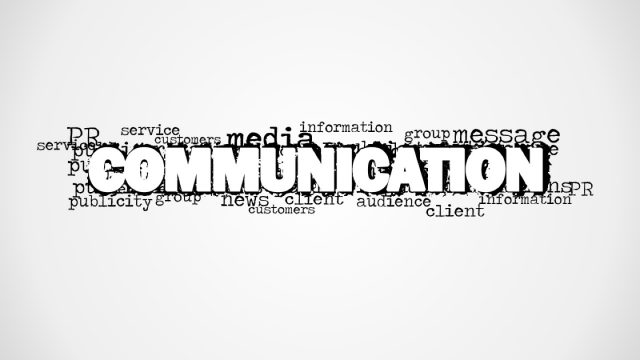
Present the components of public relations using the PR Word Cloud Picture for PowerPoint. It may be used in marketing presentations to emphasize the importance of networking. In the same way, the slides can be used in any type of presentation involving relations.
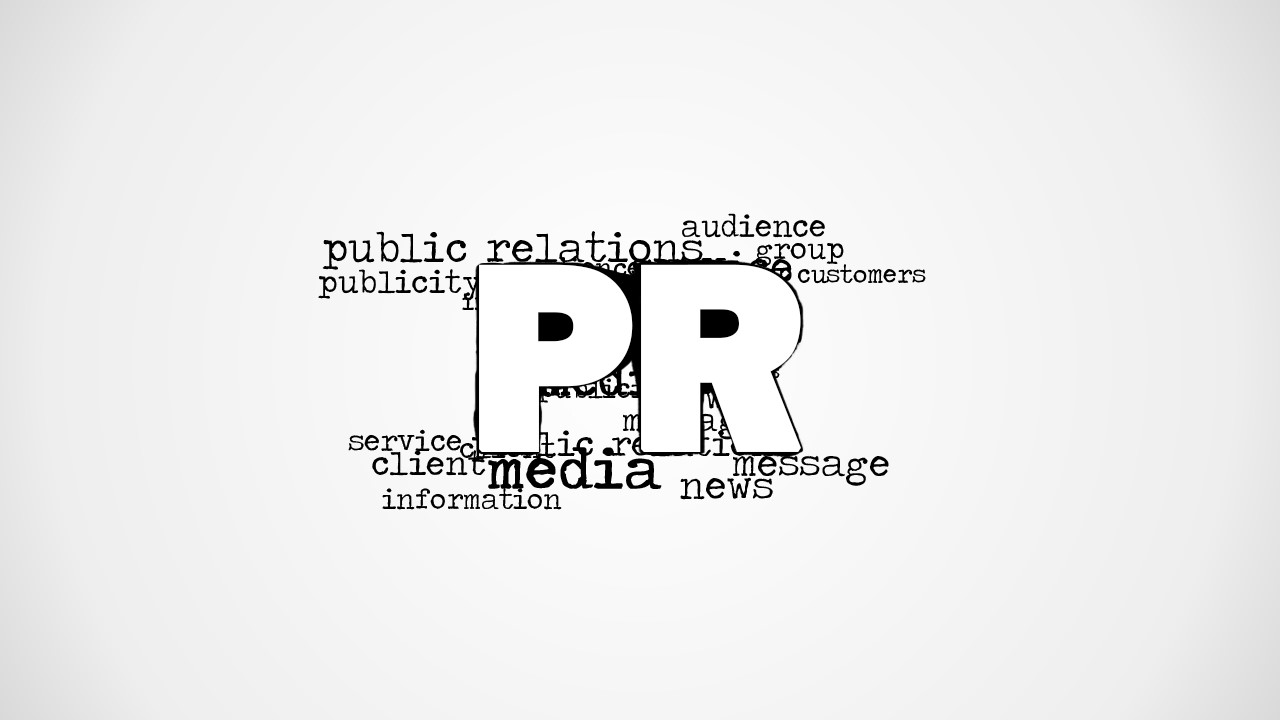
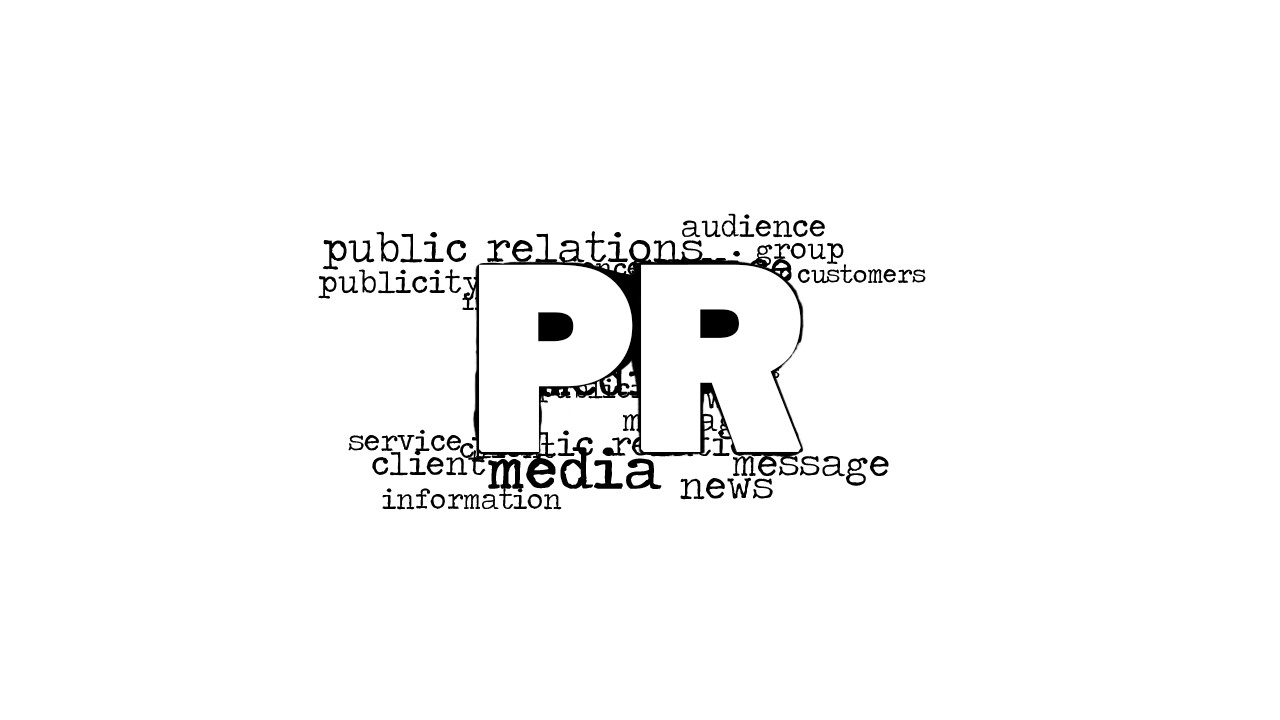
The main feature of the template is a word cloud, dominated by the term “PR”. Placed behind it are different PR terms, like audience, groups, and service. The words give context to the audience. They explain PR using a few keywords, before the user can elaborate. The terms align their focus to the matter at hand.
At a glance, Public Relations is the practice of managing the spread of information between an individual or an organization and the public. It also refers to how the company manages its corporate image. This is important for maintaining a high value of goodwill amongst clients and other businesses. In the business world, public relations is an extremely important aspect of operations and inbound marketing. The amount of focus that the company gives to connections can mean the difference between winning and losing a deal. The company’s image forms message maps. These are important to the PR team, who are in charge of maintaining the said image. They also ensure the proper spread of information to reduce conflict.
The black and white PowerPoint graphics may be used when speaking to an audience. It provides a quick and easy way to provide an overview of public relations. The template is useful for strictly time-bound presentations, as in meetings with important investors. The user may also employ other similar PowerPoint templates, like the Public Relations Word Cloud Picture for PowerPoint.
Use the PR Word Cloud Picture for PowerPoint as a quick way to present networking presentations. The words on the slide designs may be utilized as convenient visual cues for different aspects of the presentation. The user may also reorganize and edit the PowerPoint objects for his or her own purposes.
What’s inside this template
Example presentation scenarios
- A PR manager can open a media relations briefing by using the centered PR word cloud to anchor the discussion around audience, media, message, and news.
- A marketing leader can start a stakeholder networking presentation with the gray vignette word cloud to connect PR terms to relationship-building objectives.
- An agency presenter can use the white background word cloud as a clean title visual before explaining campaign roles, service scope, and client communication.
- A corporate communications team can place talking points on the blank light canvas after the word cloud to transition from general PR vocabulary to company-specific priorities.
Features
- 100% editable presentation template
- Compatible with Microsoft PowerPoint and Google Slides
- 16:9 aspect ratio slides
- Scalable vector shapes, icons and illustrations
- AI-Ready for Microsoft Copilot and Claude
- Instant access and download
Frequently asked questions
Q: How should a presenter speak to the word cloud instead of reading it aloud?
A: Use the large PR letters as the anchor and select three or four surrounding terms to frame the conversation. For example, group audience, media, message, and news into a short opening narrative. Avoid reading every word. The word cloud works best when it cues the topic and lets the speaker explain priorities.
Q: Who is this template best for in a public relations presentation?
A: This template is best for PR, marketing, and communications presenters who need a fast opener, divider, or visual shorthand for public relations concepts. It fits executive briefings, agency introductions, networking talks, and internal communications meetings where the goal is to set context before moving into strategy, actions, or discussion.
Q: Why use a word cloud metaphor for PR topics?
A: A word cloud fits public relations because PR is built from connected concepts rather than a single metric. The oversized PR label creates hierarchy, while smaller words such as media, audience, message, service, and information show the ecosystem around it. This visual metaphor helps the audience see PR as relationship and message management.


PR Word Cloud Picture for PowerPoint
2-slide presentation template with PR word cloud visuals for public relations and media messaging
PR Word Cloud Picture for PowerPoint is a 2-slide presentation template for introducing public relations themes with a centered PR word cloud. The contact sheet shows a gray vignette word cloud, a blank light canvas, and a white background word cloud option. It suits PR, marketing, and communications presenters in Microsoft PowerPoint and Google Slides.
- Category
- Pictures
- Rating

 Loading...
- Aspect ratio
- 16:9, 4:3
- Item ID
- 8344-01
- Colors
 Microsoft PowerPoint
  Microsoft Copilot
  Claude for PowerPoint
 Other formats supported
Subscribe today and get immediate
access to download our PowerPoint templates.