Project Performance Assessment Template for PowerPoint is a project management PowerPoint template for presentations on project evaluation. Create interactive presentations which look neat and professional. Improve plain and conventional reports using the colorful PowerPoint objects for different project types.
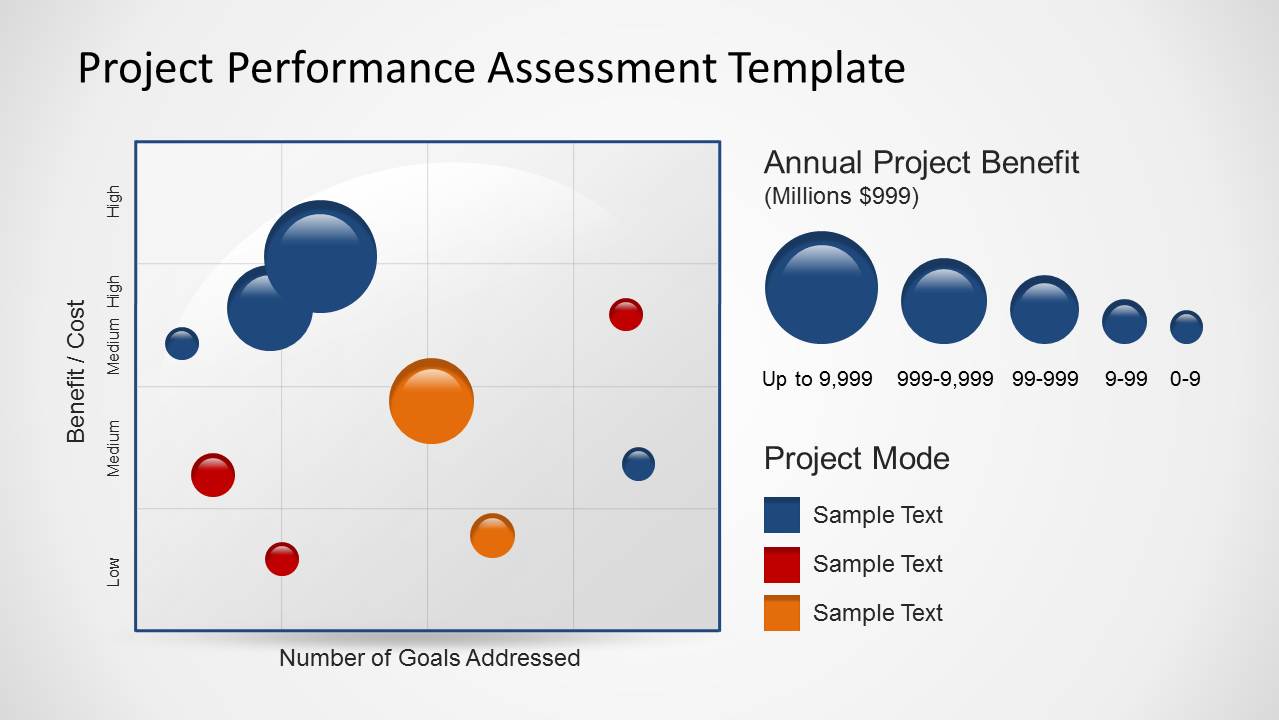
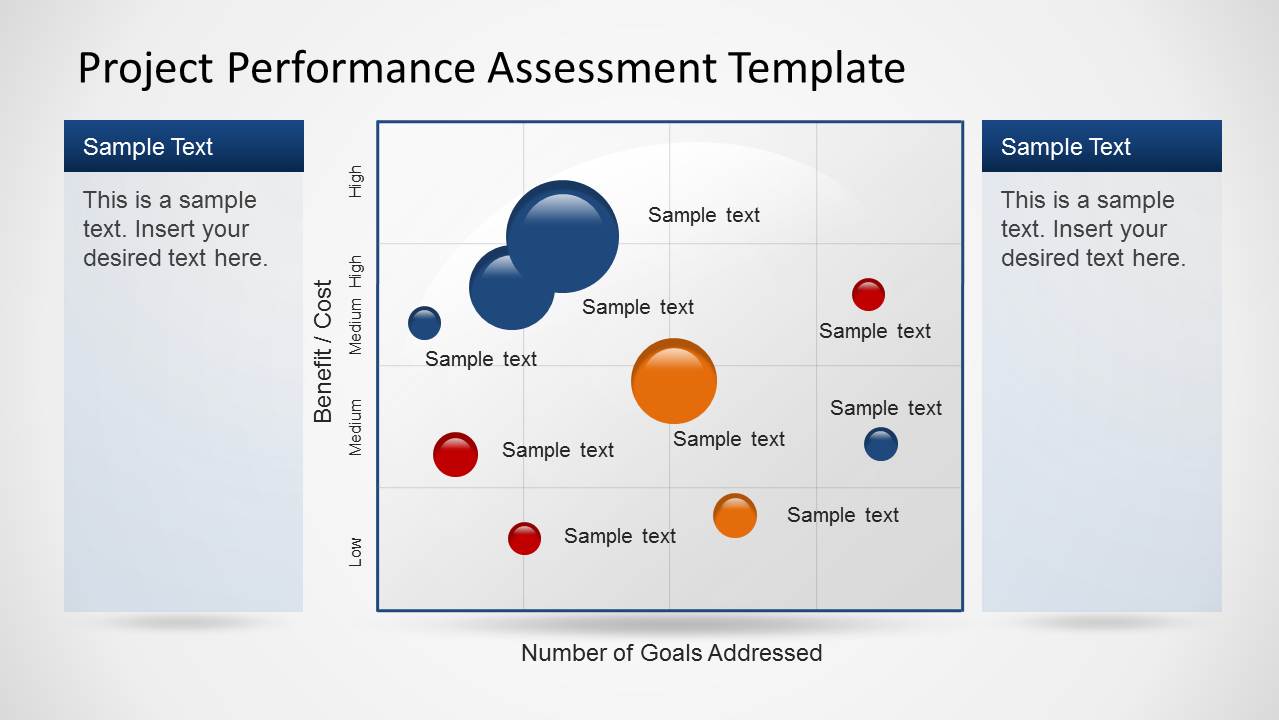
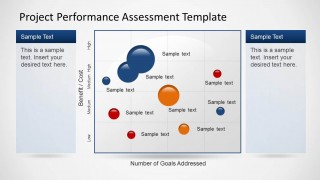
The template features project performance assessment as a methodology for analyzing the performance of projects. It makes use of a scatter plot diagram with axes labeled Number of Goals Addressed, and Benefit/Cost. Through this, the presenter can provide a visual representation of the goals assessment without going through much detail.
The slides concept is important to the monitoring, control, and regulation of specific company projects. This ensures that each project is being properly implemented, and that future benefits and consequences can be properly foreseen.
With regular assessments and evaluations, managers and company executives have the opportunity to spot potential problems before they happen in big projects. They can also keep track of specific progress in the project, and provide suggestions for smoother and more effective project management. It can also be used in portfolio management and program management.
The project performance assessment can also be used to analyze which tactical objectives were performed and implemented using specified budgets. This method ensures the accountability of materials and manpower during the length of the project, and which goals are addressed. It organizes risk management. In this way, the raw sources going into the project can be tracked and monitored, to ensure that they are being used efficiently and economically. The progress of the project can help decision making for managers and other important members of the company according to these assessments. The overall progress of the company’s projects are also important to company investors so they can be informed of the direction and mission the company is undertaking.
Ideal for progress reports for company management, the Project Performance Assessment Template for PowerPoint can be edited and revised to fit a specific audience. This act of fully customizing the slide is made possible through the 100% editable PowerPoint objects. The presenter can also opt to download other PowerPoint templates from the Gallery, such as the Flat Annual Report PowerPoint Template.
What’s inside this template
Example presentation scenarios
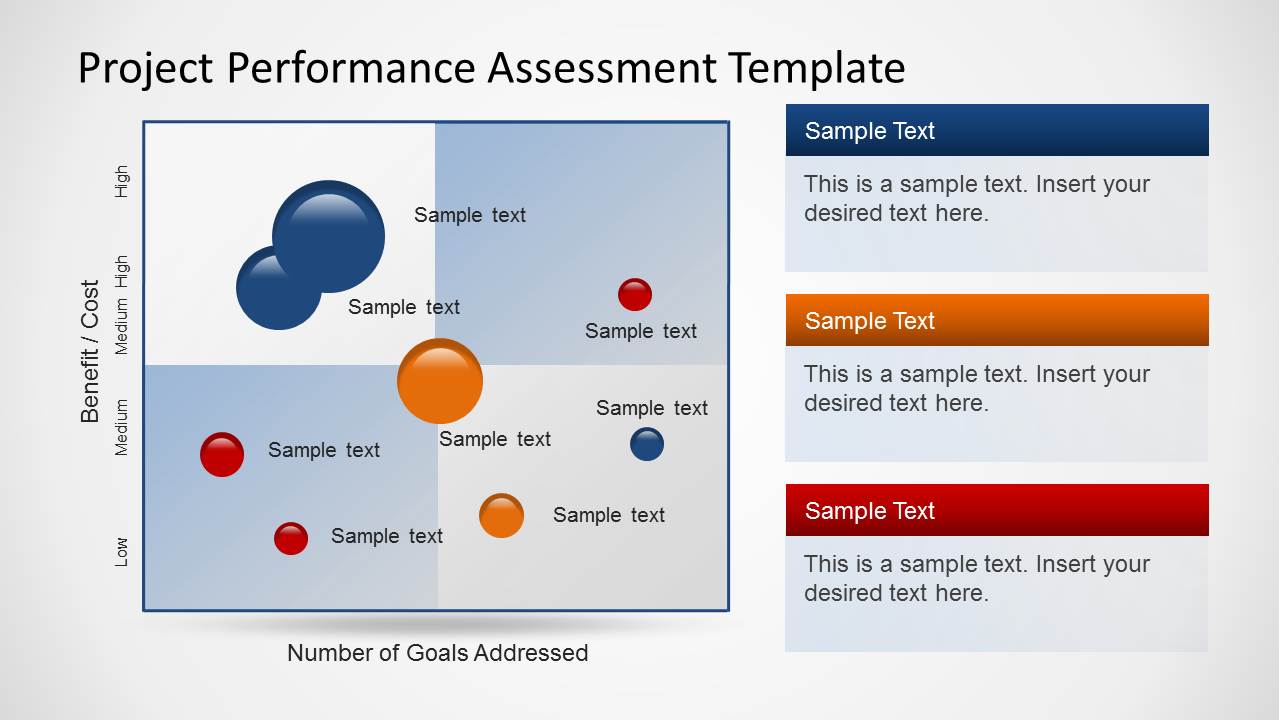
- A project manager can use the bubble scatter matrix to show executives which initiatives address more goals while staying in a favorable benefit-cost position.
- A PMO analyst can use the annual project benefit legend and project mode color legend to explain portfolio categories before discussing prioritization decisions.
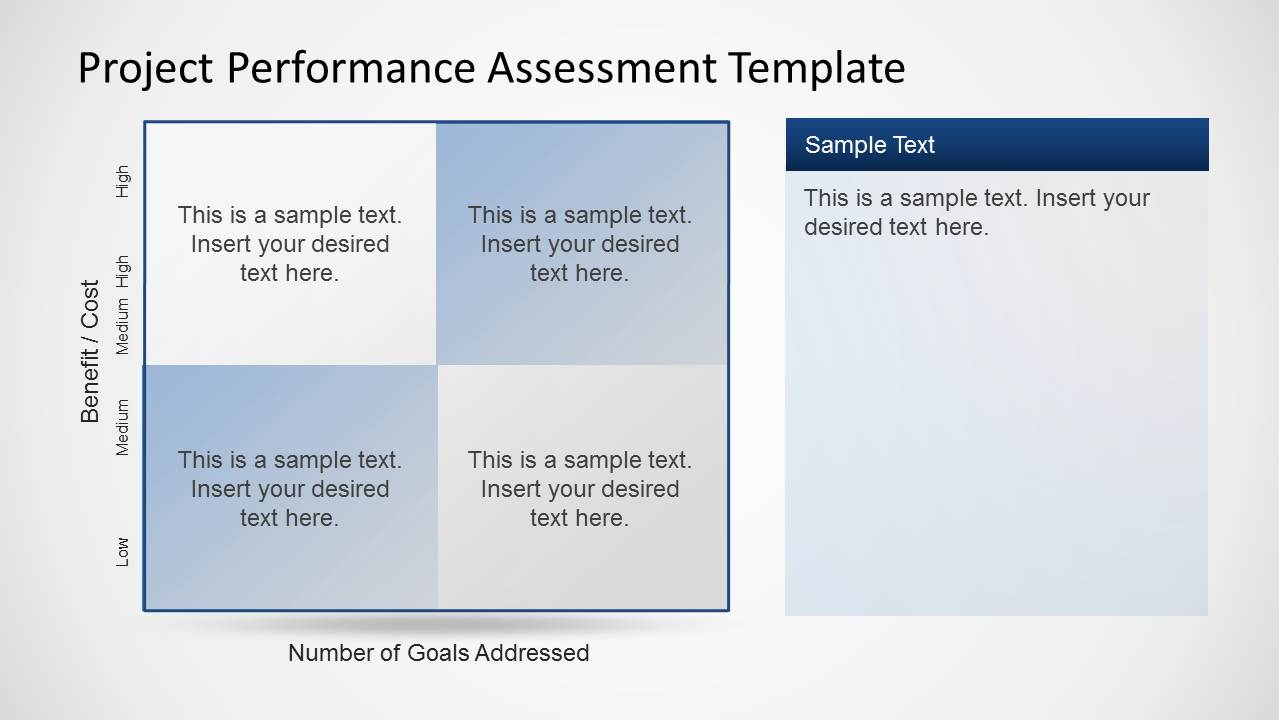
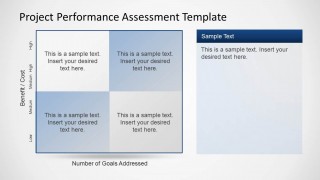
- A program manager can use the four-cell benefit-cost quadrant to summarize high-benefit and low-benefit project groups for a steering committee.
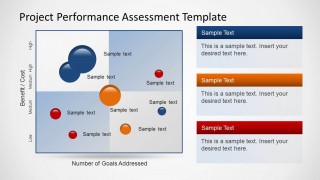
- An operations leader can use the three stacked callout panels to translate plotted project positions into action categories, risks, or next steps.
Features
- 100% editable presentation template
- Compatible with Microsoft PowerPoint and Google Slides
- 16:9 aspect ratio slides
- Scalable vector shapes, icons and illustrations
- AI-Ready for Microsoft Copilot and Claude
- Instant access and download
Frequently asked questions
Q: How should a presenter explain the bubble matrix without overwhelming executives?
A: Start with the axes before discussing individual bubbles: vertical position represents Benefit / Cost and horizontal position represents Number of Goals Addressed. Then introduce bubble size and color as supporting cues, not separate stories. Use the side panels to interpret only the most important outliers, clusters, or tradeoffs that need a decision.
Q: Who gets the most value from this project assessment format?
A: This format works best for project managers, PMO leaders, and program owners who need to compare several initiatives in one executive view. It is especially useful when leadership must decide which projects deserve attention, funding, or corrective action based on benefit, cost, scope alignment, and goal coverage.
Q: Why use bubbles and quadrants instead of a standard project status table?
A: The bubble and quadrant metaphor turns project assessment into a spatial comparison. Leaders can quickly see relative tradeoffs, such as high benefit with broad goal coverage or low benefit with limited strategic reach. A table lists details, but this layout makes patterns, priorities, and exceptions easier to discuss.
Project Performance Assessment Template for PowerPoint
4-slide presentation template for project performance assessment with benefit-cost bubble matrix layouts
This 4-slide project performance assessment template helps project managers compare initiatives by benefit, cost, and number of goals addressed. Visible layouts include a bubble scatter matrix, benefit-cost quadrant, annual project benefit legend, project mode legend, and side text panels. It is built for Microsoft PowerPoint and Google Slides.
- Category
- Business PowerPoint Templates
- Rating


 Loading...
- Aspect ratio
- 16:9, 4:3
- Item ID
- 6312-01
- Colors
 Microsoft PowerPoint
  Microsoft Copilot
  Claude for PowerPoint
 Other formats supported
Subscribe today and get immediate
access to download our PowerPoint templates.