Slide 8 of 11 from Product Training PowerPoint Template
Troubleshooting Basics Discussion Slide – Product Training Template Design
Troubleshooting Basics Slide for Training
- Text Layout
- List Blocks
- Problem Framing Slide
- 16:9
- 100% Editable
The Troubleshooting Basics slide from the Product Training PowerPoint Template offers a clear, structured layout ideal for training sessions and customer support presentations. Featuring editable shapes and vector icons, it helps highlight common issues effectively within a business presentation or pitch deck template.
What’s on This Slide
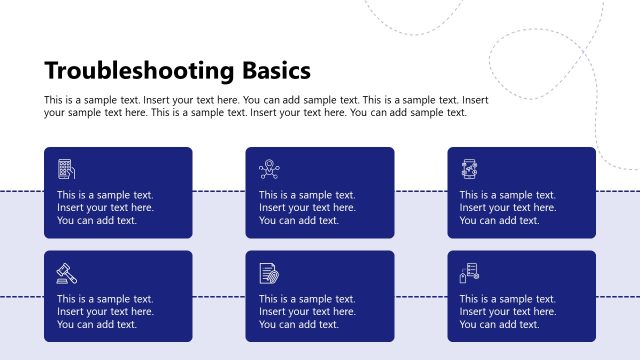
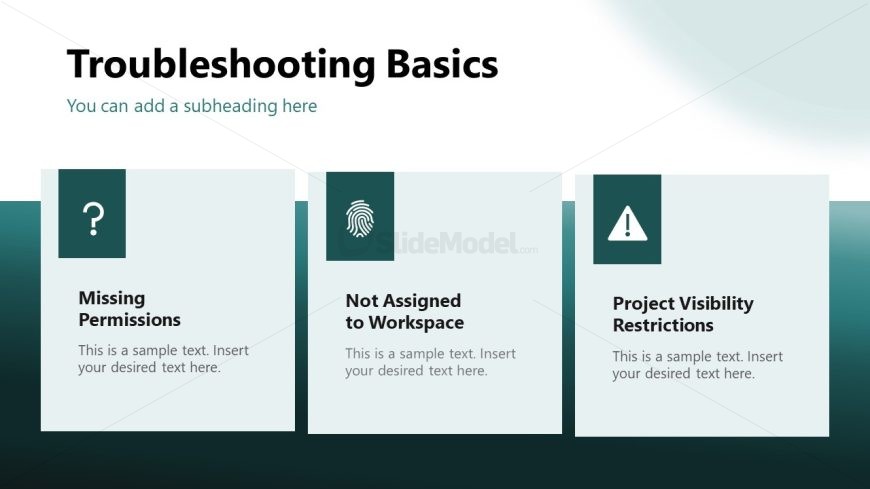
The slide features a title at the top center labeled 'Troubleshooting Basics' with a subheading below it. Below the title, there are three equally sized rectangular sections arranged horizontally. Each section contains an icon on the left, with a title and a placeholder for sample text. The first section has a question mark icon, the second features a fingerprint icon, and the third displays an exclamation mark icon. The sections have a light background with a darker border, creating a clear visual hierarchy. Text placeholders are aligned left within each section.
How to Use It
This layout serves as a structured overview of common troubleshooting issues, making it suitable for training presentations. It can be used to highlight key problems users may encounter, providing a clear visual reference. This slide fits well after instructional content, guiding users through potential challenges. It is applicable in scenarios such as onboarding sessions, product training, or customer support training, where addressing common issues is essential for user success.
Text Placeholders & Capacity
Keep your copy within these limits so it fits without resizing. Node body slots can accommodate roughly 15-20 words each.
| Placeholder | Count | Max characters (approx.) |
|---|---|---|
| Slide title | 1 | 30 |
| Subtitle | 1 | 50 |
| Item heading | 3 | 40 |
| Item body | 3 | 80 |
Slide Keywords
Download unlimited PowerPoint templates, charts and graphics for your presentations with our annual plan.
DOWNLOADReturn to Product Training PowerPoint Template.