Slide 4 of 11 from Product Training PowerPoint Template
Core Features Infographics Slide – Product Training PPT Template
Core Features Overview Slide
- Text Layout
- List Blocks
- Product Overview Slide
- 16:9
- 100% Editable
The Core Features Layout from the Product Training PowerPoint Template offers a structured design ideal for showcasing multiple product functionalities. This slide template uses editable shapes and vector icons arranged in distinct sections to enhance clarity and engagement, making it suitable for business presentations and marketing overviews within a slide deck.
What’s on This Slide
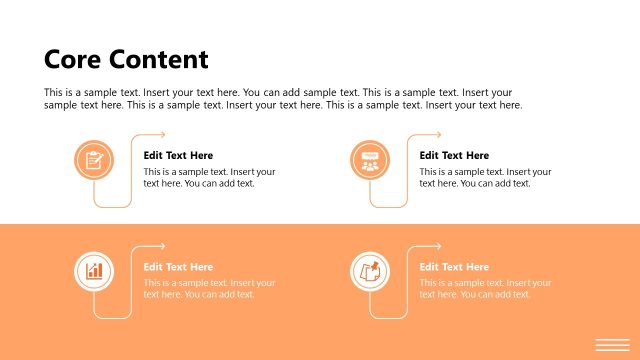
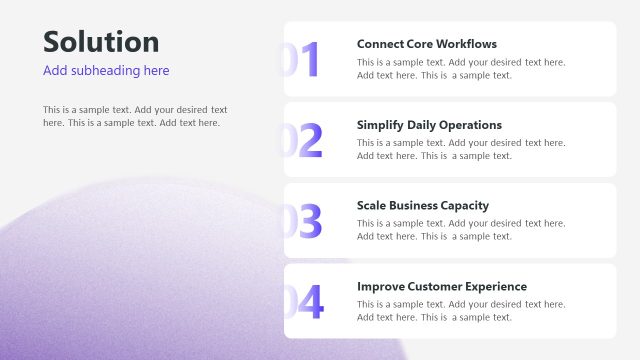
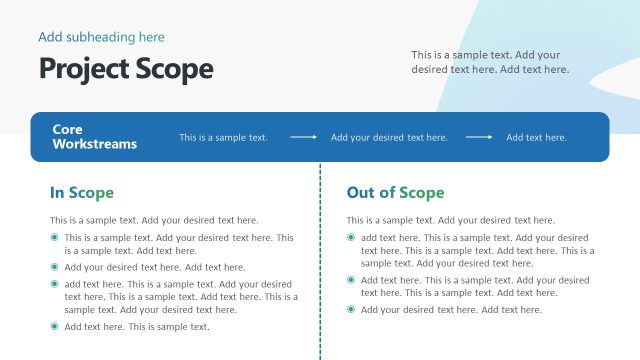
The slide features a top-centered title labeled 'Core Features' with a subtitle placeholder below it. Three rectangular sections are arranged horizontally beneath the title. Each section contains an icon on the left, a feature title aligned to the left, and two text placeholders for descriptions. The sections are visually separated by light background colors, with the leftmost section in a light teal, the center in a light gray, and the rightmost in a darker teal. The overall layout emphasizes clarity and organization, with a clean visual hierarchy.
How to Use It
This layout serves to present multiple core features of a product in a clear, organized manner. It fits well in a presentation sequence following an overview slide, allowing for detailed explanations of key functionalities. This structure is useful in training sessions, product demonstrations, or marketing pitches where highlighting distinct features is essential. It can be adapted for various business contexts, such as software training or product launches, to effectively communicate value propositions.
Text Placeholders & Capacity
Keep your copy within these limits so it fits without resizing. Node body slots can accommodate roughly 15-20 words each.
| Placeholder | Count | Max characters (approx.) |
|---|---|---|
| Slide title | 1 | 30 |
| Subtitle | 1 | 50 |
| Item heading | 3 | 30 |
| Item body | 3 | 100 |
Slide Keywords
Download unlimited PowerPoint templates, charts and graphics for your presentations with our annual plan.
DOWNLOADReturn to Product Training PowerPoint Template.