Slide 3 of 11 from Product Training PowerPoint Template
Product Overview Presentation Slide
Product Overview Slide for Training Presentation
- Text Layout
- Other
- Product Overview Slide
- 16:9
- 100% Editable
The Product Overview slide from the Product Training PowerPoint Template offers a clear layout for presenting key product metrics and feature highlights. Designed with editable shapes and vector icons, this slide supports concise communication in business presentations and training sessions. Its two-column format balances media and data, making it suitable for pitch decks or corporate presentations that require a focused summary of product value.
What’s on This Slide
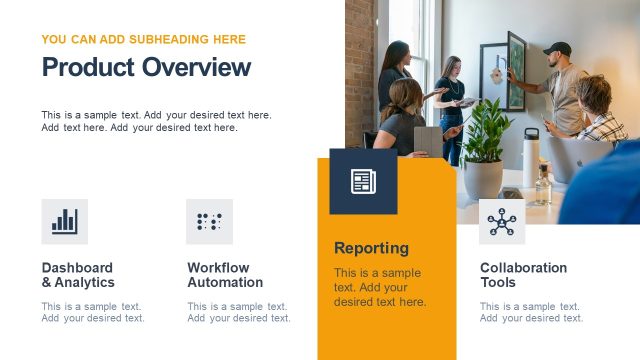
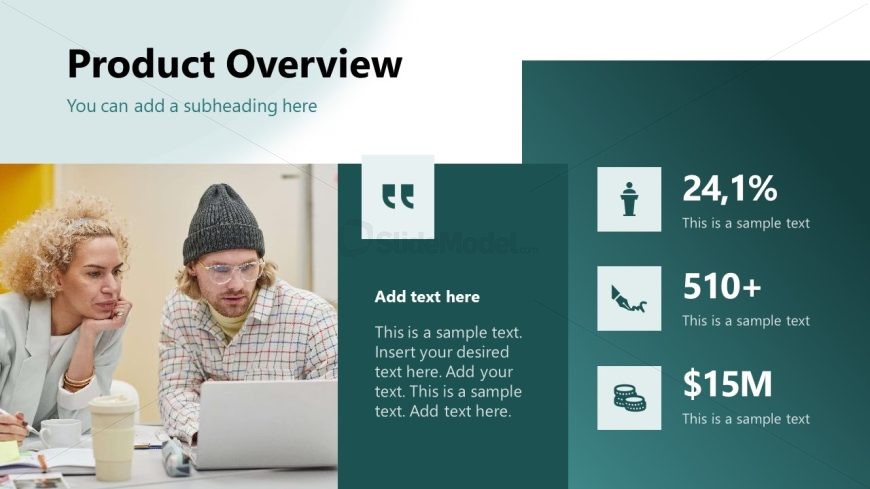
The slide features a two-column layout with a large title at the top center, stating 'Product Overview.' Below, a subheading placeholder is positioned under the title. On the left, there is a media placeholder showing an image of two individuals engaged in discussion. The right column contains four sections, each with an icon above a data point. The first section has a quote icon, followed by a text placeholder for a description. The remaining three sections display numerical data with corresponding icons, arranged vertically. The background has a gradient transitioning from light to dark green.
How to Use It
This layout serves as an overview of product metrics and features, fitting well after introductory slides. It is useful for presenting key statistics or highlights about a product. This format is suitable for training sessions, product launches, or internal briefings where concise information is needed. It can effectively summarize essential data points to engage the audience and provide a clear understanding of the product's value.
Text Placeholders & Capacity
Keep your copy within these limits so it fits without resizing. Node slots can accommodate detailed text, roughly 15-20 words each.
| Placeholder | Count | Max characters (approx.) |
|---|---|---|
| Slide title | 1 | 30 |
| Subtitle | 1 | 50 |
| Item body | 4 | 100 |
| Item heading | 4 | 10 |
Slide Keywords
Download unlimited PowerPoint templates, charts and graphics for your presentations with our annual plan.
DOWNLOADReturn to Product Training PowerPoint Template.