Slide 10 of 11 from Product Training PowerPoint Template
Support & Resources Discussion Slide – Product Training PPT Template Slide
Support & Resources Overview Slide
- Text Layout
- Other
- Support Slide
- 16:9
- 100% Editable
The Support & Resources slide from the Product Training PowerPoint Template offers a clear layout for presenting essential support options such as knowledge bases, support teams, and community forums. This slide is designed to enhance business presentations by providing editable slides with vector icons that help communicate resource availability effectively during training sessions or onboarding processes.
What’s on This Slide
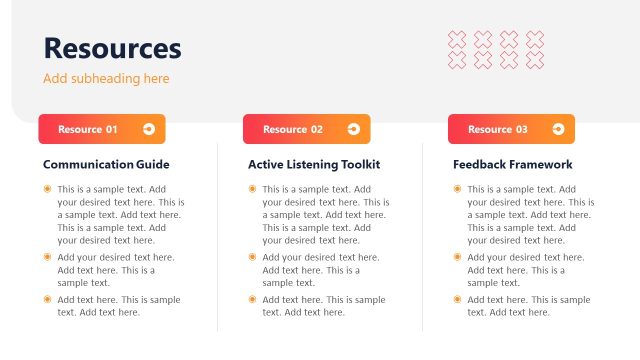
The slide features a top-left title reading 'Support & Resources' in large font. Below the title, there is a subheading placeholder aligned centrally. To the right, three sections are displayed in a vertical stack, each containing an icon and a text placeholder. The first section is labeled 'Knowledge Base,' the second 'Support Team,' and the third 'Community Forum.' Each section has a circular icon above the text, with the Community Forum section also displaying statistics about active members and focus groups. The background is a gradient from teal to dark green, creating a visually distinct area for the text.
How to Use It
This layout serves as a resource overview, ideal for presenting support options in a training context. It fits well after problem identification slides, providing solutions and resources for users. This format is suitable for onboarding sessions, customer education, or internal training, where clear access to support information is essential. It can also be adapted for product launches or updates, emphasizing available resources for users.
Text Placeholders & Capacity
Keep your copy within these limits so it fits without resizing. Node body slots can accommodate roughly 15-20 words each.
| Placeholder | Count | Max characters (approx.) |
|---|---|---|
| Slide title | 1 | 30 |
| Subtitle | 1 | 50 |
| Item heading | 3 | 20 |
| Item body | 3 | 100 |
| Kpi value | 2 | 10 |
Slide Keywords
Download unlimited PowerPoint templates, charts and graphics for your presentations with our annual plan.
DOWNLOADReturn to Product Training PowerPoint Template.