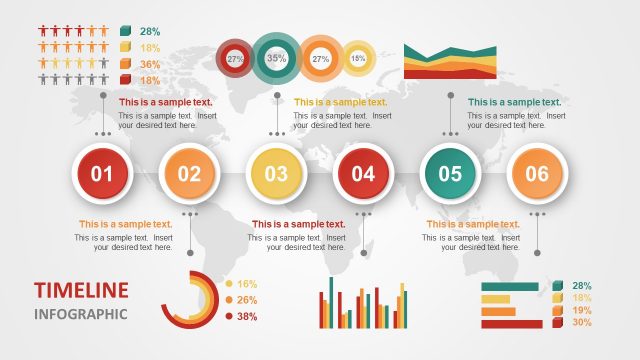
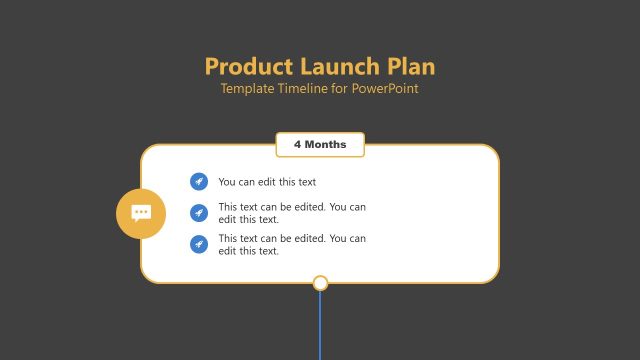
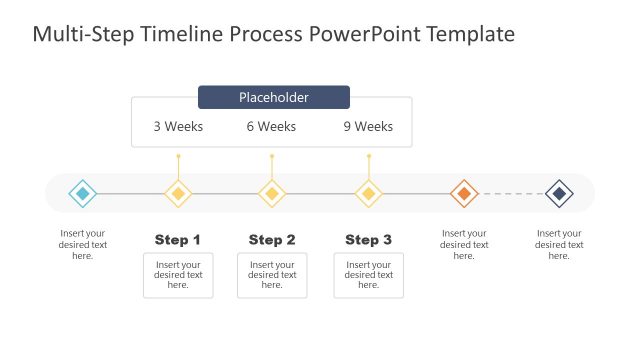
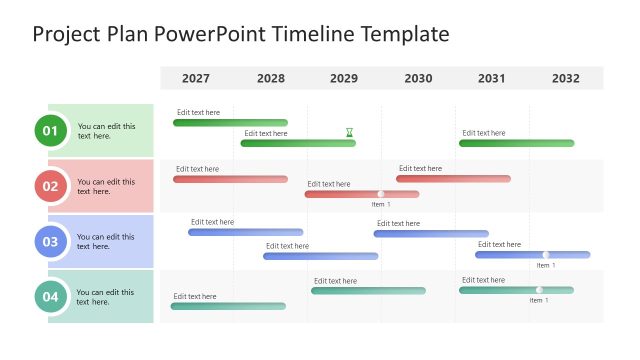
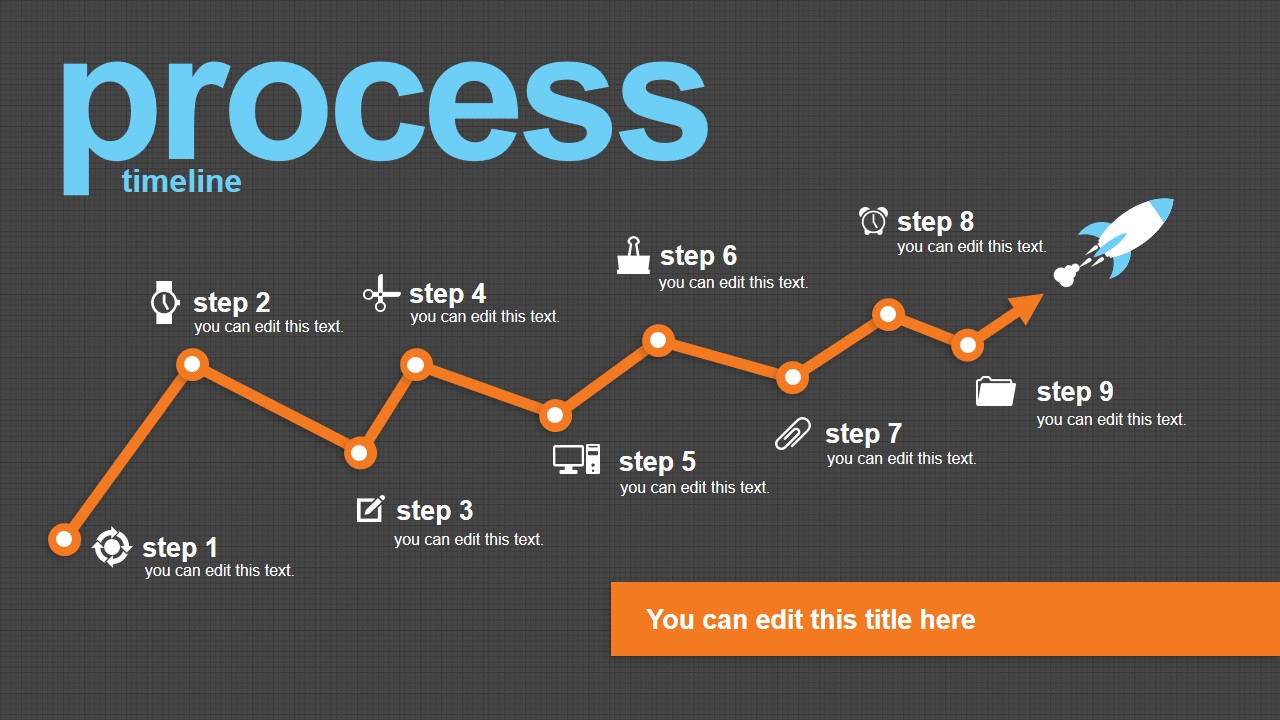
Process Timeline Ready to Launch PowerPoint template contains two unique slide designs that you can use to decorate your timeline slides with a creative design. This PowerPoint timeline template can be used to make presentations on project plans or product development presentations in PowerPoint. We have created this timeline design using built-in PowerPoint shapes so you can easily re-arrange the connectors or change the line colors.
The process timeline template can be used as a replacement for Smart Art timelines in PowerPoint or other process timeline designs for PowerPoint that we have in our content catalog.
What’s inside this template
Example presentation scenarios
- A project manager can present a launch readiness update to executives by using the 9-step process timeline to show completed work, current status, and remaining tasks.
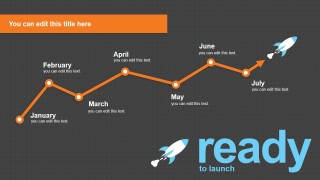
- A startup founder can brief investors or advisors on go-to-market timing by using the monthly launch timeline with January through July milestones.
- A product manager can explain a product development path to cross-functional teams by replacing the step labels with research, build, test, release, and launch activities.
- A consultant can summarize a client implementation plan by using the orange connected milestone path and icon callouts to separate phases and responsibilities.
Features
- 100% editable presentation template
- Compatible with Microsoft PowerPoint and Google Slides
- 16:9 aspect ratio slides
- Scalable vector shapes, icons and illustrations
- AI-Ready for Microsoft Copilot and Claude
- Instant access and download
Frequently asked questions
Q: How should a presenter use this timeline without overcrowding the slide?
A: Keep each milestone label short and use the small description lines for only the decision, deliverable, or status that matters. On the 9-step slide, group related steps verbally instead of filling every callout with long text. On the monthly slide, treat each month as a checkpoint and reserve detailed task lists for backup slides.
Q: Who is this template best suited for in a launch meeting?
A: It works best for presenters who need to align a business audience around sequence and timing, such as project managers, founders, product leads, and consultants. The launch metaphor is strongest when the story moves toward a specific release, rollout, campaign start, or operational go-live date.
Q: Why does the rocket and rising line metaphor help communicate the plan?
A: The orange connected line gives the audience a clear reading path from left to right, while the rocket suggests forward motion and readiness. This combination turns a list of tasks or months into a visible progress story, helping stakeholders see momentum, not just isolated milestones.

Process Timeline Ready to Launch for PowerPoint
2-slide presentation template for launch timelines, process steps, and milestone planning in 16:9 format
Process Timeline Ready to Launch for PowerPoint is a 2-slide timeline template for project and startup launch planning. It includes a 9-step process timeline and a monthly launch timeline with rocket illustrations, icon callouts, editable labels, and theme-aware colors for Microsoft PowerPoint and Google Slides.
- Category
- Template Backgrounds
- Rating


 Loading...
- Aspect ratio
- 16:9
- Item ID
- 8336-01
- Colors
 Microsoft PowerPoint
  Microsoft Copilot
  Claude for PowerPoint
 Other formats supported
Subscribe today and get immediate
access to download our PowerPoint templates.