Slide 3 of 17 from M&A PowerPoint Template
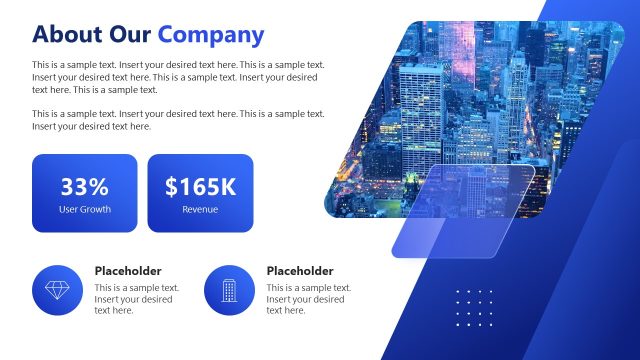
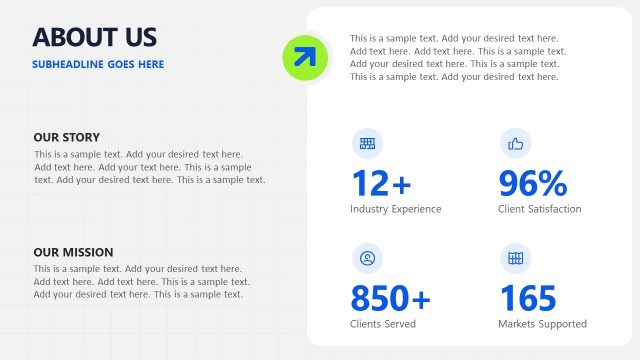
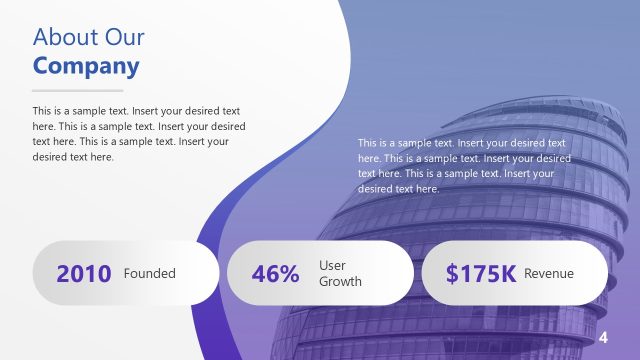
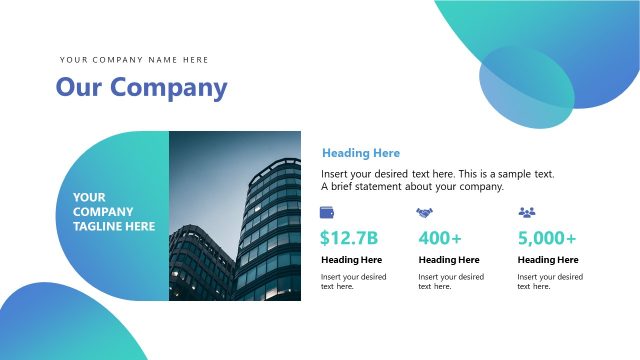
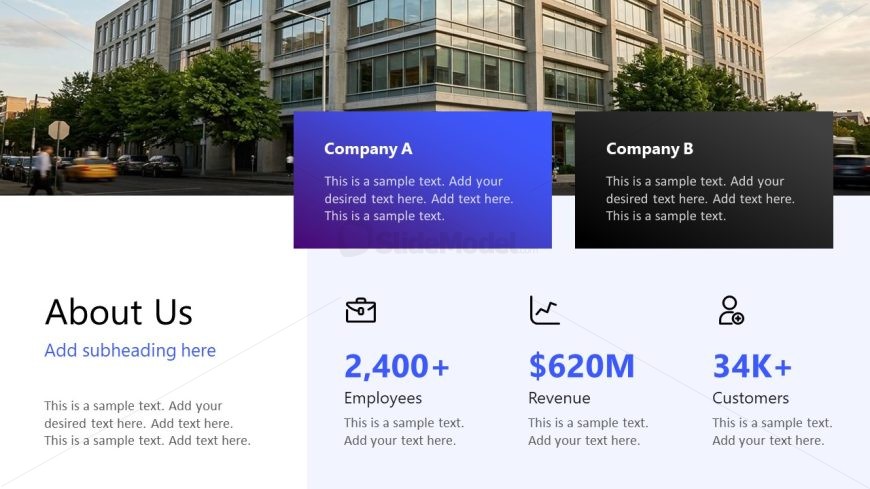
Company Overview with Acquisition KPIs Slide
Company Comparison Overview Slide
- Text Layout
- Other
- Comparison Slide
- 16:9
- 100% Editable
The Company Comparison Overview slide from the M&A PowerPoint Template offers a clear, two-column layout ideal for strategic comparisons in business presentations. This slide template includes editable shapes and text placeholders to showcase key metrics like employees, revenue, and customers, supporting merger analysis and executive summaries. Its design enhances readability and facilitates quick visual comparisons, making it a practical choice for corporate presentation slide decks focused on company overviews.
What’s on This Slide
The slide features a two-column layout with two sections for Company A and Company B. Each section includes a title, a text placeholder for descriptions, and three key metrics: Employees, Revenue, and Customers. The left section is colored in blue, while the right section is black. Below the company sections, there is a larger text placeholder for an 'About Us' section, aligned to the left. The overall composition is structured to highlight comparisons between the two companies, with a clean background that enhances readability.
How to Use It
This layout serves as a comparative overview of two companies, suitable for presentations on mergers or acquisitions. It fits well after introductory slides, providing essential metrics for stakeholders. This structure is useful for business scenarios where quick visual comparisons are needed, such as during executive summaries or strategic discussions. It can effectively summarize key aspects of each company, aiding decision-making processes.
Text Placeholders & Capacity
Keep your copy within these limits so it fits without resizing. Body slots can accommodate roughly 30-40 words each.
| Placeholder | Count | Max characters (approx.) |
|---|---|---|
| Slide title | 1 | 30 |
| Body paragraph | 1 | 250 |
| Item heading | 2 | 20 |
| Item body | 2 | 100 |
| Kpi value | 6 | 20 |
Slide Keywords
Download unlimited PowerPoint templates, charts and graphics for your presentations with our annual plan.
DOWNLOADReturn to M&A PowerPoint Template.