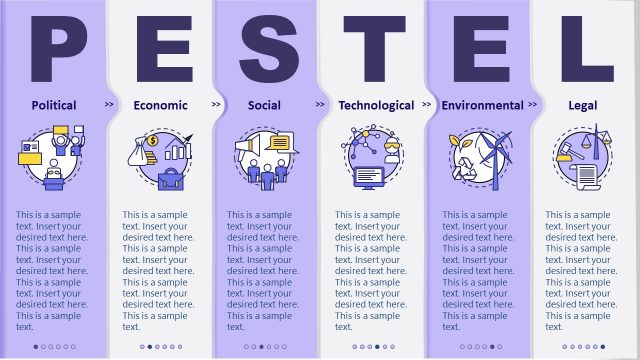
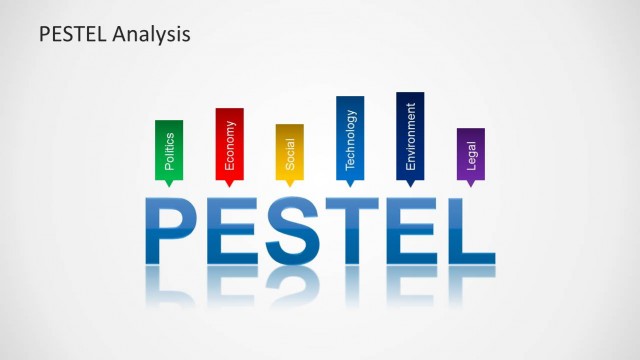
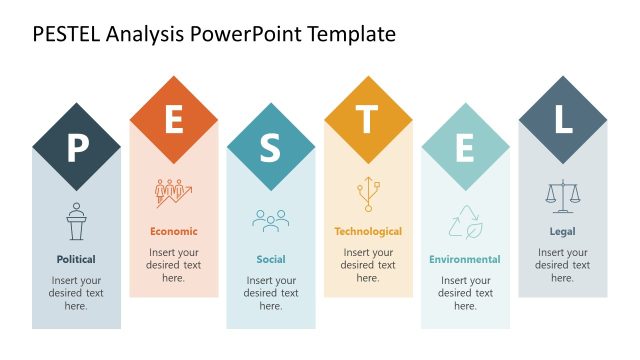
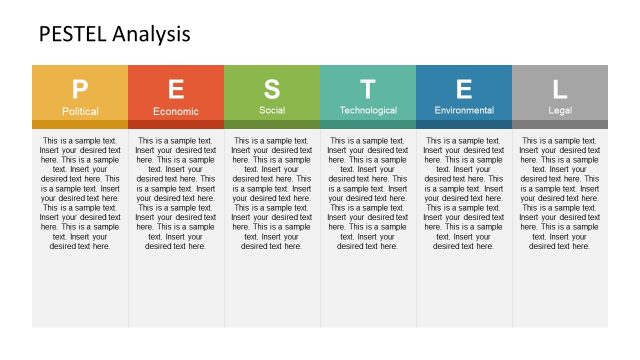
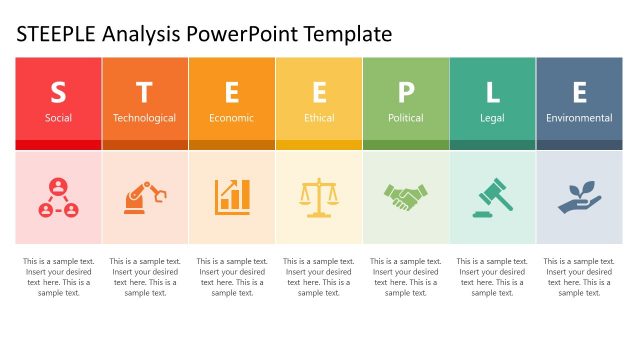
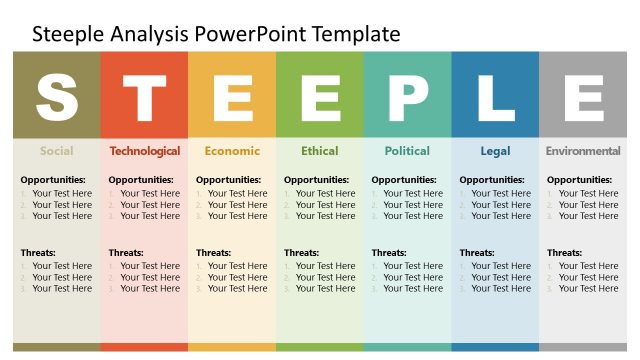
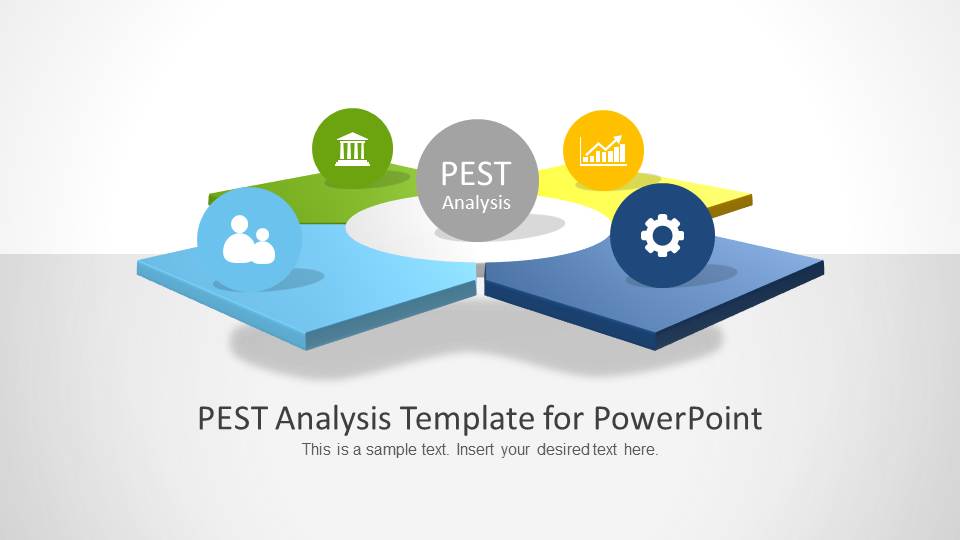
PEST Analysis PowerPoint Template is the ideal slide set for making a professional PEST Analysis in PowerPoint. Using this template you can generate a PEST analysis with all major aspects incorporated in your slides with the aid of appropriate imagery.
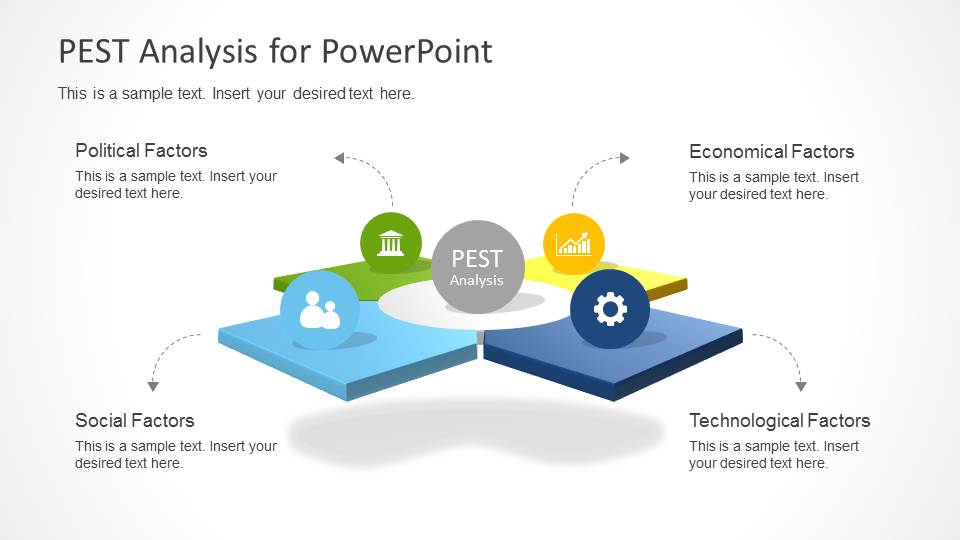
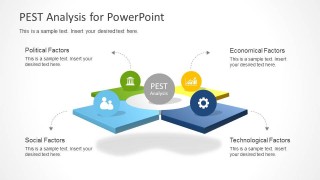
The template allows creating both standalone PEST diagrams and individual slides to elaborate each aspect of the analysis in detail, including Political, Economic, Social and Technological factors.
What’s inside this template
Example presentation scenarios
- A strategy manager can use the four-factor overview to frame a market planning meeting before moving into the Political, Economical, Social, and Technological detail slides.
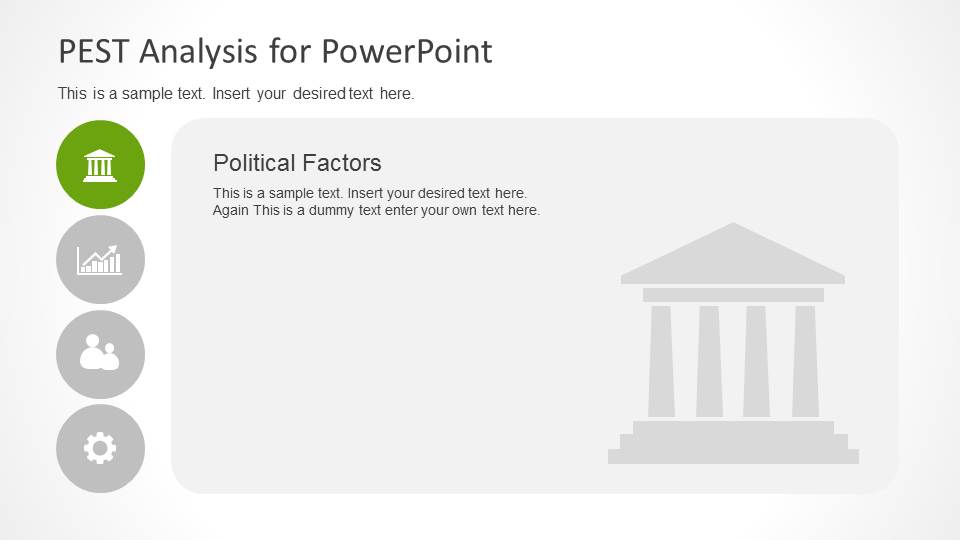
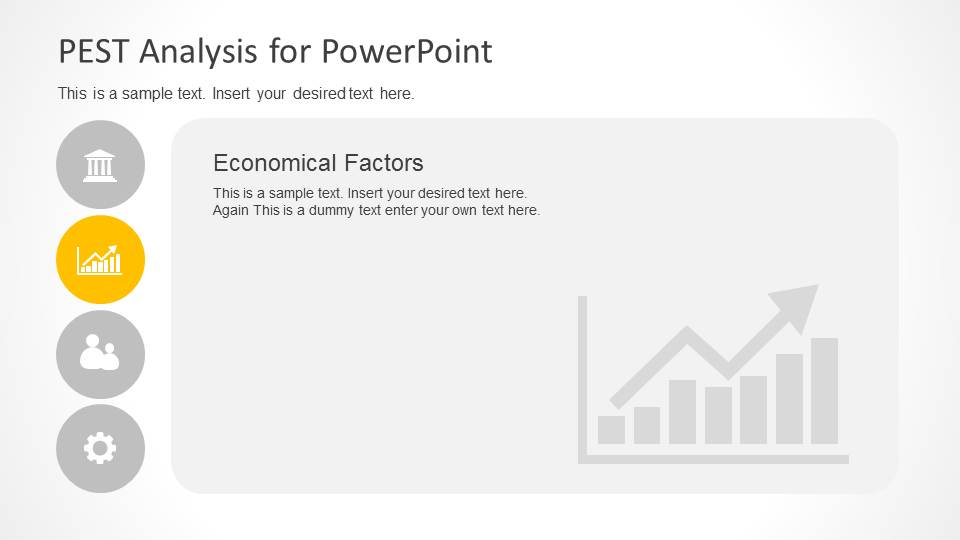
- A consultant can present the icon navigation slides to separate external risks and opportunities by factor during a client workshop.
- A business analyst can use the large gray text panels to summarize findings from research interviews, desk research, or stakeholder input.
- An executive team can use the cover diagram and factor pages to align on which external conditions should influence a strategic decision.
Features
- 100% editable presentation template
- Compatible with Microsoft PowerPoint and Google Slides
- Scalable vector shapes, icons and illustrations
- AI-Ready for Microsoft Copilot and Claude
- Instant access and download
Frequently asked questions
Q: How should I present the four PEST factor slides so the analysis feels structured?
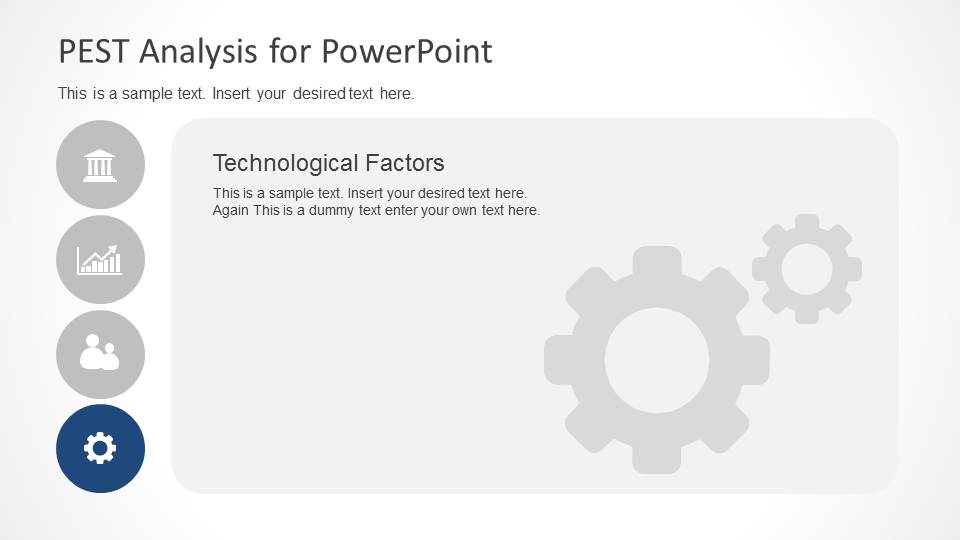
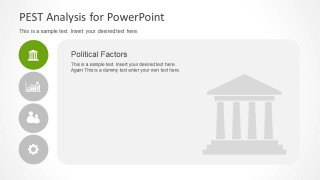
A: Start with the overview diagram to define the four lenses, then treat slides 3 through 6 as a guided scan rather than independent notes. Use the highlighted icon rail as a progress marker. Keep each factor slide limited to the most decision-relevant points, so the audience can compare external forces without losing the overall PEST frame.
Q: Who is this template best suited for in a business presentation?
A: This template fits presenters who need to explain external market conditions before a strategic choice, such as consultants, business analysts, strategy managers, or marketing planners. It works best when the goal is to organize qualitative inputs into Political, Economical, Social, and Technological categories, not to present detailed financial modeling or KPI tracking.
Q: Why does the design use a central PEST diagram and repeated icon navigation?
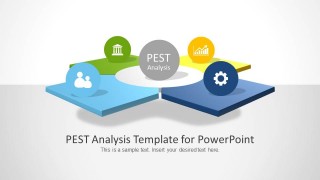
A: The central diagram acts like a puzzle metaphor: each external factor is a separate piece, but the analysis only makes sense when the pieces are viewed together. The repeated icon rail on the detail slides keeps the audience oriented and makes the section currently being discussed clear without adding extra agenda slides.

PEST Analysis PowerPoint Template
6 slide PEST analysis presentation template with factor overview and political, economic, social, technology sections
The PEST Analysis PowerPoint Template is a 6-slide presentation template for macro-environment review. It includes a cover diagram, four-factor PEST overview, and individual Political, Economical, Social, and Technological factor slides with icon navigation and large text panels. Business teams can use it to organize external market factors in PowerPoint.
- Category
- Business PowerPoint Templates
- Rating


 Loading...
- Item ID
- 6118-01
- Colors
 Microsoft PowerPoint
  Microsoft Copilot
  Claude for PowerPoint
 Other formats supported
Subscribe today and get immediate
access to download our PowerPoint templates.