Slide 5 of 8 from PERT Chart Template for PowerPoint
6171-02-pert-charts-5
PERT Chart for Project Management
- Diagram
- Process Flow
- Process Slide
- 16:9
- 100% Editable
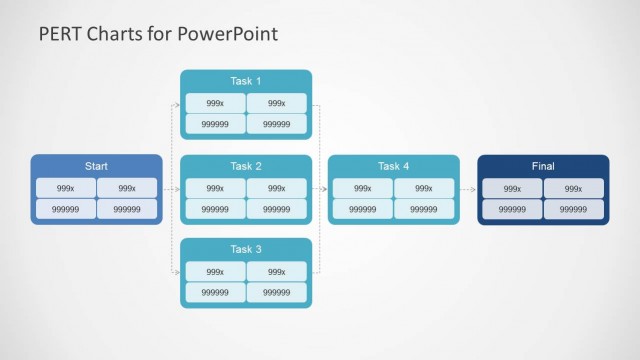
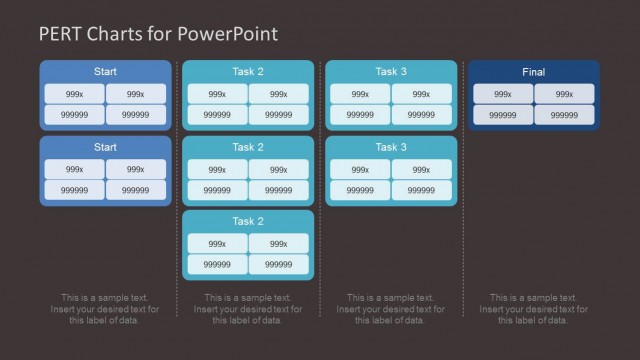
The PERT Chart with Tasks slide from the PERT Chart Template for PowerPoint offers a clear visualization of task dependencies in project planning presentations. This editable slide uses vector icons and shapes to map out project workflows, making it suitable for business presentations, project management training, and status update meetings. It enhances understanding of task sequences within a corporate presentation or slide deck.
What’s on This Slide
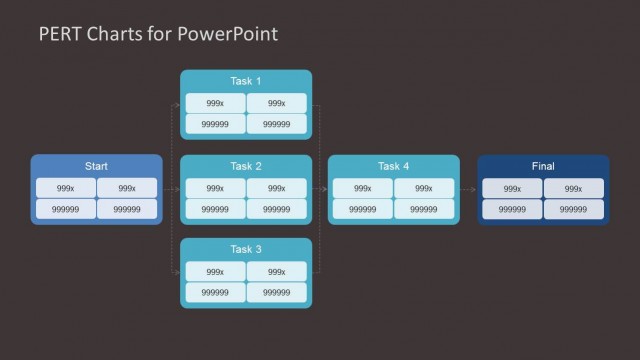
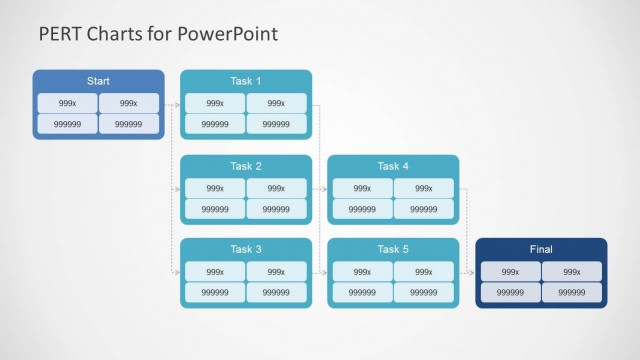
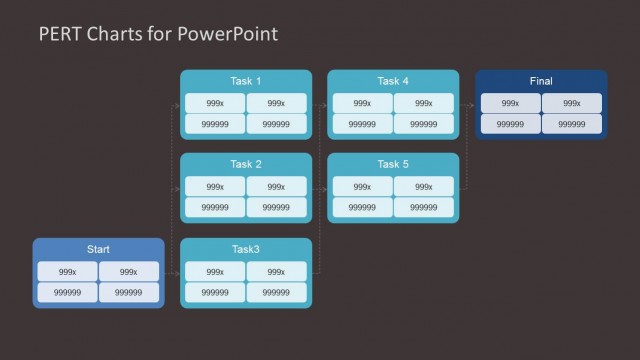
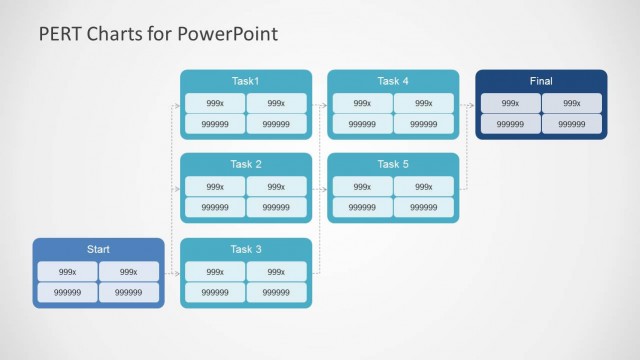
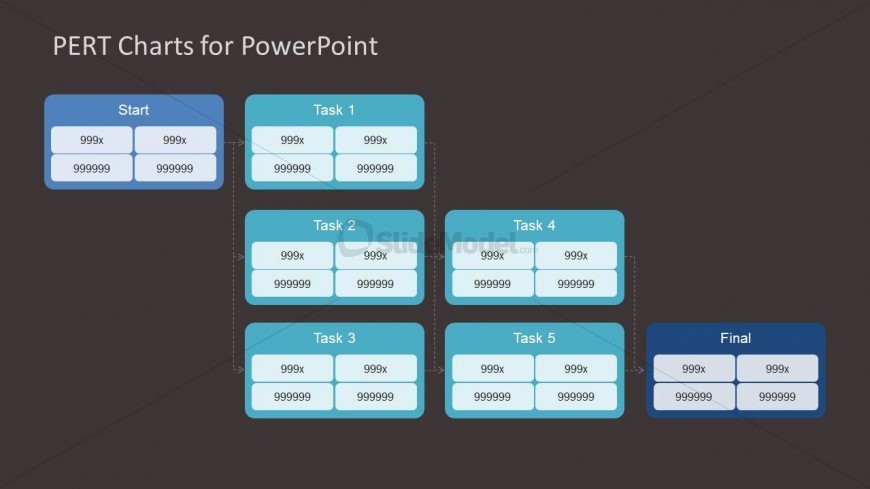
The layout features a PERT chart with a top-down structure. At the top, a blue box labeled 'Start' connects to two branches leading to 'Task 1' and 'Task 2.' Below 'Task 1,' there are two additional tasks, 'Task 4' and 'Task 5,' while 'Task 2' connects to 'Task 3.' Each task is represented by blue boxes containing placeholders for task details. The final milestone is labeled 'Final' and is positioned at the bottom right. Connecting lines indicate task dependencies, creating a clear flow of tasks.
How to Use It
This layout serves as a PERT chart to visualize project tasks and their dependencies. It fits within a project management presentation, particularly after introducing project objectives or timelines. Use this slide to illustrate task sequences, helping stakeholders understand project flow and critical paths. It is suitable for project planning meetings, status updates, or training sessions on project management methodologies.
Text Placeholders & Capacity
Keep your copy within these limits so it fits without resizing. Node labels can hold about 20 characters each.
| Placeholder | Count | Max characters (approx.) |
|---|---|---|
| Item heading | 6 | 20 |
| Item body | 6 | 20 |
| Slide title | 1 | 30 |
Slide Keywords
Download unlimited PowerPoint templates, charts and graphics for your presentations with our annual plan.
DOWNLOADReturn to PERT Chart Template for PowerPoint.