Slide 4 of 4 from Perspective Platforms Shape for PowerPoint
8006-perspective-platforms-powerpoint-4
Useful Cliparts for Perspective Platforms
- Text Layout
- Other
- Context Slide
- 16:9
- 100% Editable
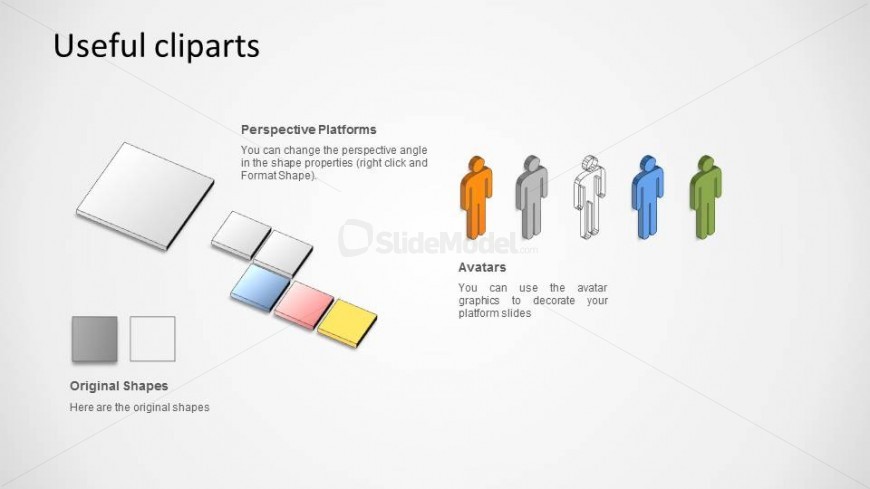
The Useful Cliparts slide from the Perspective Platforms Shape for PowerPoint template offers a structured layout for showcasing isometric platform shapes, color palettes, and avatar graphics. Designed as an editable slide, it supports graphic design training and visual aid selection within business presentations or corporate slide decks. This slide template integrates vector icons and customizable shapes, making it a practical resource for enhancing presentation templates with clear visual references.
What’s on This Slide
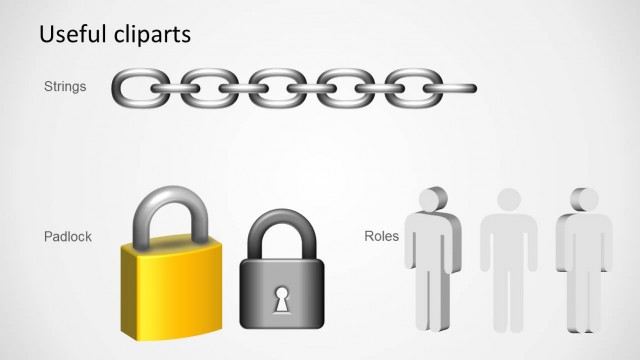
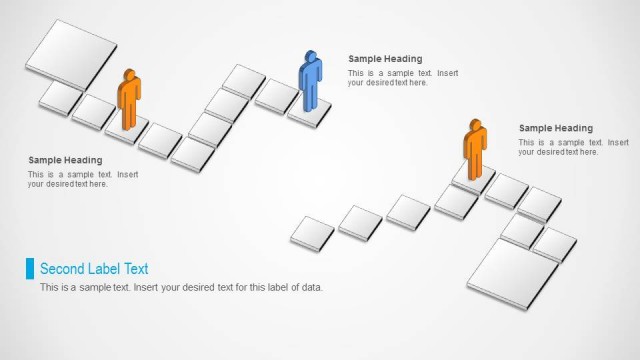
The layout features a title at the top left, labeled 'Useful cliparts.' Below, there are three sections. The first section on the left displays various isometric platform shapes, including a highlighted perspective platform. The second section contains a color palette of original shapes. The third section on the right shows avatar graphics in different colors. Text placeholders exist for descriptions under each section, aligned left. The overall composition is balanced, with visual elements grouped by function and purpose.
How to Use It
This layout serves as a resource slide, ideal for presenting clipart options related to isometric designs. It fits well in a sequence where visual aids are introduced after discussing concepts or frameworks. Scenarios include training sessions on design tools or presentations on graphic resources. The slide can be used to guide users in selecting appropriate visuals for their projects, enhancing understanding of available options.
Text Placeholders & Capacity
Keep your copy within these limits so it fits without resizing. Node body slots can hold roughly 15-20 words each.
| Placeholder | Count | Max characters (approx.) |
|---|---|---|
| Slide title | 1 | 20 |
| Item body | 3 | 80 |
Slide Keywords
Download unlimited PowerPoint templates, charts and graphics for your presentations with our annual plan.
DOWNLOADReturn to Perspective Platforms Shape for PowerPoint.