Slide 2 of 4 from Perspective Platforms Shape for PowerPoint
8006-perspective-platforms-powerpoint-2
Isometric Platform Diagram for Presentations
- Diagram
- Process Flow
- Process Slide
- 16:9
- 100% Editable
The Isometric Platform Diagram slide from the Perspective Platforms Shape for PowerPoint template offers a clear visual approach to illustrating processes and project timelines. This slide layout uses editable shapes and vector icons arranged in a staggered isometric design to enhance depth and clarity, making it suitable for strategic planning and step-by-step guides in corporate presentations or pitch decks.
What’s on This Slide
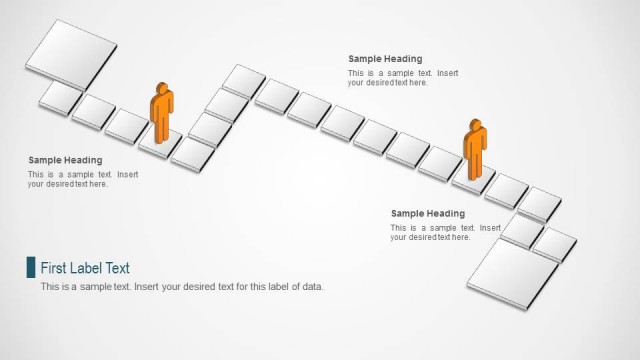
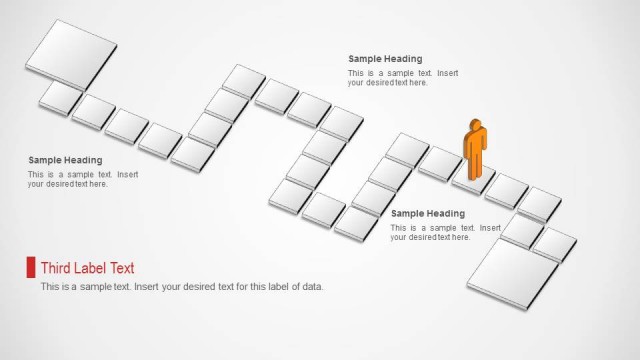
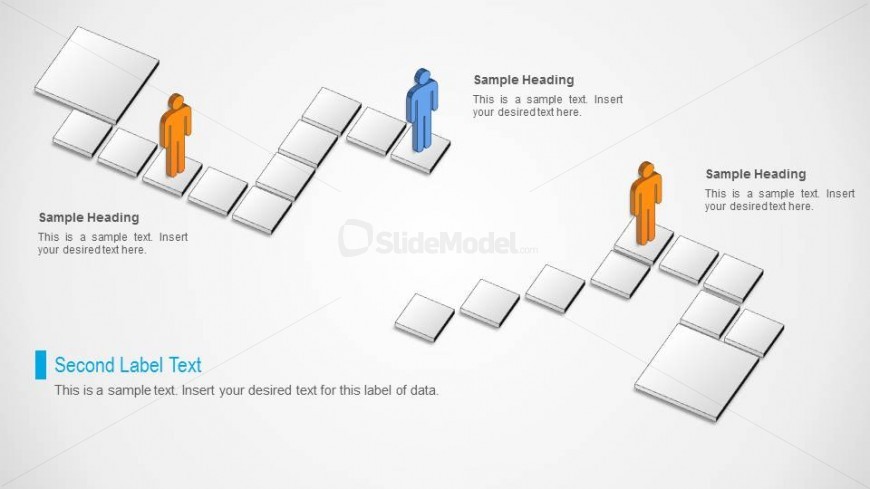
The layout features a series of isometric blocks arranged in a staggered pattern across the slide. Two figures, one orange and one blue, are positioned on the left and right sides, respectively, standing on the blocks. Text placeholders are located above each figure, aligned to the left and right, with a larger placeholder for a secondary label at the bottom left. The background is light gray, enhancing the visibility of the shapes. The blocks are outlined, creating a 3D effect, and there are connecting lines suggesting a flow or progression.
How to Use It
This layout serves as a visual representation of a process or progression, suitable for illustrating steps or stages in a project. It fits well after a problem-framing slide, leading into a solution or action plan. Business scenarios include project timelines, product development stages, or strategic planning steps. The isometric design adds depth, making it effective for engaging presentations where clarity and visual interest are essential.
Text Placeholders & Capacity
Keep your copy within these limits so it fits without resizing. Node body slots can accommodate roughly 15-20 words each.
| Placeholder | Count | Max characters (approx.) |
|---|---|---|
| Item heading | 3 | 40 |
| Item body | 3 | 80 |
| Callout | 1 | 50 |
| Callout | 1 | 50 |
Slide Keywords
Download unlimited PowerPoint templates, charts and graphics for your presentations with our annual plan.
DOWNLOADReturn to Perspective Platforms Shape for PowerPoint.