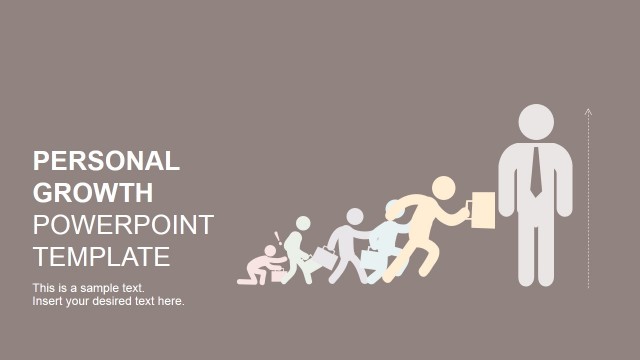
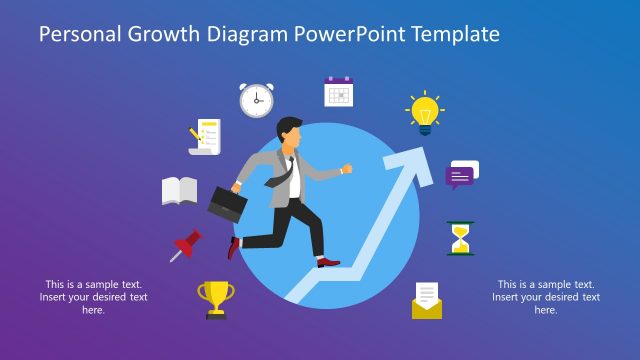
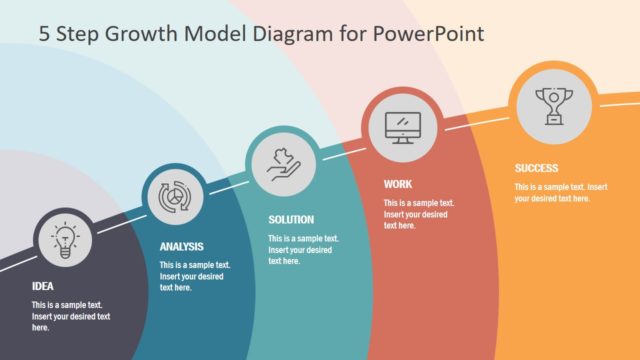
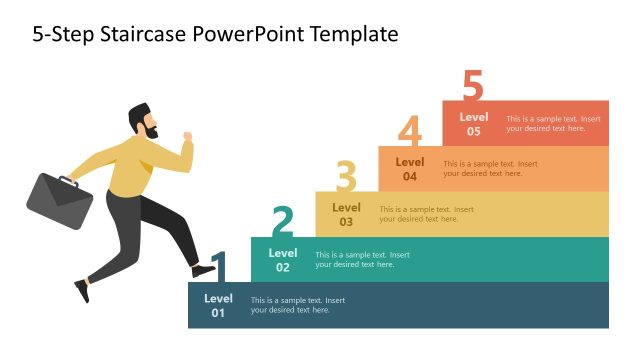
The Personal Growth PowerPoint Diagram presents a 5 steps story illustration template. It shows a scene illustrating the hurdling game in five phases. You can use the visuals in diagram for ways to overcome obstacles and achieving goals. With the help of this diagram, you can list five important steps leading to the personal growth of a person, make presentations on a career path or self development. The diagram of 5 steps chevron arrow timeline displays a hurdle jumping cartoon figure in five phases. The personal growth PPT contains animated transitions, making the scene illustration and overall presentation more attractive as stages move at a slow pace.
Personal growth is the development of a person’s capabilities and potential to enhance the quality of life by realizing dreams and potential. The 5 steps model for personal growth provides a framework, aiming to improve different aspects of life. May it is the financial circumstances, health, self-esteem, or career growth, a pre-defined approach helps attain improvement in all aspects.
The personal Growth PowerPoint Diagram is a professional layout design featuring personal development disciplines. Following the creative roadmap in PowerPoint, users can easily describe a personal growth plan. One example of using PowerPoint for personal growth is to highlight five stages of growth in a sequential fashion. Consultants, motivation speakers, and self-development coaches can incorporate this template for training or seminar presentations. Use can describe five basic steps or personal growth development, use hurdling as a metaphor to overcome challenges. In a business setting, companies use creative personal growth presentation templates to educate employees about career development and self-improvement techniques.
A hurdling scene in personal growth PowerPoint provides visual content featuring an evolutionary approach to self-development path. It helps transmit and retain messages of values, reflection, and goal setting through visual stories. You can explain a path for getting out of your comfort zone or changing habits in 5 stages of personal growth PowerPoint diagram.
What’s inside this template
Example presentation scenarios
- An HR trainer can use the chevron process overview to introduce a career growth framework before discussing each employee development stage.
- A self-development coach can use the hurdle jump slide to explain how clients identify roadblocks and move from preparation to action.
- A motivational speaker can use the trophy finish slide to close a seminar segment with a clear achievement image and final behavior prompt.
- A team leader can use the step-detail slides in a workshop to map habits, obstacles, and next actions for a professional growth plan.
Features
- 100% editable presentation template
- Compatible with Microsoft PowerPoint and Google Slides
- 16:9 aspect ratio slides
- Scalable vector shapes, icons and illustrations
- Ready with Animations & Transitions in PowerPoint
- AI-Ready for Microsoft Copilot and Claude
- Instant access and download
Frequently asked questions
Q: How should a presenter explain the five steps without making the story feel repetitive?
A: Present the first slide as the full path, then treat each detail slide as one decision point. Use the character's motion to signal progress: start with awareness, move into action, address the hurdle, regain momentum, and finish with achievement. Keep each slide focused on one behavior, one obstacle, and one next step.
Q: Who is this template best suited for?
A: This template fits coaches, HR trainers, workshop facilitators, and motivational speakers who need to teach growth as a staged behavior change. It works well for career development, resilience training, and goal setting because the chevron path and hurdle scene make progress, friction, and achievement visible without relying on dense text.
Q: Why does the hurdling metaphor help explain personal growth?
A: The hurdle metaphor turns an abstract topic into a physical journey. The audience sees preparation, movement, an obstacle, renewed effort, and a final reward. That sequence helps presenters discuss discomfort and setbacks without making the message negative, because the visual path keeps pointing toward the goal.


Personal Growth PowerPoint Diagram
6-slide presentation template for personal growth with a chevron roadmap and hurdle metaphor
Personal Growth PowerPoint Diagram is a 6-slide process diagram template for self-development messages. It shows a five-step chevron roadmap with a hurdling character, individual step-detail slides, an obstacle jump scene, and a trophy finish. Coaches, HR trainers, and motivational speakers can present growth stages in Microsoft PowerPoint or Google Slides.
- Category
- Process Diagrams
- Rating

 Loading...
- Aspect ratio
- 16:9
- Item ID
- 8415-02
- Colors
 Microsoft PowerPoint
 Microsoft Copilot
 Claude for PowerPoint
Other formats supported
Subscribe today and get immediate
access to download our PowerPoint templates.