Slide 1 of 1 from Performance Dashboard PowerPoint Template
6001-performance-dashboard-wide-1
Performance Dashboard Overview Slide
- Dashboard
- Other
- Performance Slide
- 16:9
- 100% Editable
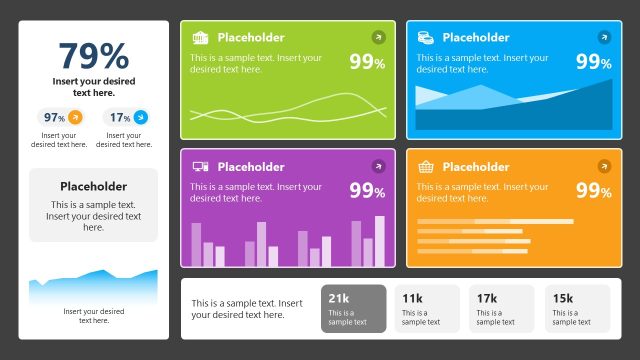
The Performance Dashboard Overview slide from the Performance Dashboard PowerPoint Template offers a clear layout for tracking key metrics and business updates. Designed for corporate presentations, this slide template includes editable shapes and vector icons to visualize data effectively, making it suitable for stakeholder reports and performance tracking within a professional slide deck.
What’s on This Slide
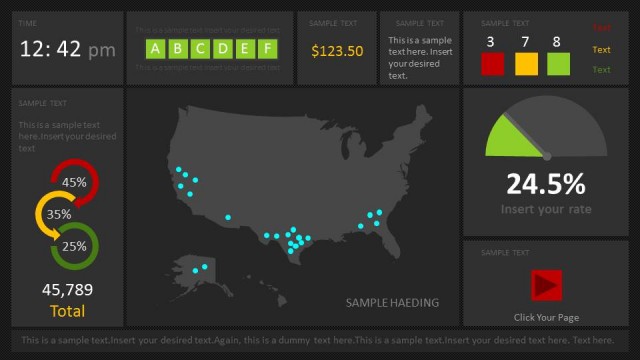
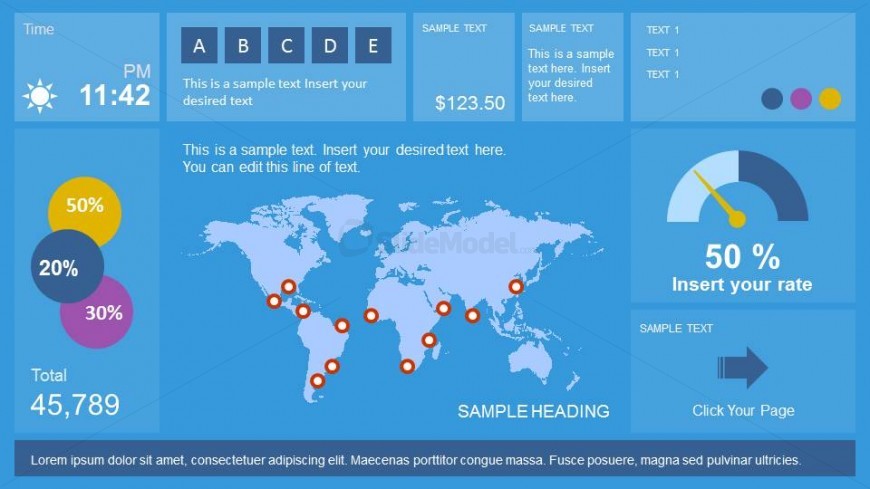
The layout features a segmented design with multiple sections. The top left displays the current time with an icon. Adjacent is a rectangular area for text placeholders labeled A, B, C, D, and E. Below, a world map shows location markers. The left side includes circular charts indicating percentages, while the bottom section displays a total value. There are additional text placeholders for headings and sample text. The overall color scheme is blue with contrasting elements, creating a clear visual hierarchy.
How to Use It
This layout serves as a performance dashboard, summarizing key metrics and data points. It is suitable for business presentations where tracking performance is essential. This slide can be used in reports or updates to stakeholders, highlighting progress and areas of focus. It fits well at the beginning of a presentation to set the context or as a standalone summary of performance metrics.
Text Placeholders & Capacity
Keep your copy within these limits so it fits without resizing. Body slots are tight, roughly 10 words each.
| Placeholder | Count | Max characters (approx.) |
|---|---|---|
| Slide title | 1 | 30 |
| Body paragraph | 5 | 50 |
| Item heading | 5 | 20 |
| Item body | 1 | 50 |
| Chart title | 1 | 30 |
Slide Keywords
Download unlimited PowerPoint templates, charts and graphics for your presentations with our annual plan.
DOWNLOADReturn to Performance Dashboard PowerPoint Template.