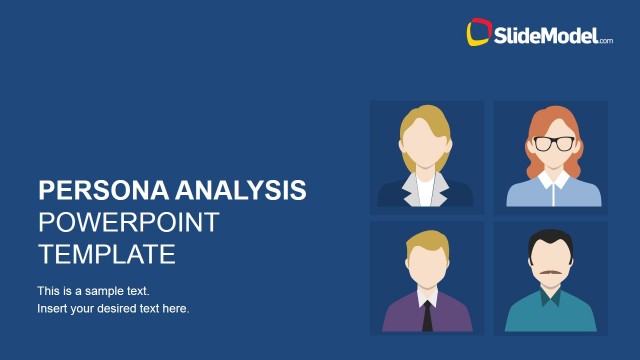
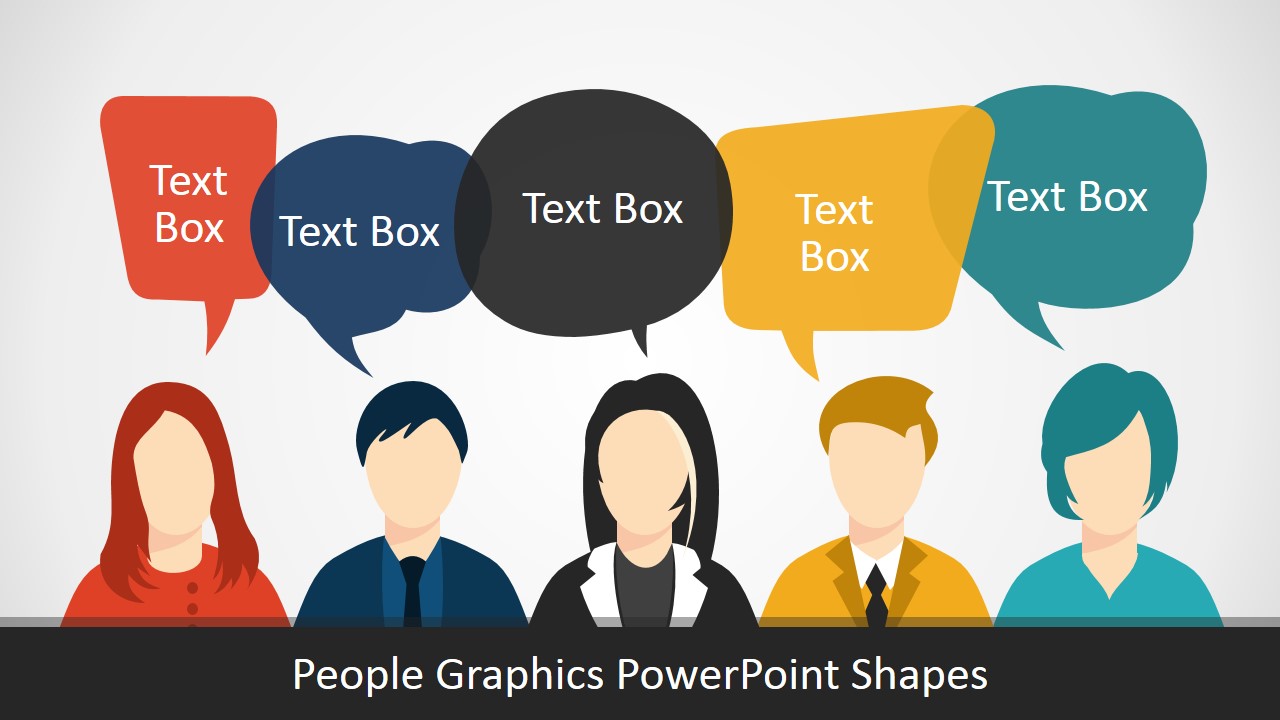
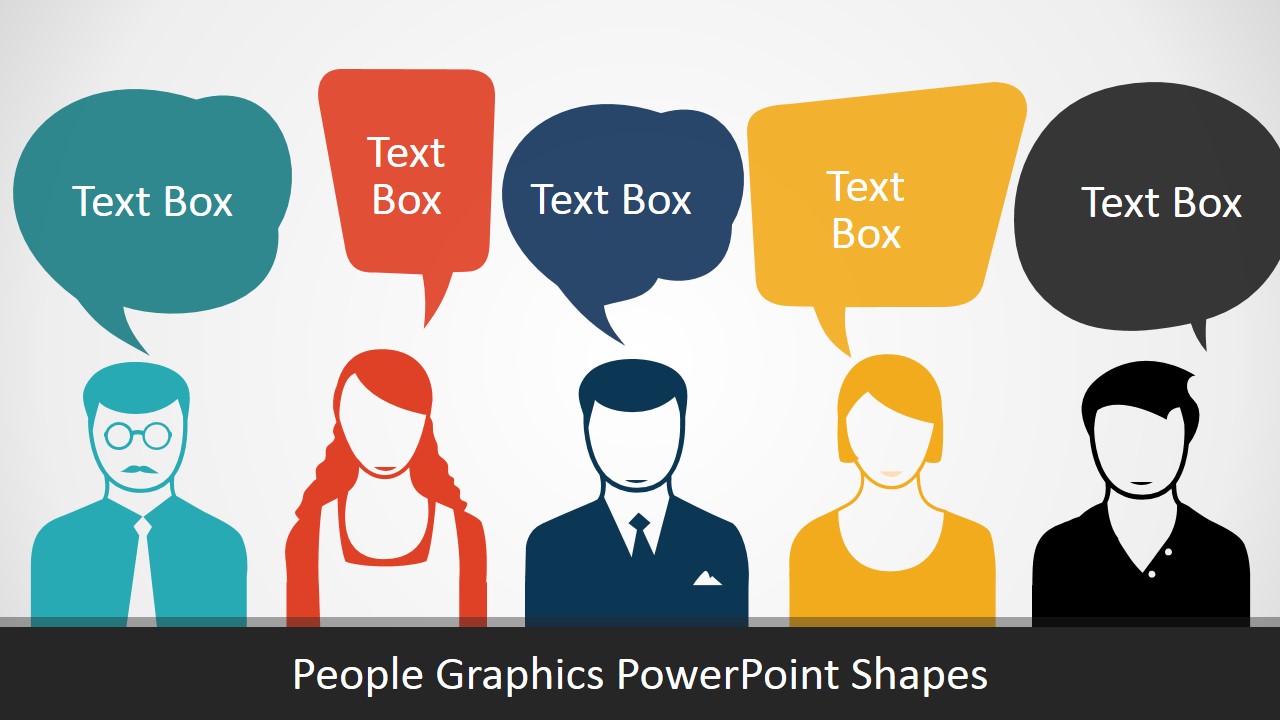
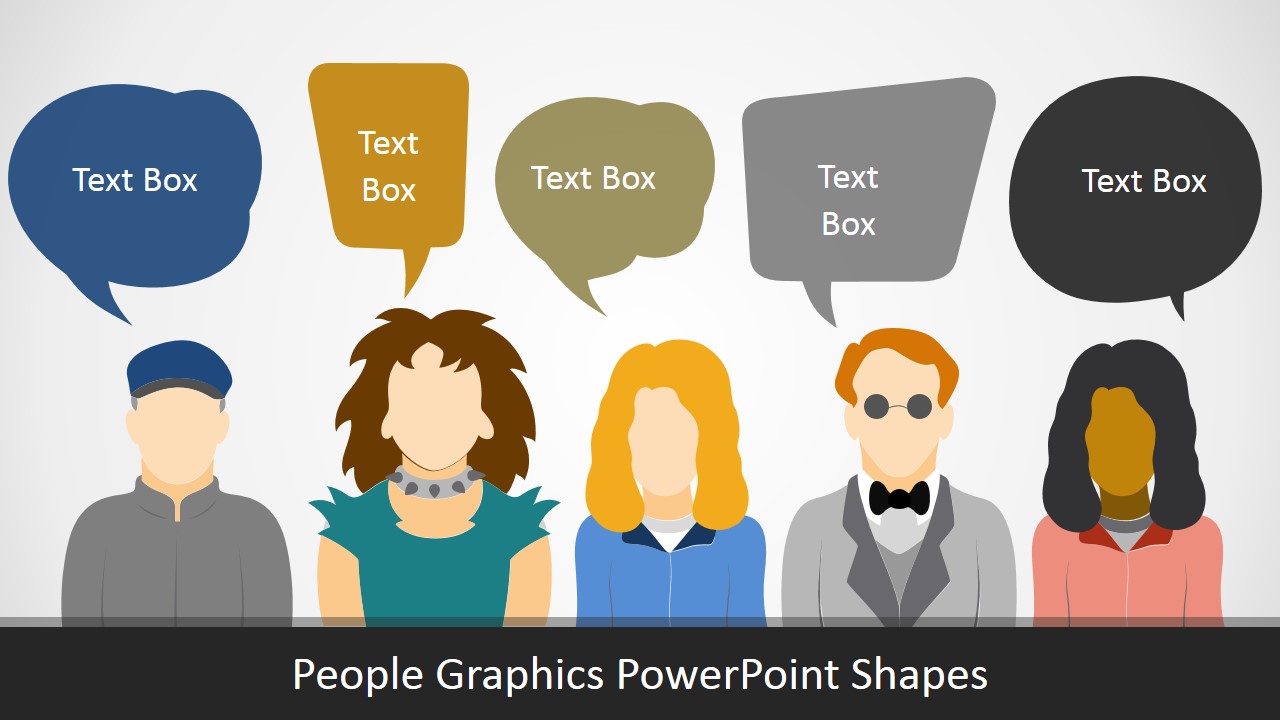
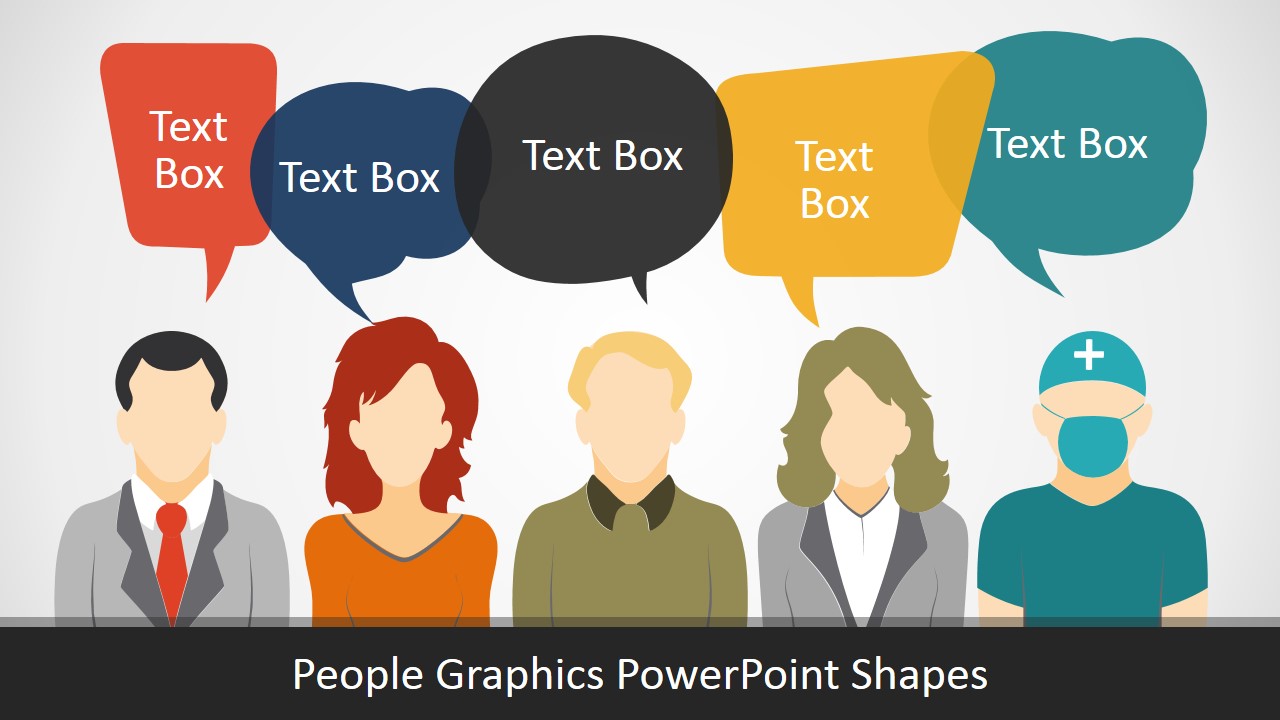
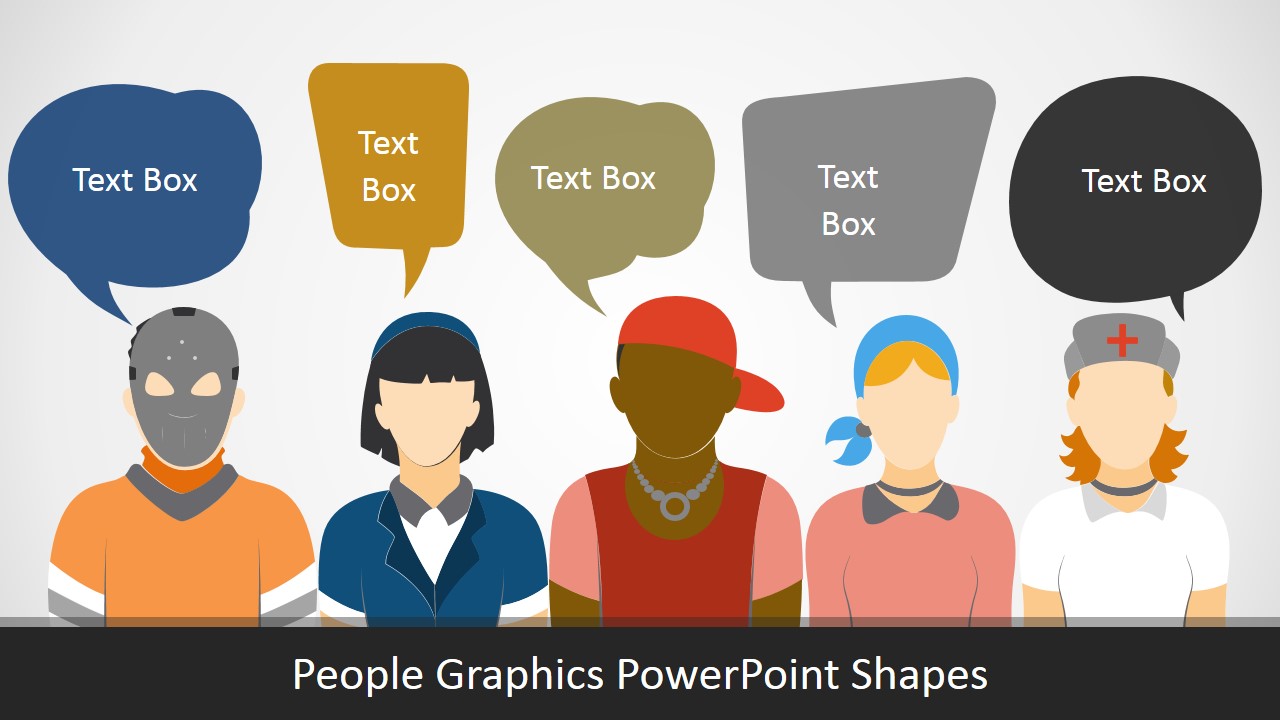
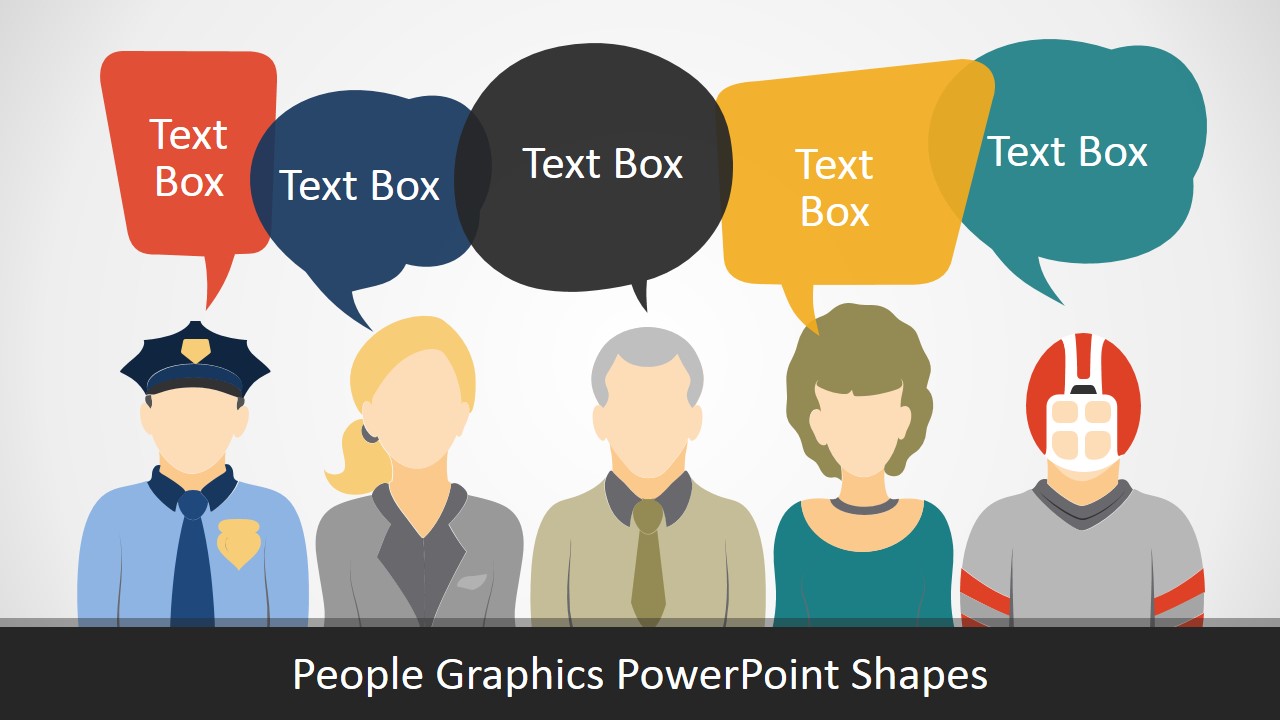
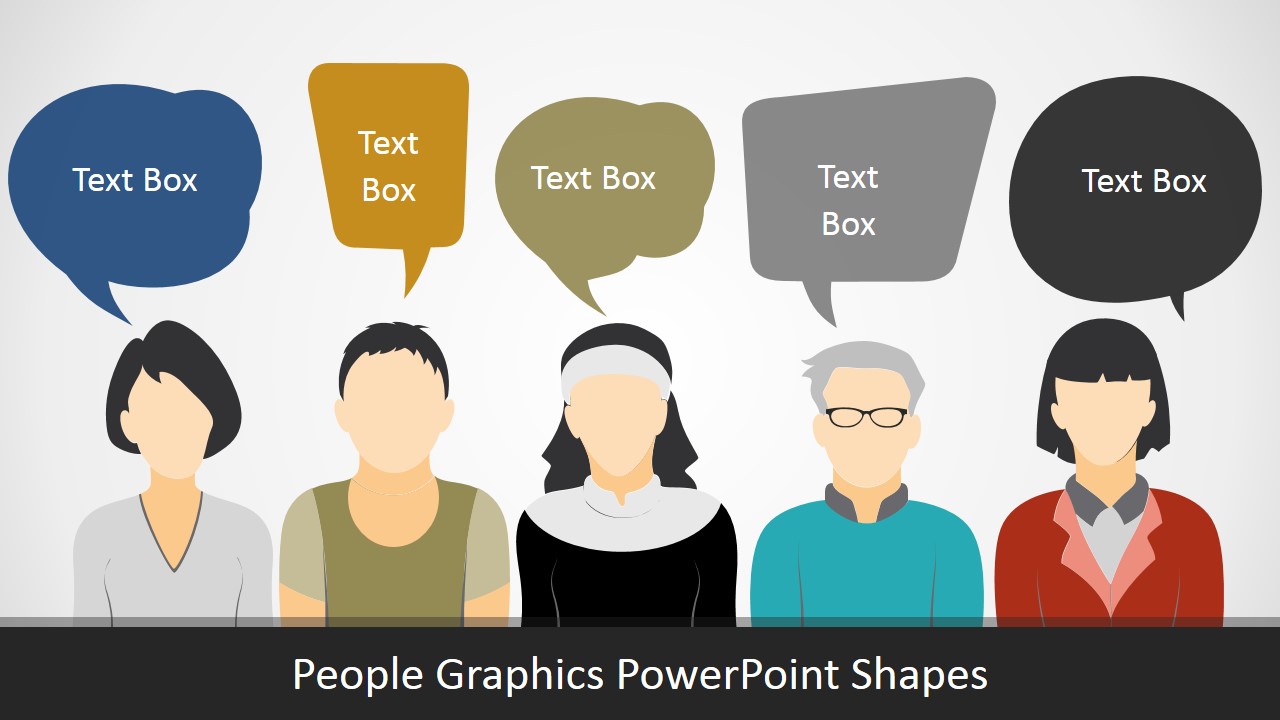
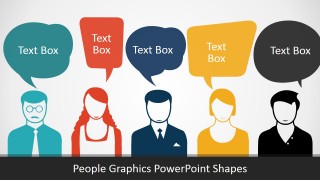
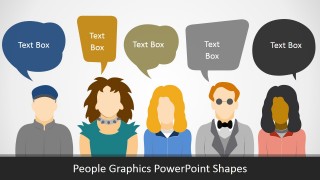
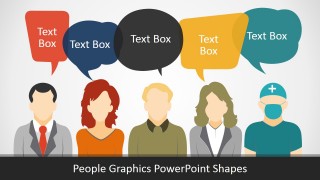
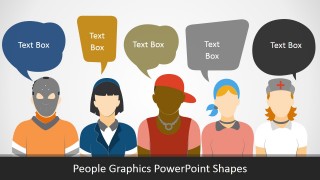
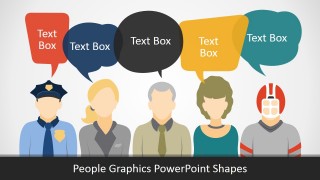
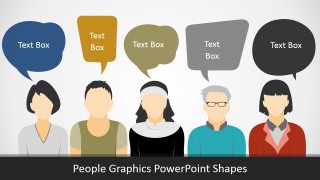
People Graphics PowerPoint Templates – Include editable people silhouettes to your decks and create professional PowerPoint Presentations. This people avatars graphics are ideal for describing different roles and groups of employees. Each slide provides five people silhouettes under different clothing and gender. The user can describe conversations, quotes or interaction between people through the use of the avatars metaphors.
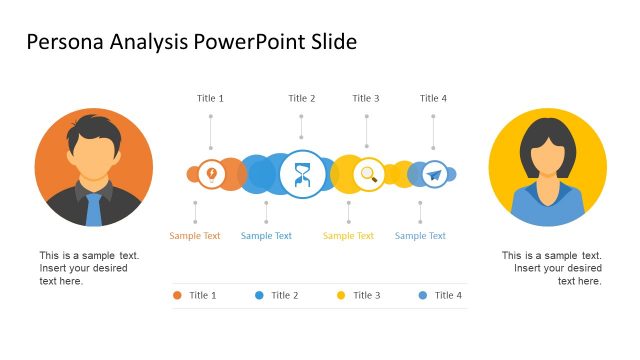
Ideal for Marketing Teams presenting persona analysis conclusions, or software engineering areas describing development teams and roles, the people graphics PowerPoint template is an essential tools for picturing human interactions.
Each of the people graphics is 100% editable. The silhouettes are created as a composite of PowerPoint shapes,allowing the user to customize each piece of the drawing independently. For example, the user can change the hair color, the clothing colors, the skin color, etc. Leaving this details editable is essential for flexibility.
What’s inside this template
Example presentation scenarios
- A marketing presenter can explain customer personas by assigning each persona to a visible avatar row and using the speech bubbles for motivations, objections, or quotes.
- An HR team can introduce employee groups or onboarding roles by using the five-person lineups to compare departments, seniority levels, or workplace responsibilities.
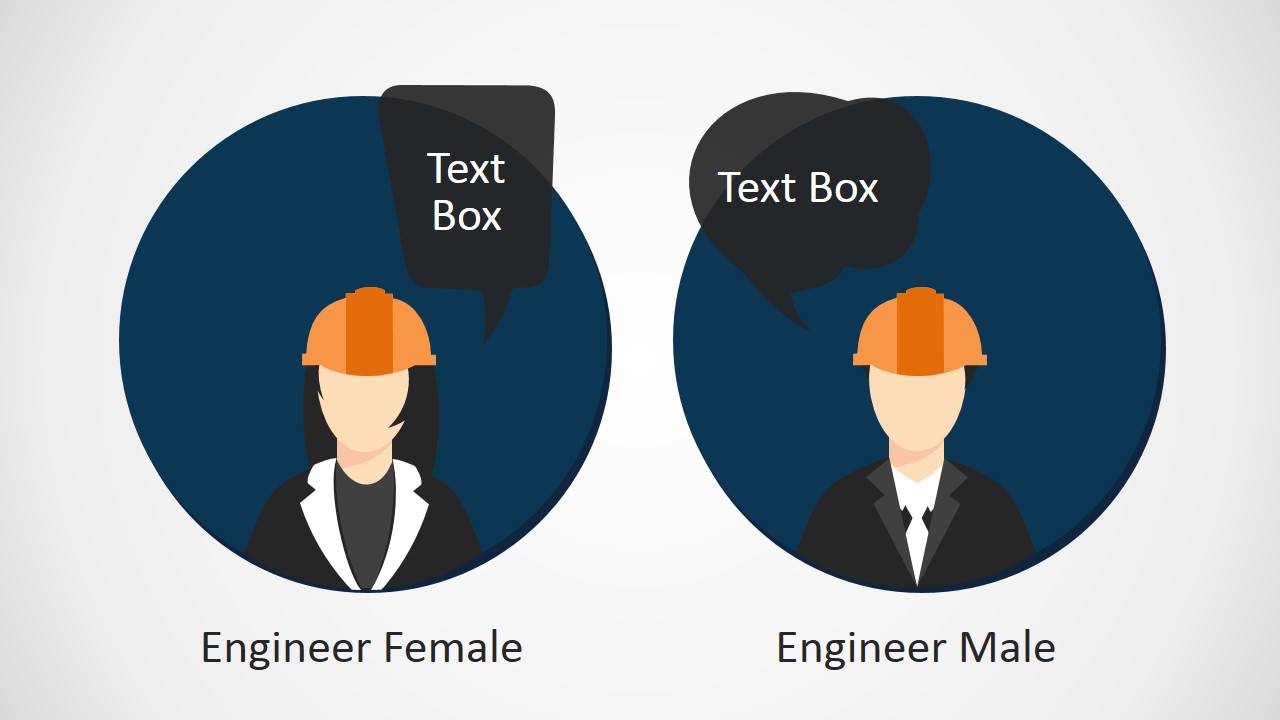
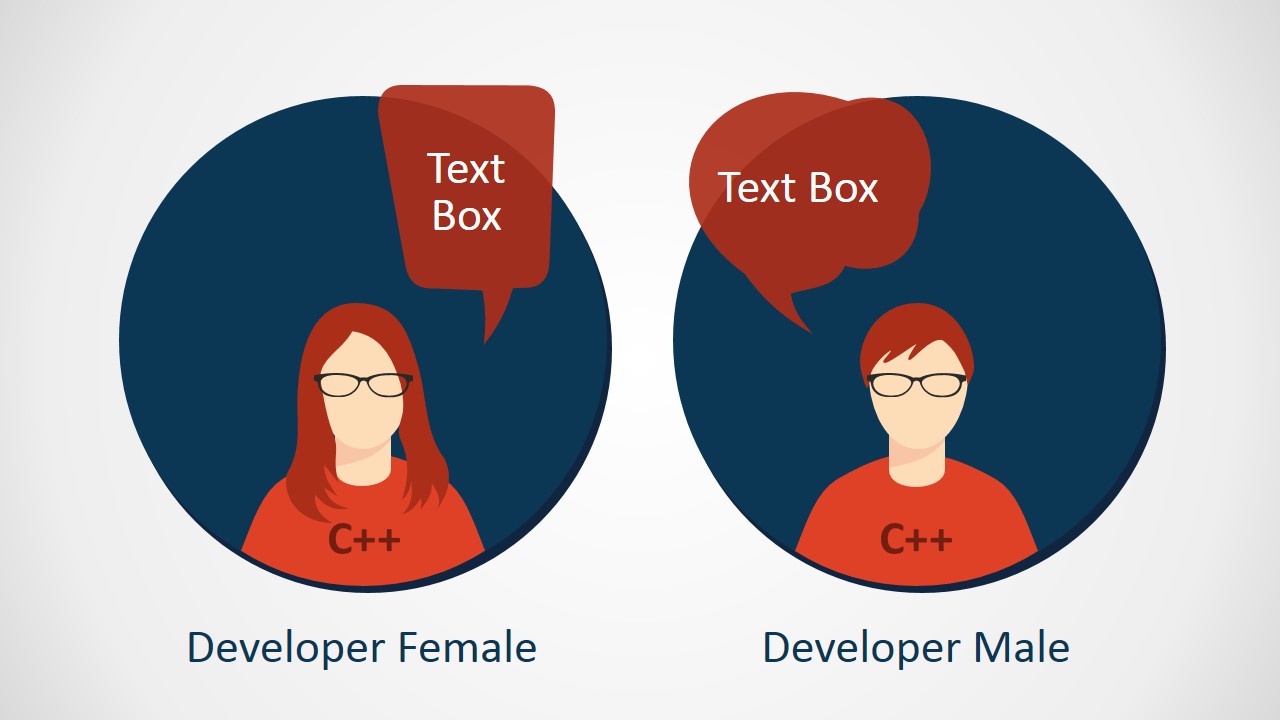
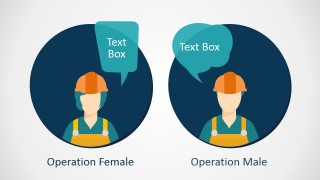
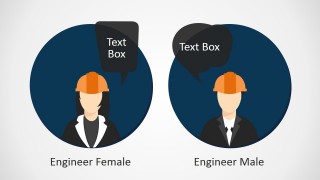
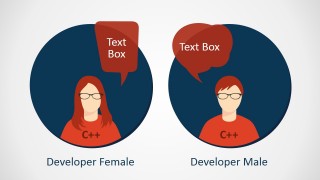
- A software engineering lead can describe operations, engineering, and developer roles with the paired portrait slides labeled Operation, Engineer, and Developer.
- A trainer can show workplace dialogue or role-play prompts by placing short instructions in the speech bubbles above each illustrated person.
Features
- 100% editable presentation template
- Compatible with Microsoft PowerPoint and Google Slides
- 16:9 aspect ratio slides
- Scalable vector shapes, icons and illustrations
- AI-Ready for Microsoft Copilot and Claude
- Instant access and download
Frequently asked questions
Q: How should a presenter use the speech bubbles without making the slides feel crowded?
A: Treat each speech bubble as one concise thought, not a paragraph. The five-person row works best when each avatar represents a role, persona, stakeholder, or viewpoint. Keep wording parallel across the bubbles so the audience can compare perspectives quickly, then use the presenter narration to add context.
Q: When is this people graphics template the right choice for a business presentation?
A: Use it when the message is about people rather than metrics: customer personas, team roles, user behavior, onboarding responsibilities, or stakeholder conversations. The avatar rows and paired profession portraits help marketers, HR teams, trainers, and product teams explain human situations without needing photos or custom illustration work.
Q: Why do the avatar and speech bubble layouts make the message easier to understand?
A: The template uses a simple conversation metaphor: people at the bottom, speech at the top. That structure lets the audience connect each statement to a visible role or persona. The repeated five-person arrangement also supports comparison, while the paired portrait slides isolate two roles for cleaner contrast.

People Graphics PowerPoint Templates
10-slide people graphics presentation template with avatar silhouettes, speech bubbles, and role portraits
People Graphics PowerPoint Templates is a 10-slide editable avatar graphics set for presenting roles, personas, teams, and human interaction. It includes five-person character rows with speech bubbles, job-role portrait pairs, and labeled developer or engineer avatars for marketers, HR teams, product teams, and trainers in Microsoft PowerPoint and Google Slides.
- Category
- People & Silhouettes
- Rating


 Loading...
- Aspect ratio
- 16:9, 4:3
- Item ID
- 0036-01
- Colors
 Microsoft PowerPoint
  Microsoft Copilot
  Claude for PowerPoint
 Other formats supported
Subscribe today and get immediate
access to download our PowerPoint templates.