![Pen PowerPoint Template designs with different color styles. The Pen shapes can be modified in PowerPoint and you can change the ink color to any other desired color. Also the pen can be rotated and used in many other different scenes and presentation purposes, for example to depict presentation notes, taking notes, writing, drawing or […]](https://slidemodel.com/wp-content/uploads/2013/09/1091-pen-shape-wide-4-870x489.jpg)
Slide 4 of 4 from Pen Shape for PowerPoint
Color Pen PowerPoint Template
Three Pen Callouts for Presentations
- Diagram
- Other
- Concept Explanation Slide
- 16:9
- 100% Editable
The Three Pen Callouts with Writing Effects slide from the Pen Shape for PowerPoint template offers a creative layout ideal for educational presentations and brainstorming sessions. Featuring editable shapes of pens with dynamic ink flow effects, this slide supports clear concept explanation and effective summarization in business presentations or slide decks.
About This Slide
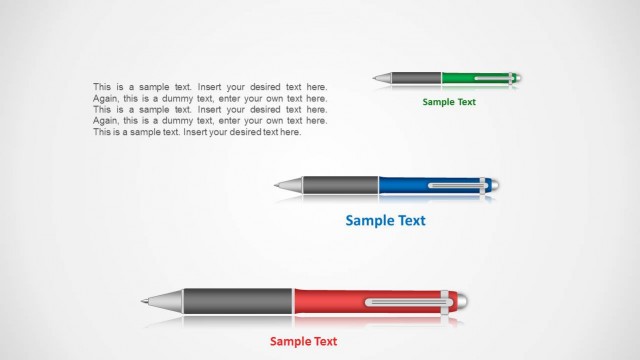
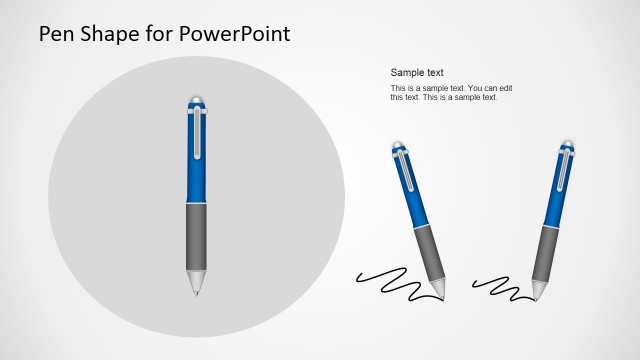
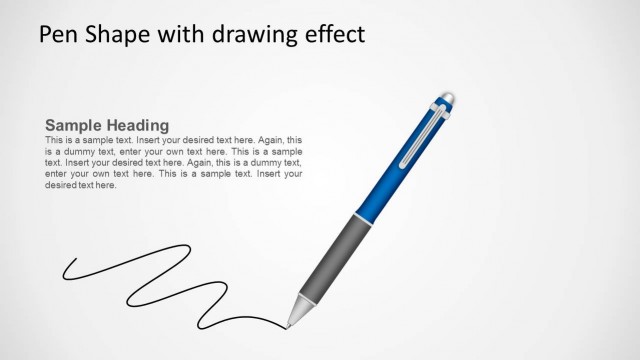
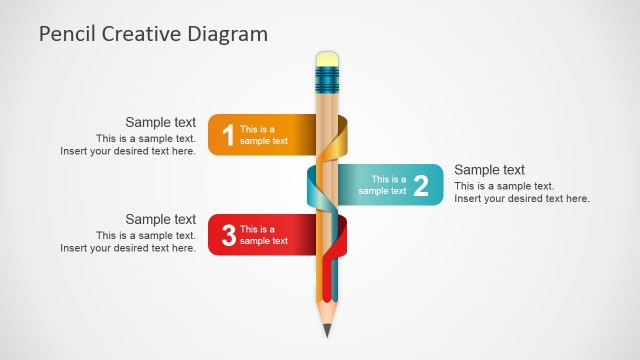
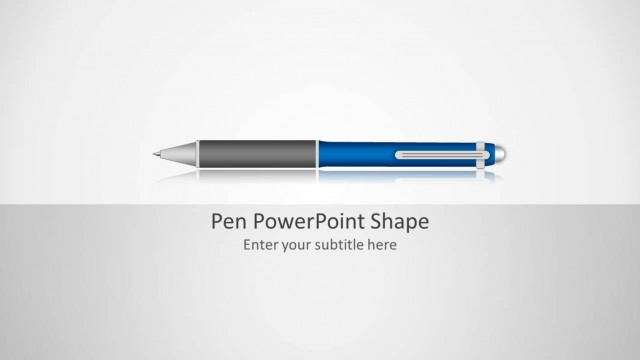
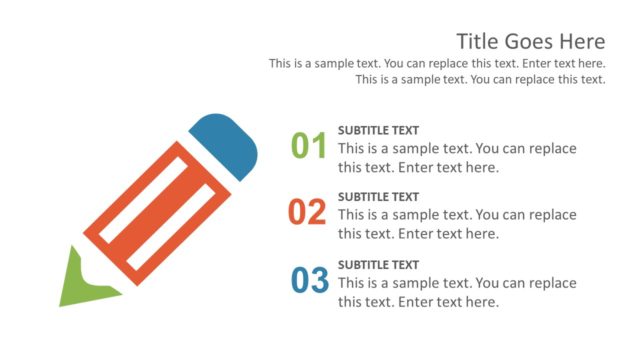
Pen PowerPoint Template designs with different color styles. The Pen shapes can be modified in PowerPoint and you can change the ink color to any other desired color. Also the pen can be rotated and used in many other different scenes and presentation purposes, for example to depict presentation notes, taking notes, writing, drawing or a to-do list.
What’s on This Slide
The layout features three pen illustrations arranged horizontally across the center. Each pen is a different color: blue, green, and red. Below each pen, there are text placeholders aligned horizontally, with a gradient background that matches the pen color. The pens have a drawing effect, with wavy lines representing ink flow extending from their tips. The overall composition is clean, with ample white space around the elements, emphasizing the pens and their associated text. The visual hierarchy is clear, with the pens being the focal point.
How to Use It
This layout serves as a visual representation of ideas or concepts associated with writing or creativity. It is suitable for presentations that involve brainstorming, note-taking, or illustrating points in a creative context. This slide fits well at the end of a presentation to summarize key takeaways or to highlight important points. It can be used in educational settings or workshops where writing and drawing are emphasized, making it ideal for engaging audiences in discussions.
Text Placeholders & Capacity
Keep your copy within these limits so it fits without resizing. Each text slot can hold roughly 30-100 characters.
| Placeholder | Count | Max characters (approx.) |
|---|---|---|
| Item heading | 3 | 30 |
| Item body | 3 | 100 |
Slide Keywords
Download unlimited PowerPoint templates, charts and graphics for your presentations with our annual plan.
DOWNLOADReturn to Pen Shape for PowerPoint.