Slide 2 of 4 from Pen Shape for PowerPoint
1091-pen-shape-wide-2
Pen Shape with Drawing Effect for Presentations
- Diagram
- Other
- Concept Explanation Slide
- 16:9
- 100% Editable
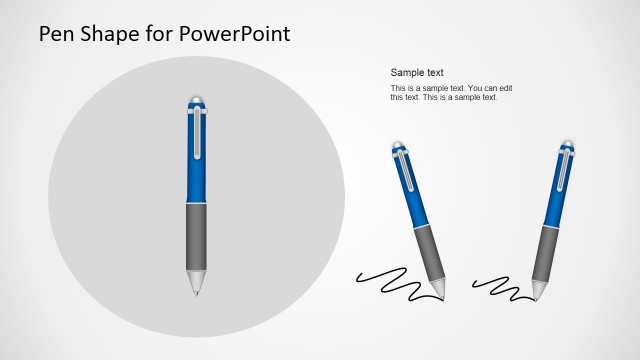
The Pen Shape with Drawing Effect slide from the Pen Shape for PowerPoint template offers a creative layout ideal for educational presentations and brainstorming sessions. Featuring editable shapes and a prominent pen illustration with a drawing line, this slide enhances concept explanation with clear text placeholders. It suits business presentations and writing workshops, providing a visually engaging way to communicate ideas in slide decks and Google Slides templates.
What’s on This Slide
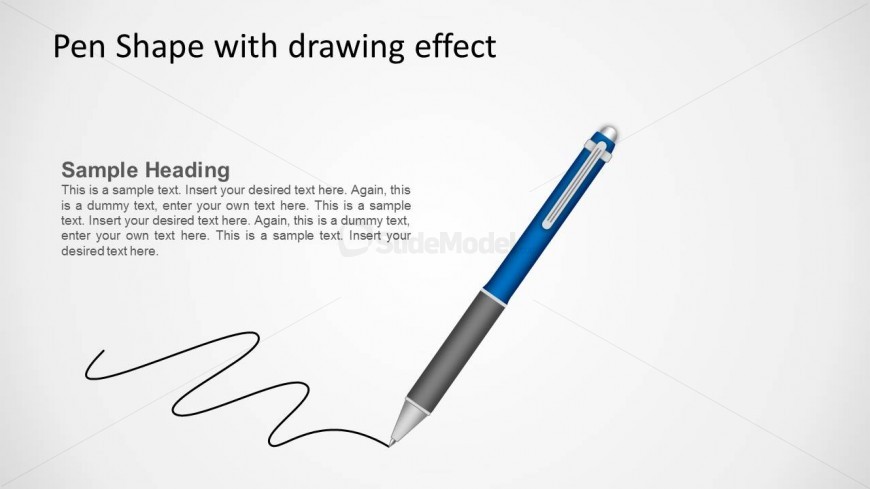
The layout features a large pen illustration positioned on the right side, with a drawing effect line extending from the pen's tip. The title is located at the top left, while a text placeholder for a heading is below it. Below the heading, there are additional text placeholders arranged in a vertical stack, allowing for multiple lines of content. The background is light, enhancing the visibility of the pen and text. The overall composition emphasizes the pen as the focal point, with text elements clearly organized for readability.
How to Use It
This layout serves as a visual metaphor for writing or note-taking, making it suitable for presentations about education, creativity, or brainstorming sessions. It fits well after an introductory slide, providing a transition into detailed content. The design is particularly useful for demonstrating concepts related to writing, drawing, or any topic that benefits from a creative visual. It can be used in business settings to illustrate ideas or in educational contexts to engage students.
Text Placeholders & Capacity
Keep your copy within these limits so it fits without resizing. Body slots can accommodate roughly 15-20 words each.
| Placeholder | Count | Max characters (approx.) |
|---|---|---|
| Slide title | 1 | 30 |
| Item heading | 1 | 50 |
| Item body | 3 | 100 |
Slide Keywords
Download unlimited PowerPoint templates, charts and graphics for your presentations with our annual plan.
DOWNLOADReturn to Pen Shape for PowerPoint.