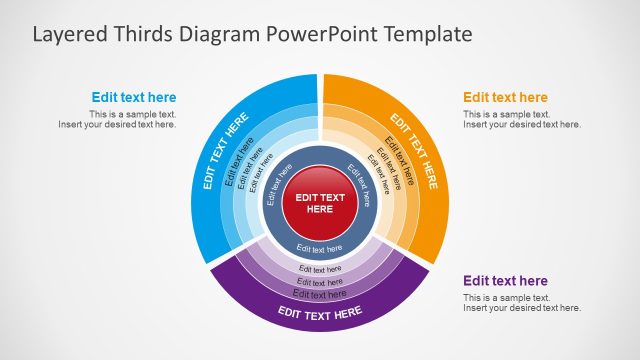
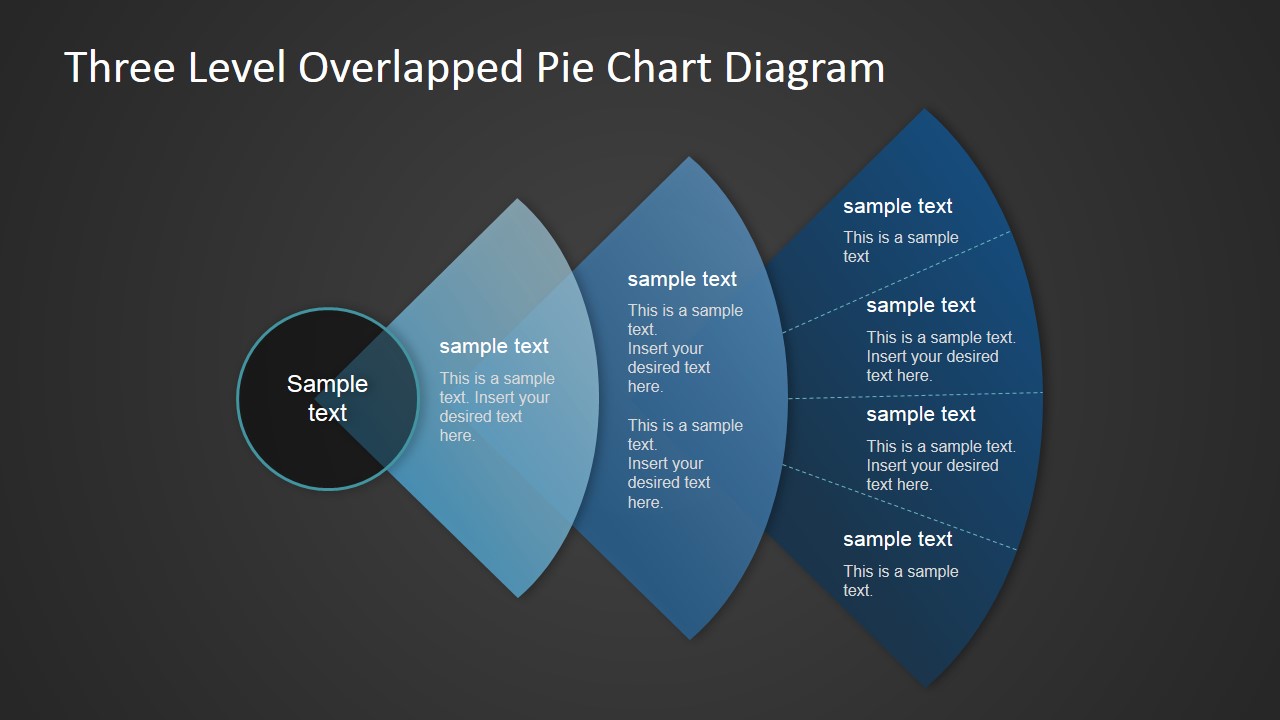
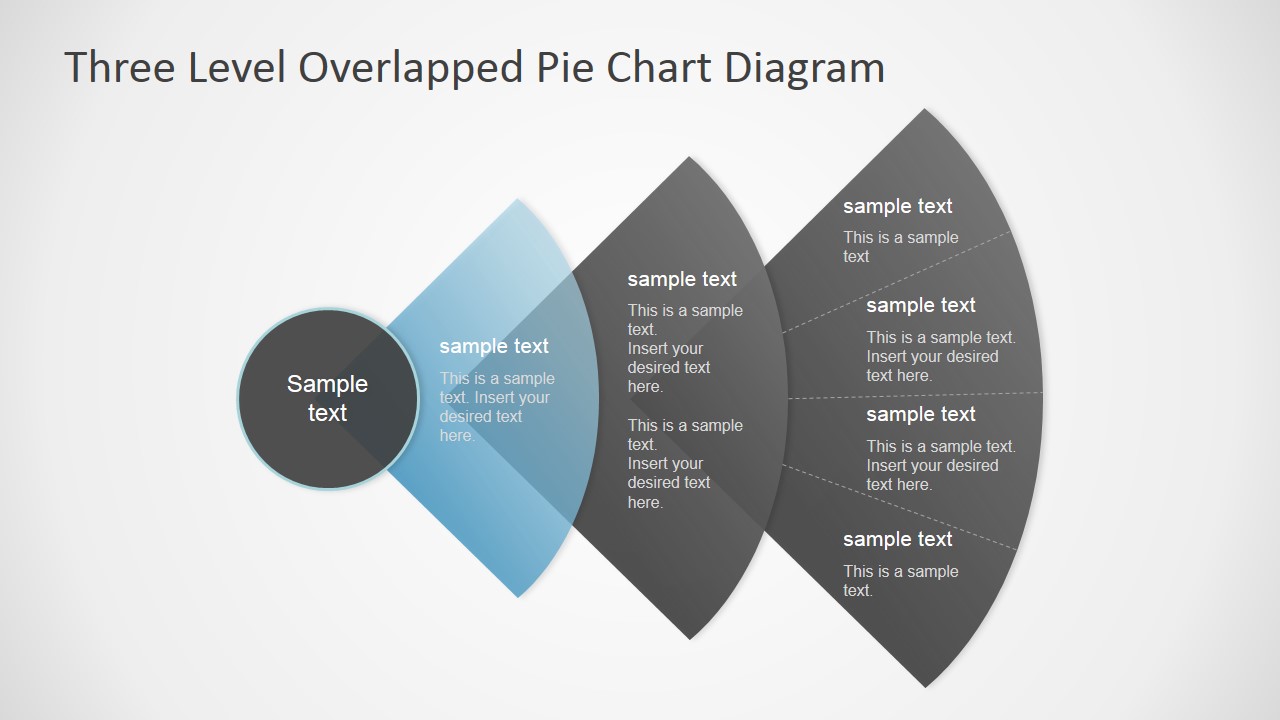
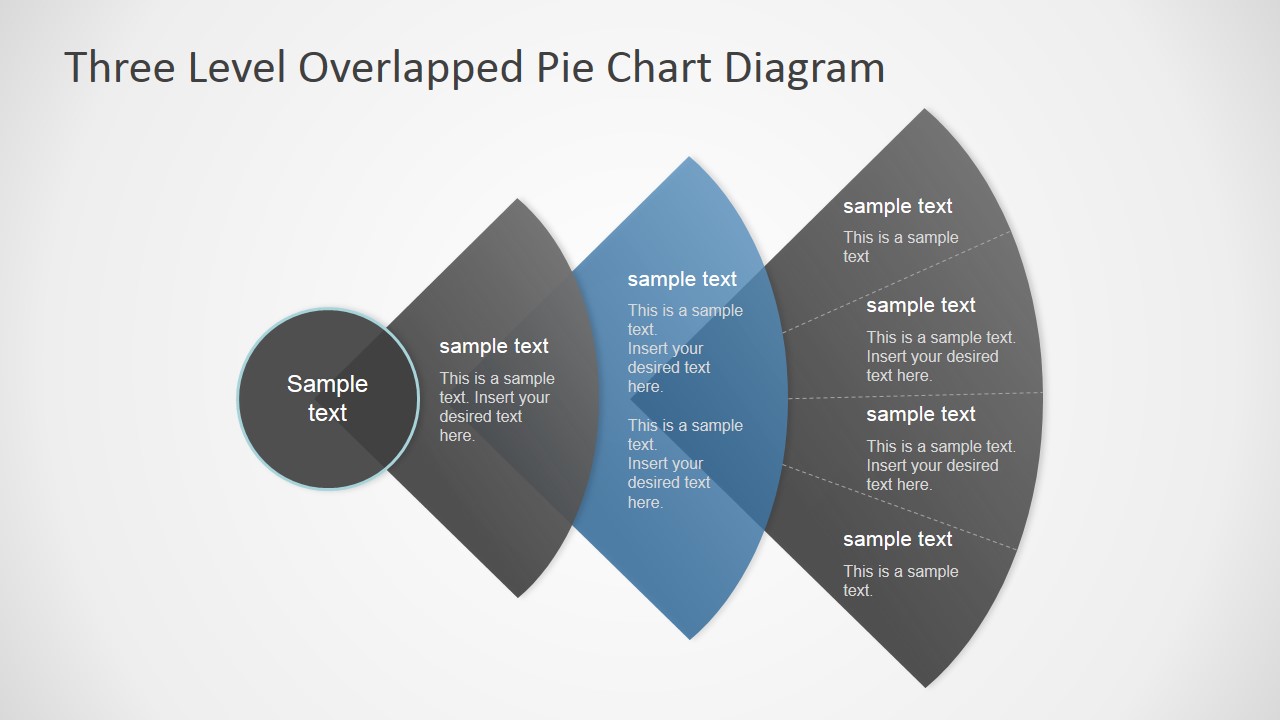
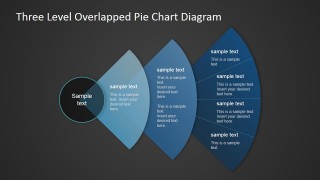
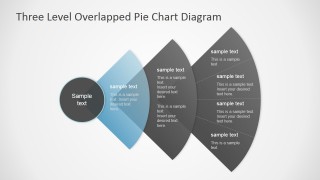
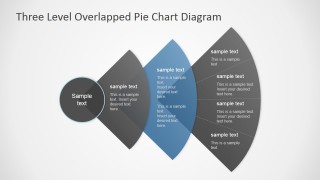
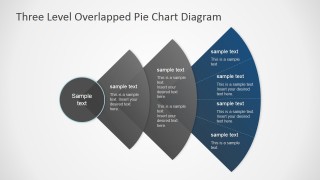
Overlapped Levels Pie Chart PowerPoint Diagram – The PowerPoint Template is created with three overlapping circular levels resembling a segmented Pie Chart. In the left side of the diagram a transparent circle contains the central message of the diagram. The user can edit the text placeholder with the main topic title. Like radial overlapping layers the diagram shows three quarter circles with titles text boxes, in an overlapping fashion. The color palette is a combination of dark and transparent colors. The user can update the color palette just updating the theme of the presentation.
The PowerPoint Template provides three slide where 2 out of three circular segments are greyed out and one remains highlighted.
Users can combine the Overlapped Levels Pie Chart PowerPoint Diagram with any of our PowerPoint Templates and create professional presentations that appeal to global audiences.
What’s inside this template
Example presentation scenarios
- A strategy consultant can use the central circle and three overlapping pie levels to explain how a core business objective connects to three layers of initiatives.
- A product manager can use the highlighted segment slides to walk stakeholders through three feature tiers while keeping the full model visible.
- A training facilitator can present a three-step learning framework by introducing the complete diagram first and then discussing each level with the muted variants.
- A marketing presenter can map three audience segments or service packages using the inner, middle, and outer arcs as progressively broader categories.
Features
- 100% editable presentation template
- Compatible with Microsoft PowerPoint and Google Slides
- 16:9 aspect ratio slides
- Scalable vector shapes, icons and illustrations
- AI-Ready for Microsoft Copilot and Claude
- Instant access and download
Frequently asked questions
Q: How should a presenter explain the three overlapped pie levels clearly?
A: Start with the central topic circle as the shared idea, then name what each curved level represents before adding detail. Use Slide 1 for the full framework and Slides 2 through 4 to isolate each level. This prevents the audience from reading all text at once and gives the presenter control over pacing.
Q: Who is this diagram best suited for?
A: This diagram fits consultants, product managers, trainers, and marketing presenters who need to show three related categories rather than a numeric pie chart. It works well for service tiers, maturity levels, capability layers, or phased programs where each part overlaps conceptually but still needs its own explanation.
Q: Why use overlapped curved segments instead of a simple list?
A: The pie-like arcs imply connection, hierarchy, and shared context more effectively than a vertical bullet list. The transparency and overlap show that the levels are related, while the highlighted variants create a visual spotlight. That structure helps audiences see both the complete model and the active level being discussed.

Overlapped Levels Pie Chart PowerPoint Diagram
4-slide presentation template with overlapped pie chart levels for segments, hierarchy, and staged emphasis.
Overlapped Levels Pie Chart PowerPoint Diagram is a 4-slide diagram template for Microsoft PowerPoint and Google Slides. It uses three overlapping quarter-circle pie levels, a central topic circle, highlighted segment variants, and text callouts to present layered categories, maturity levels, service tiers, or staged comparisons.
- Category
- Diagrams
- Rating


 Loading...
- Aspect ratio
- 16:9, 4:3
- Item ID
- 6975-01
- Colors
 Microsoft PowerPoint
  Microsoft Copilot
  Claude for PowerPoint
 Other formats supported
Subscribe today and get immediate
access to download our PowerPoint templates.