Slide 2 of 15 from Orange Business PowerPoint Template
6085-06-orange-gray-company-profile-2
Team Member Profiles Slide
- Media Layout
- Profile Cards
- Team Slide
- 16:9
- 100% Editable
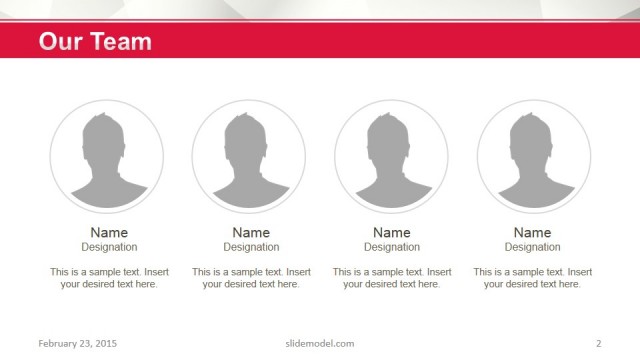
The Team Member Profiles slide from the Orange Business PowerPoint Template offers a clean, organized layout ideal for corporate presentations and investor pitches. Featuring editable shapes and circular image placeholders, this slide template helps highlight individual roles within a team, enhancing personal connection in business presentations. Its balanced design and ample white space support clear communication of company profiles using professional slide templates.
What’s on This Slide
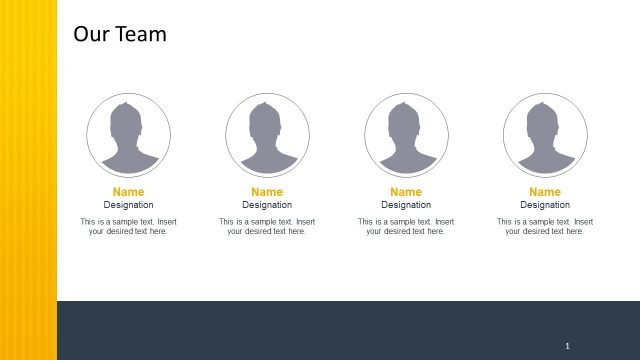
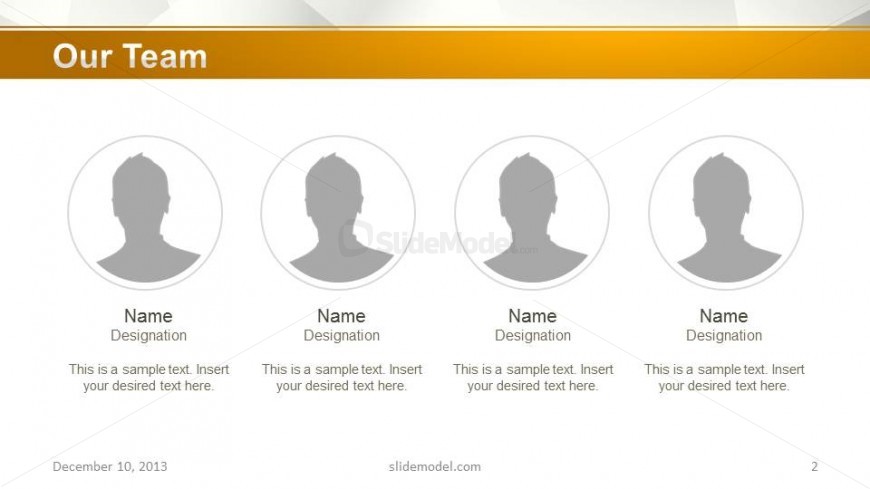
The layout features four circular placeholders for images aligned horizontally across the top. Below each image, there are text placeholders for names and designations, arranged in a stacked format. The title 'Our Team' is prominently displayed at the top center, using a bold font. The background is a light gradient with a subtle pattern, enhancing visual interest. Each circular image placeholder is equal in size, creating a balanced appearance. The overall composition is clean and organized, with ample white space around the elements.
How to Use It
This layout serves to introduce team members in a business presentation. It is suitable for contexts such as company profiles, investor pitches, or team introductions. Positioned early in a presentation, it effectively establishes credibility and personal connection. The structure allows for easy adaptation to various team sizes, making it versatile for different business scenarios. It is best used when highlighting individual contributions or roles within a team.
Text Placeholders & Capacity
Keep your copy within these limits so it fits without resizing. Node labels can hold about 2-3 words each, while body text can fit roughly 8-10 words.
| Placeholder | Count | Max characters (approx.) |
|---|---|---|
| Slide title | 1 | 20 |
| Item heading | 4 | 15 |
| Item body | 4 | 40 |
Slide Keywords
Download unlimited PowerPoint templates, charts and graphics for your presentations with our annual plan.
DOWNLOADReturn to Orange Business PowerPoint Template.