Slide 11 of 15 from Orange Business PowerPoint Template
6085-06-orange-gray-company-profile-11
Pie Chart for Data Visualization
- Chart
- Pie Chart
- Evaluation Slide
- 16:9
- 100% Editable
The Pie Chart slide from the Orange Business PowerPoint Template offers a clear visual layout with three comparative pie charts, ideal for financial summaries and market share analysis. This slide layout integrates editable shapes and vector icons to enhance business presentations and pitch decks, supporting effective communication of performance metrics within corporate slide decks.
What’s on This Slide
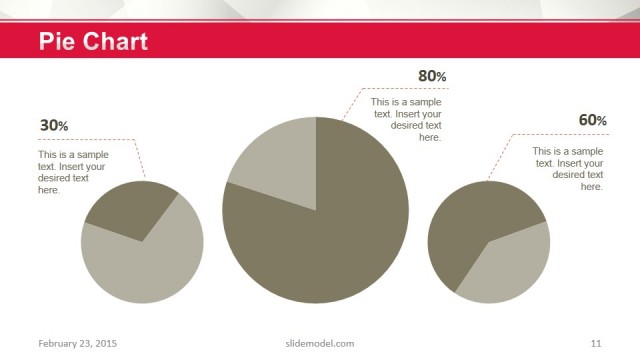
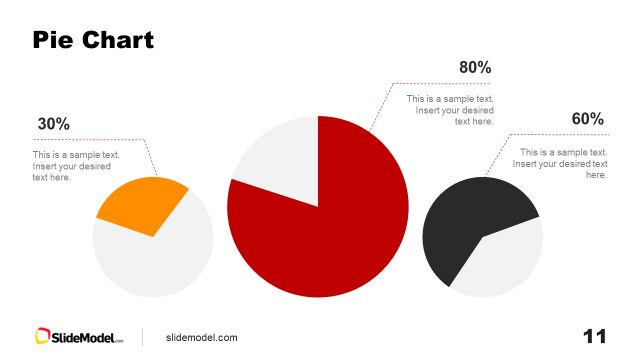
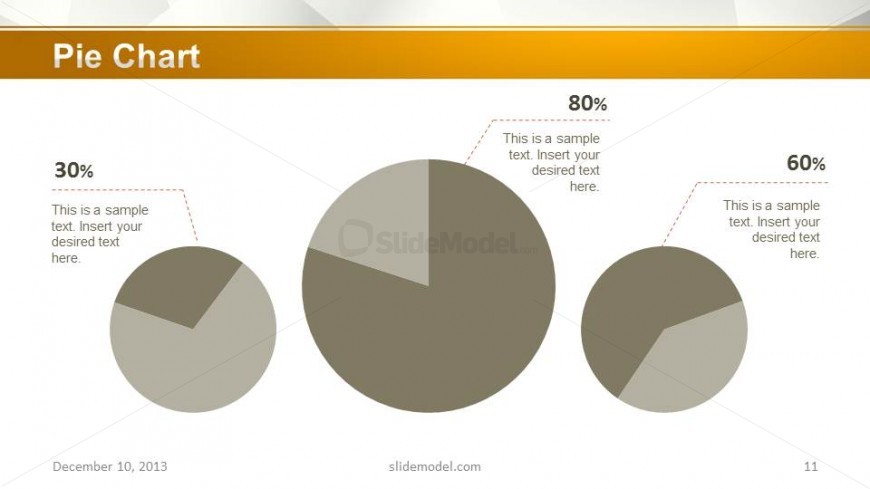
The slide features three pie charts arranged in a horizontal layout. The largest pie chart is positioned centrally, showing an 80% segment. To the left, a smaller pie chart displays a 30% segment, while another smaller chart on the right shows a 60% segment. Each chart has a corresponding text placeholder for data descriptions, aligned near the charts. The background is light with a gradient, and a bold title is placed at the top. The visual hierarchy emphasizes the central chart, with smaller charts providing supplementary data.
How to Use It
This layout serves to present comparative data visually using pie charts. It fits well in a presentation sequence following sections that introduce key metrics or data points. Ideal for business scenarios such as financial summaries, market share analysis, or performance metrics. It effectively communicates proportions and comparisons among different categories, making it suitable for investor pitches or internal reports.
Text Placeholders & Capacity
Keep your copy within these limits so it fits without resizing. Data label slots can accommodate roughly 5-6 words each.
| Placeholder | Count | Max characters (approx.) |
|---|---|---|
| Chart title | 1 | 20 |
| Data label | 3 | 30 |
Slide Keywords
Download unlimited PowerPoint templates, charts and graphics for your presentations with our annual plan.
DOWNLOADReturn to Orange Business PowerPoint Template.