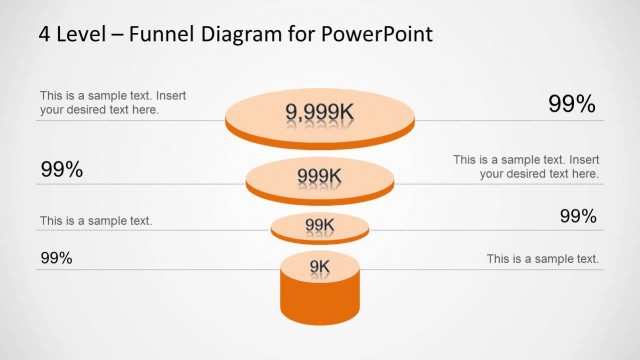
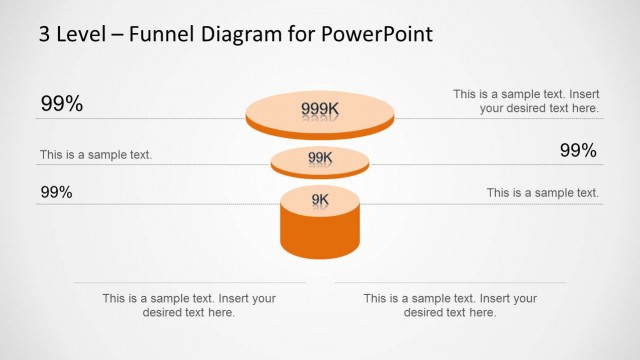
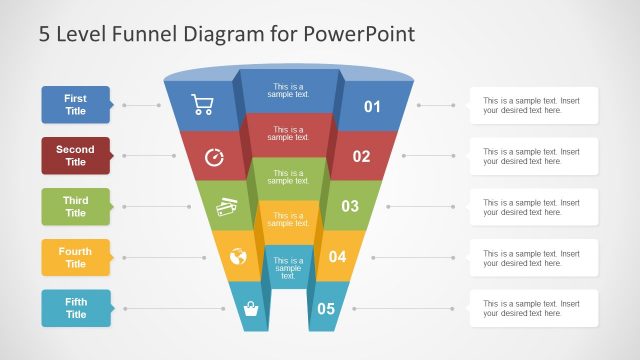
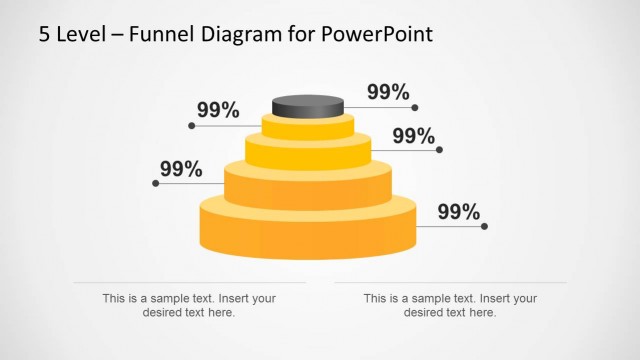
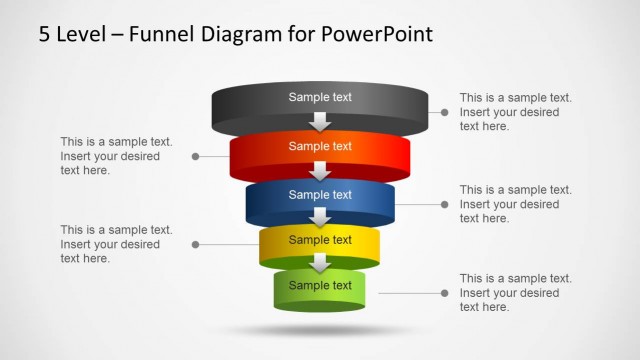
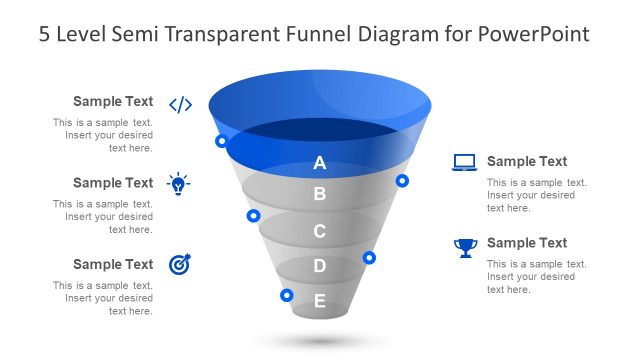
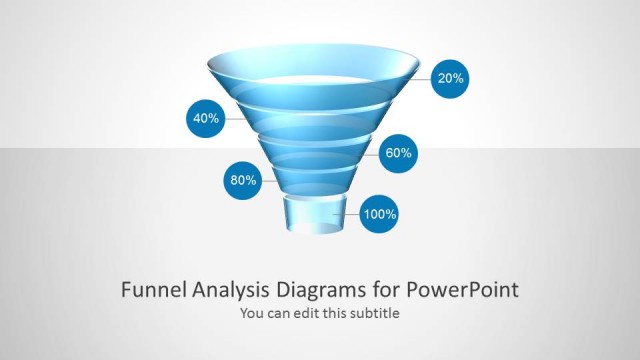
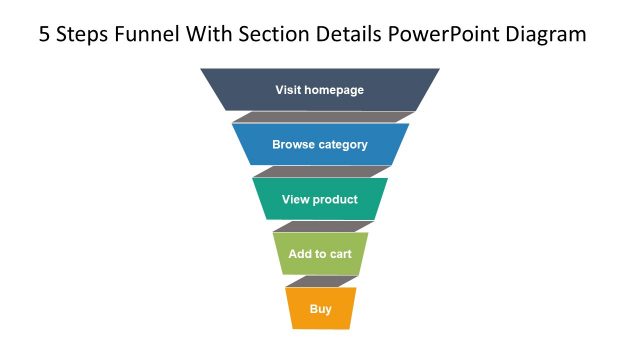
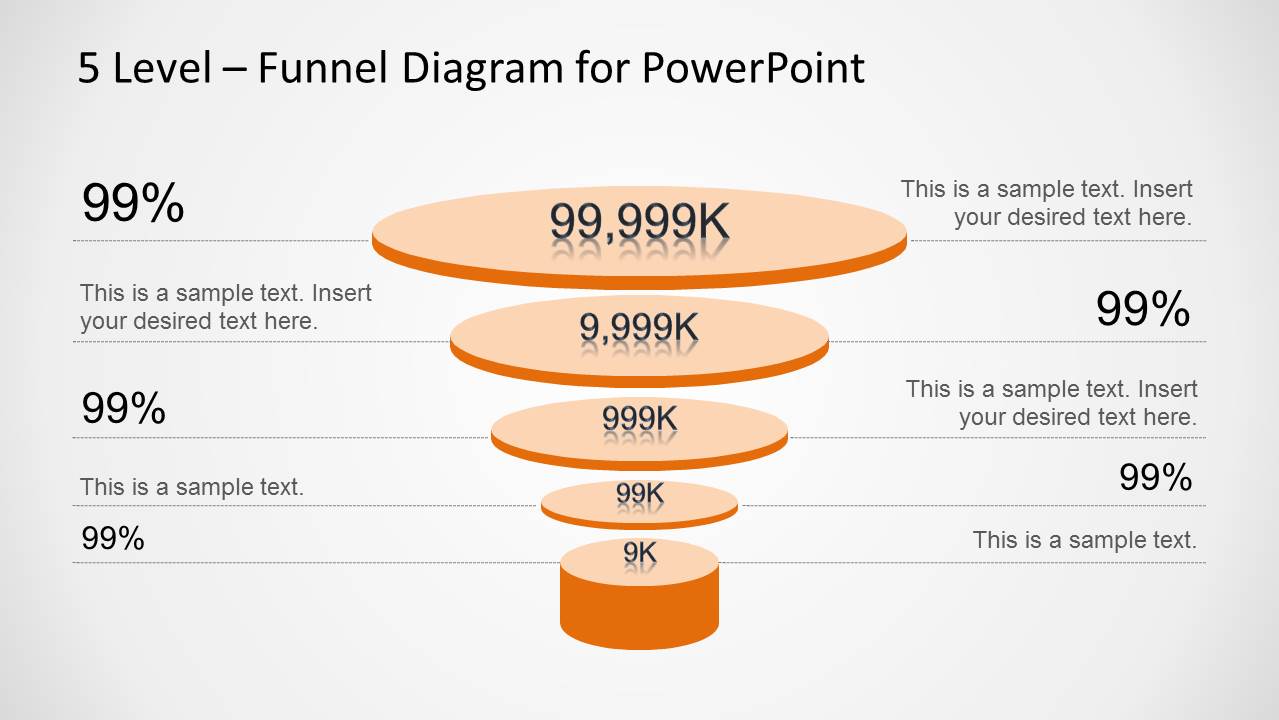
Orange 5 Level Funnel Diagram for PowerPoint is a diagram template with professionally crafted slide designs for making funnel diagrams in PowerPoint.
The sliced shape of the editable diagrams make it possible to add relevant technical details alongside the funnel stacks, which gives the presentation slides a clean look and makes it easy for the audience to grasp the various dynamics of the diagram in an instance.
You can also download similar slide designs from our catalogue of Funnel Diagram Templates for PowerPoint.
What’s inside this template
Example presentation scenarios
- A sales manager can explain pipeline movement from broad opportunity volume to qualified deals using the stacked funnel and percentage callout layout.
- A marketing presenter can describe lead qualification criteria across five stages using the numbered list slide beside the funnel graphic.
- An operations consultant can map a filtering process or decision gate model using the side caption card slide to compare inputs and outcomes.
- A business development team can summarize conversion drop-off in a client meeting using the central funnel with surrounding editable annotations.
Features
- 100% editable presentation template
- Compatible with Microsoft PowerPoint and Google Slides
- Scalable vector shapes, icons and illustrations
- AI-Ready for Microsoft Copilot and Claude
- Instant access and download
Frequently asked questions
Q: How should a presenter explain the five levels without overloading the audience?
A: Start with the top funnel layer as the broadest input, then move downward one level at a time. Use the numeric labels inside the funnel for the main magnitude and reserve the side callouts for short explanations. The numbered list slide is best when each stage needs a named action or qualification rule.
Q: Who is this funnel diagram best suited for?
A: This template is best for sales, marketing, consulting, or operations presenters who need to show progressive reduction across five steps. It fits pipeline reviews, lead qualification summaries, customer journey discussions, and selection workflows where the audience must understand how items move from a large starting pool to a focused outcome.
Q: Why does the stacked disk funnel improve the message?
A: The funnel metaphor shows narrowing immediately, so the audience understands direction before reading the text. The wide top disk signals volume, while the smaller lower disks show filtering or loss. Side notes, percentages, and numbered markers let the presenter add causes, criteria, or actions without breaking the visual hierarchy.



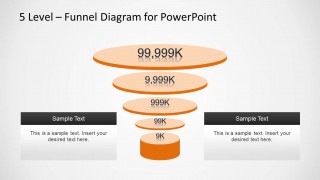
Orange 5 Level Funnel Diagram for PowerPoint
4-slide PowerPoint funnel diagram template for sales funnel stages, percentages, and conversion callouts
Orange 5 Level Funnel Diagram for PowerPoint is a 4-slide diagram template for presenting a five-stage narrowing process. It includes stacked funnel disks, percentage callouts, surrounding text annotations, a numbered stage list, and side caption cards. It is intended for sales, marketing, operations, and process presenters using PowerPoint.

 Loading...
 Microsoft PowerPoint
  Microsoft Copilot
  Claude for PowerPoint
 Other formats supported
Subscribe today and get immediate
access to download our PowerPoint templates.