Slide 2 of 16 from ESG Impact Report PowerPoint Template
Five-Section Table of Contents ESG Presentation Design
Table of Contents Slide for ESG Impact Report
- Text Layout
- List Blocks
- Agenda Slide
- 16:9
- 100% Editable
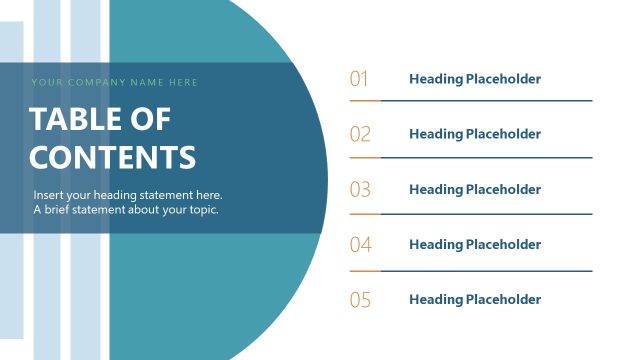
The Table of Contents Layout from the ESG Impact Report PowerPoint Template provides a clear agenda slide designed to outline key presentation topics. Featuring editable shapes and vector icons, this slide template supports business presentations by organizing report sections and project proposals effectively within a professional slide deck.
What’s on This Slide
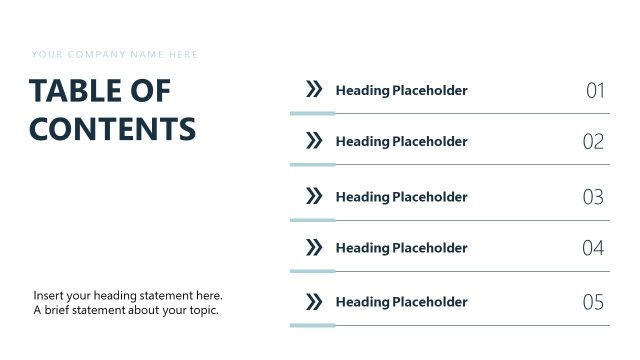
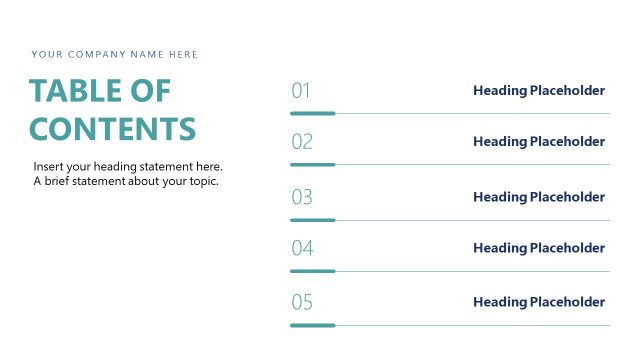
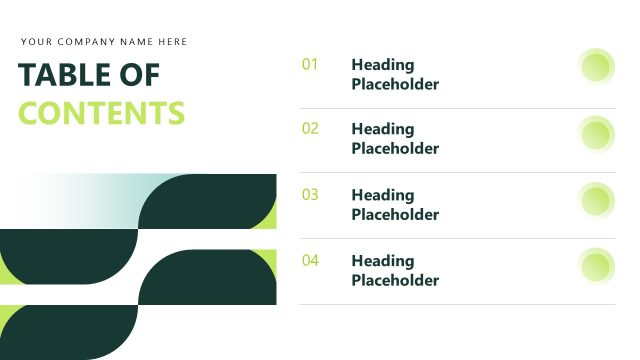
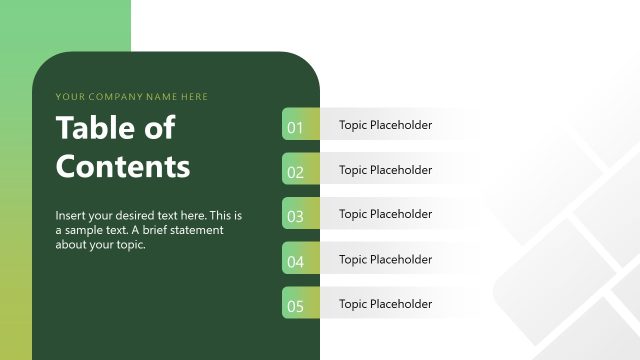
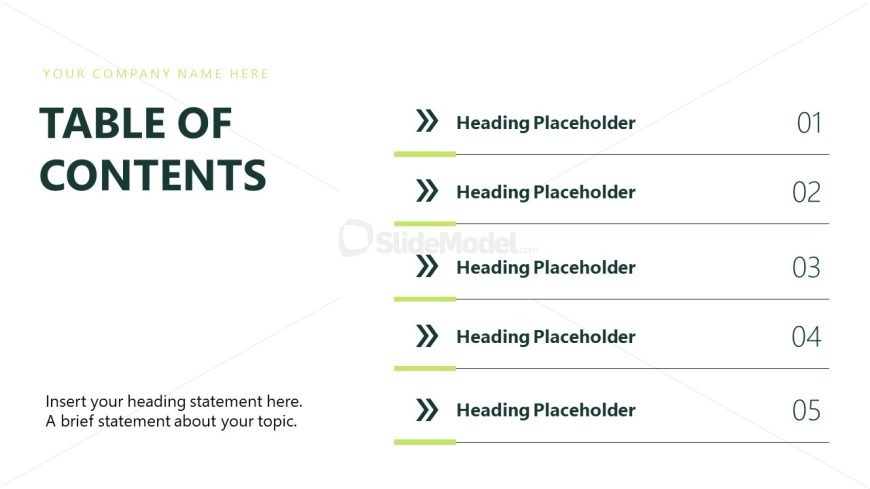
The layout features a left-aligned title and a series of text placeholders arranged vertically on the right. The title 'TABLE OF CONTENTS' is prominently displayed at the top left in a large font, with a smaller placeholder above for the company name. Below, there are five numbered heading placeholders, each accompanied by a decorative arrow icon to the left. The placeholders are evenly spaced, with a horizontal line separating each item. The overall color scheme includes dark green for the title and light green accents for the arrows.
How to Use It
This layout serves as a structured table of contents, ideal for summarizing key sections of a report. It fits well after an introductory slide, guiding the audience through the presentation's flow. This format is useful in business contexts where clarity in navigation is essential, such as ESG reports, project proposals, or strategic plans. It can also be adapted for educational presentations to outline topics covered.
Text Placeholders & Capacity
Keep your copy within these limits so it fits without resizing. Body slots can accommodate roughly 15 words each.
| Placeholder | Count | Max characters (approx.) |
|---|---|---|
| Slide title | 1 | 30 |
| Body paragraph | 1 | 100 |
| Item heading | 5 | 30 |
| Node number | 5 | 2 |
Slide Keywords
Download unlimited PowerPoint templates, charts and graphics for your presentations with our annual plan.
DOWNLOADReturn to ESG Impact Report PowerPoint Template.