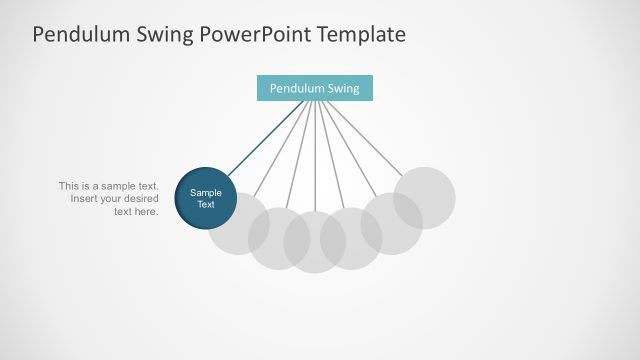
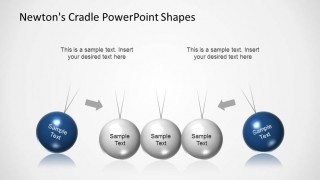
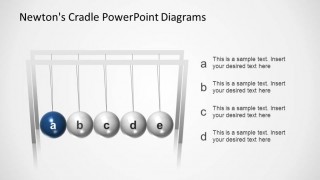
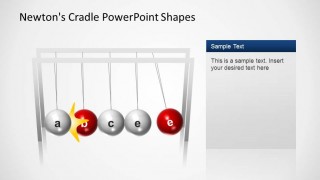
Newtons Cradle PowerPoint Shapes is a presentation containing several slides of the well known swinging spheres device created by Sir Issac Newton. This device is also known as a Kinetic Pendulum. The principle is simple, when one of the external spheres is lifted and released, it clashed to the next one, in sequence it clashes immediately with its immediate neighbor, transmitting the energy till it reaches the last sphere that lifts to the same extent that the triggering of the sequence. The presentation is ideal for stage diagrams or processes that require a sequences of steps. Also the user can present a colliding strength metaphor with the clash of the spheres and explain the momentum conservation of forces.
Each slides is created using 3D PowerPoint object, allowing the user to edit each sphere, cord and text box. The flexibility of the shapes allows not only to customize each slide, but also to include the diagram completely or partially in the user existing presentations.
Impress your audience with this creative and powerful Newtons Cradle PowerPoint Shapes presentation. The Kinetic Pendulum PowerPoint template is available in our content catalog.
What’s inside this template
Example presentation scenarios
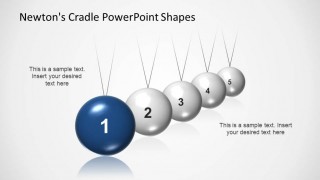
- A strategy consultant can use the five-step numbered sphere sequence to show how one decision triggers related actions across a plan.
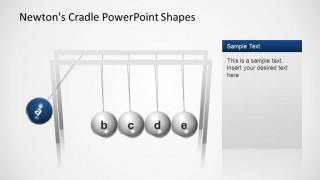
- A trainer can use the framed cradle diagrams with side text panels to explain dependencies, handoffs, or chain reactions in an operational workflow.
- A science educator can use the kinetic pendulum layouts to introduce momentum transfer while pairing the spheres with short explanatory text.
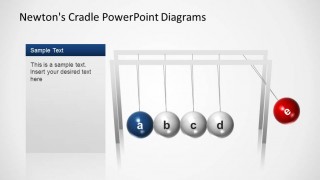
- A product manager can use the highlighted red and blue sphere diagrams to explain how one market or customer signal affects downstream priorities.
Features
- 100% editable presentation template
- Compatible with Microsoft PowerPoint and Google Slides
- 16:9 aspect ratio slides
- Scalable vector shapes, icons and illustrations
- AI-Ready for Microsoft Copilot and Claude
- Instant access and download
Frequently asked questions
Q: How should a presenter communicate a process with this Newton's cradle template?
A: Treat each sphere as one linked action, stakeholder, or stage. Start with the initiating sphere, explain the force or decision behind it, then move across the sequence to show what changes next. Keep the text short and use the highlighted blue or red spheres to direct attention to the current point in the explanation.
Q: Who is this template best suited for?
A: This template fits presenters who need to explain cause and effect rather than list unrelated steps. Consultants, trainers, educators, and product teams can use the cradle layouts to show how one input affects a sequence of outcomes, especially when the audience must understand dependency, timing, or transferred impact.
Q: Why does the Newton's cradle metaphor work for business and training messages?
A: Newton's cradle gives the audience an immediate visual model for connected motion. The pulled sphere, impact arrows, and final moving sphere make the sequence feel causal rather than decorative. That metaphor helps presenters show that an action has consequences across a system, while the side panels keep explanation close to the diagram.
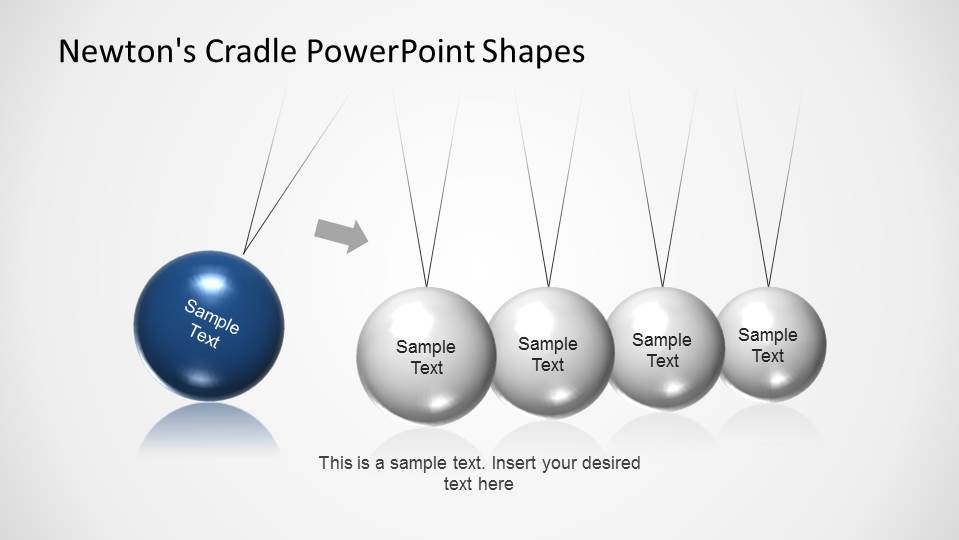


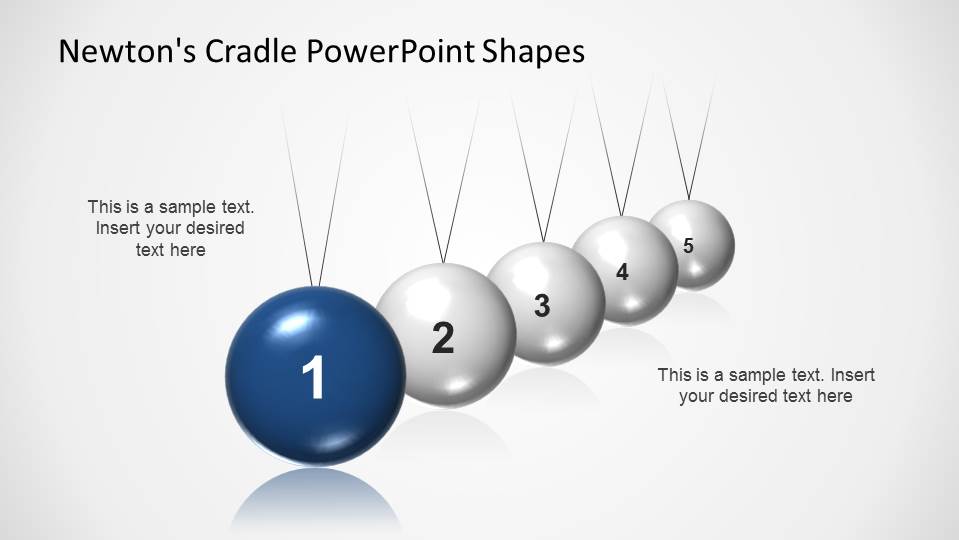


Newtons Cradle PowerPoint Shapes
8-slide presentation template with Newton's cradle process diagrams and kinetic pendulum step metaphors
Newtons Cradle PowerPoint Shapes is an 8-slide presentation template for explaining cause and effect, momentum, and step sequences. It includes kinetic pendulum process diagrams, five-step sphere layouts, framed cradle diagrams, and side text panels. Built for business, training, and science presentations in Microsoft PowerPoint and Google Slides.
- Category
- Shapes
- Rating


 Loading...
- Aspect ratio
- 16:9
- Item ID
- 6493-01
- Colors
 Microsoft PowerPoint
 Microsoft Copilot
 Claude for PowerPoint
Other formats supported
Subscribe today and get immediate
access to download our PowerPoint templates.