Slide 4 of 5 from Tablet Chart Concept for PowerPoint with Blue Style
6035-02-tablet-chart-concept-blue-wide-4
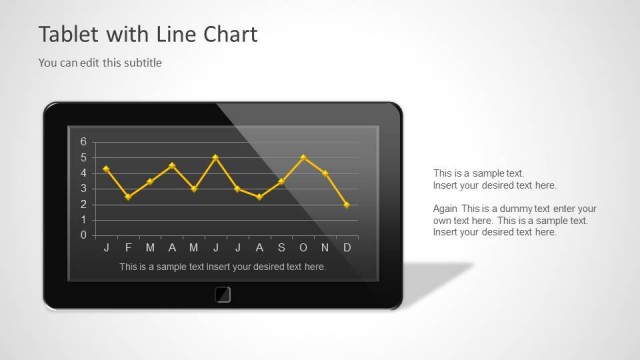
Tablet with Line Chart for Data Presentation
- Chart
- Line Chart
- Context Slide
- 16:9
- 100% Editable
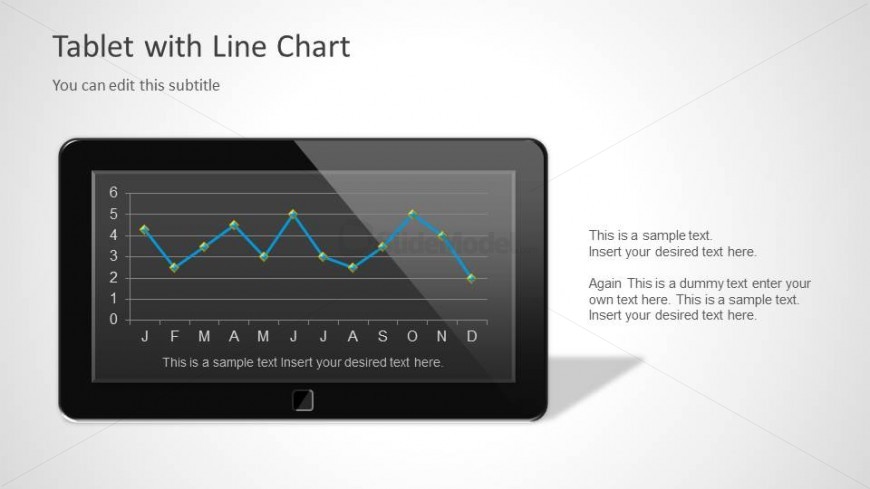
The Tablet with Line Chart slide from the Tablet Chart Concept for PowerPoint with Blue Style template offers a clear visual for presenting monthly performance updates and app metrics. This slide layout integrates editable shapes and vector icons within a tablet frame to display line charts effectively, making it suitable for technology reports and business presentations that require precise data visualization in a professional slide deck.
What’s on This Slide
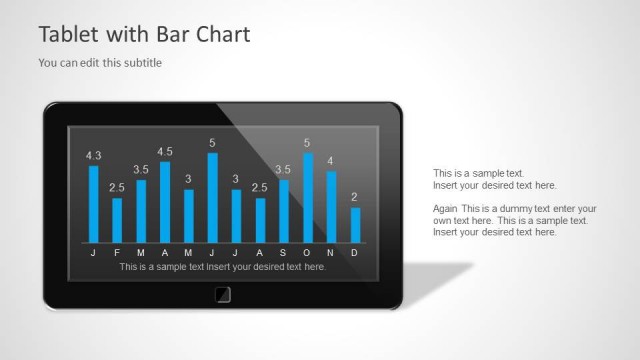
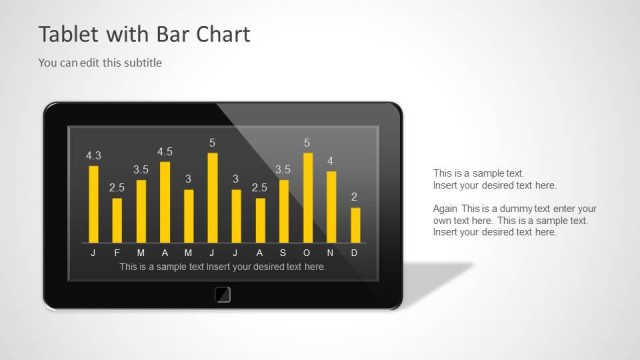
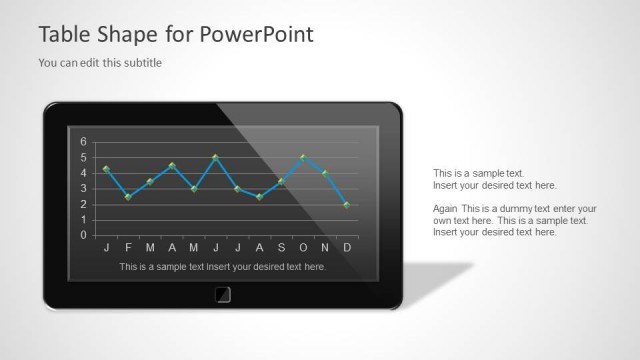
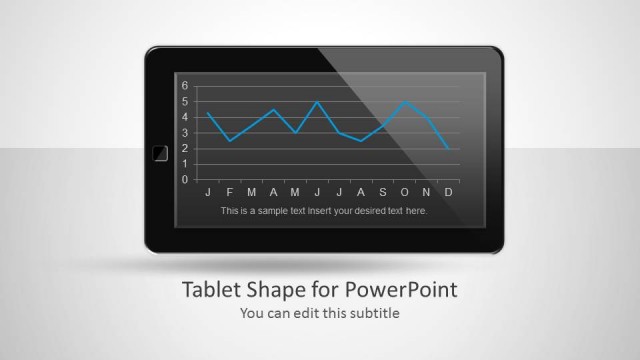
The slide features a tablet-shaped frame displaying a line chart in the center. The chart has a grid layout with horizontal and vertical axes, showing data points connected by a blue line. Below the chart, there are month labels from J to D along the horizontal axis. To the right of the tablet, there are two text placeholders stacked vertically, aligned to the right. The top placeholder is for a subtitle, while the bottom contains two additional text placeholders for body content. The background is a light gradient, enhancing the tablet's visibility.
How to Use It
This layout serves as a data presentation tool, showcasing a line chart within a tablet frame. It is suitable for technology reports, app performance metrics, or monthly data updates. Positioned after introductory slides, it effectively illustrates trends over time. The design allows for easy customization of data and accompanying text, making it ideal for business meetings or reports where visual data representation is essential. This slide can be used individually or as part of a series to maintain a cohesive visual theme.
Text Placeholders & Capacity
Keep your copy within these limits so it fits without resizing. Body slots can hold roughly 15-20 words each.
| Placeholder | Count | Max characters (approx.) |
|---|---|---|
| Slide title | 1 | 30 |
| Subtitle | 1 | 50 |
| Body paragraph | 3 | 100 |
Slide Keywords
Download unlimited PowerPoint templates, charts and graphics for your presentations with our annual plan.
DOWNLOADReturn to Tablet Chart Concept for PowerPoint with Blue Style.