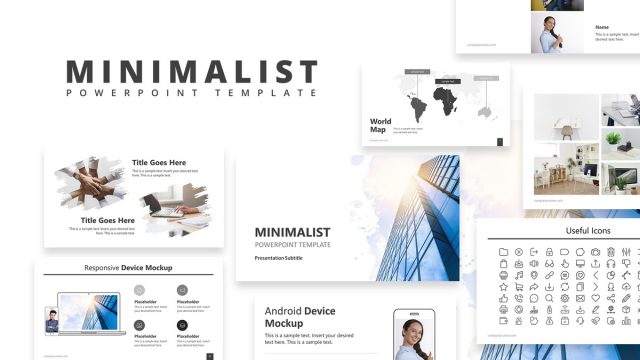
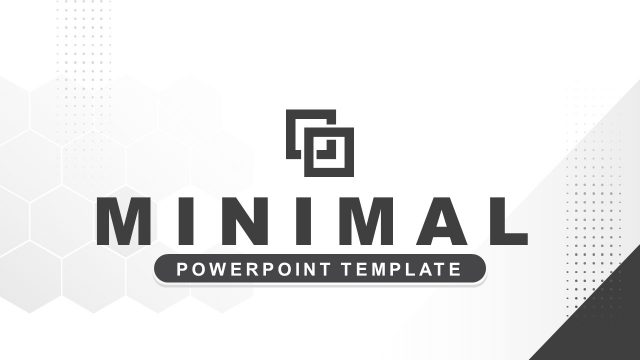
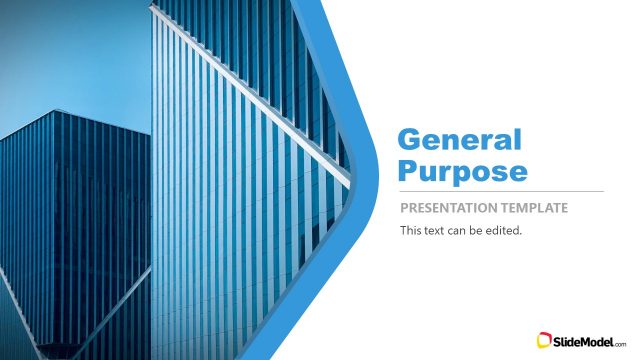
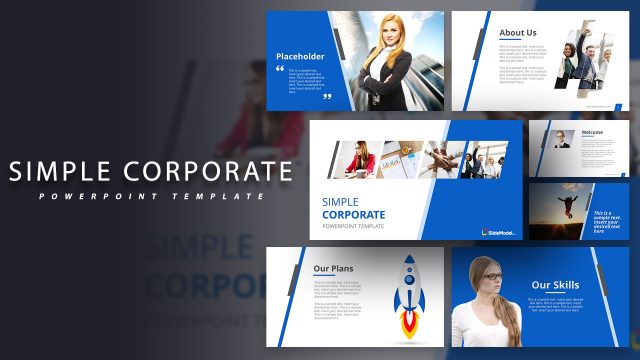
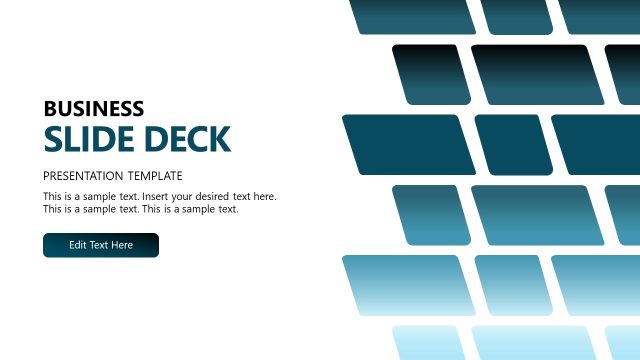
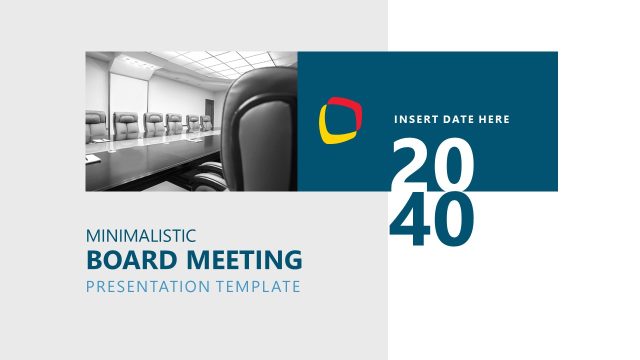
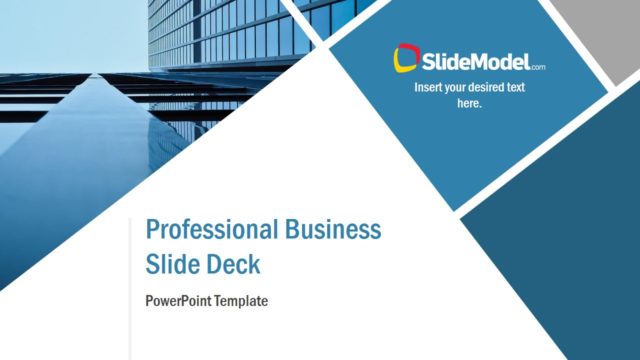
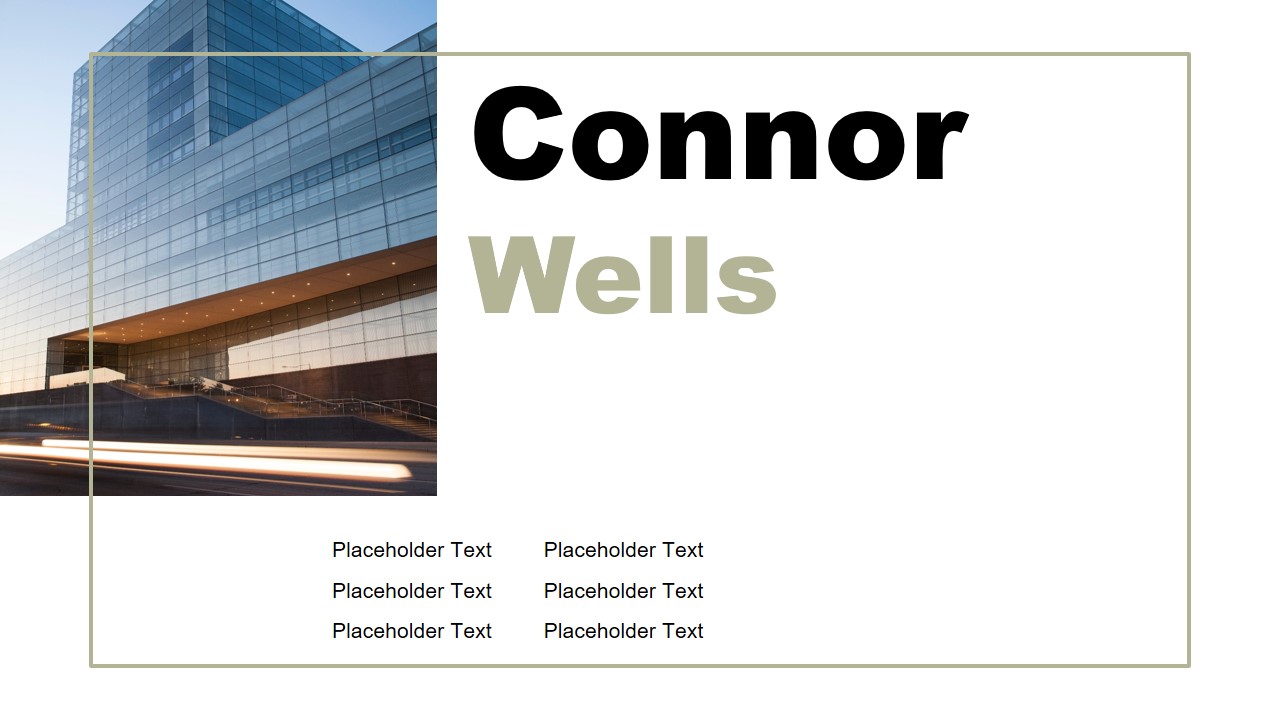
The Minimalist Design PowerPoint Templates is a business presentation slide deck with multiple content layout designs. These layout feature business infrastructure and corporate environment by using high-resolution images of commercial buildings. This PowerPoint template includes various shapes and graphics to put together an outstanding executive corporate presentation. For example, image sliders and text placeholders to insert textual information about company. It also includes clipart icons that are specially designed for team slides. Since employees are the most valuable asset of any company. This template provides a range of minimalist slide designs of image and text placeholders. These slides display various PowerPoint content layouts using high-quality images of skyscrapers.
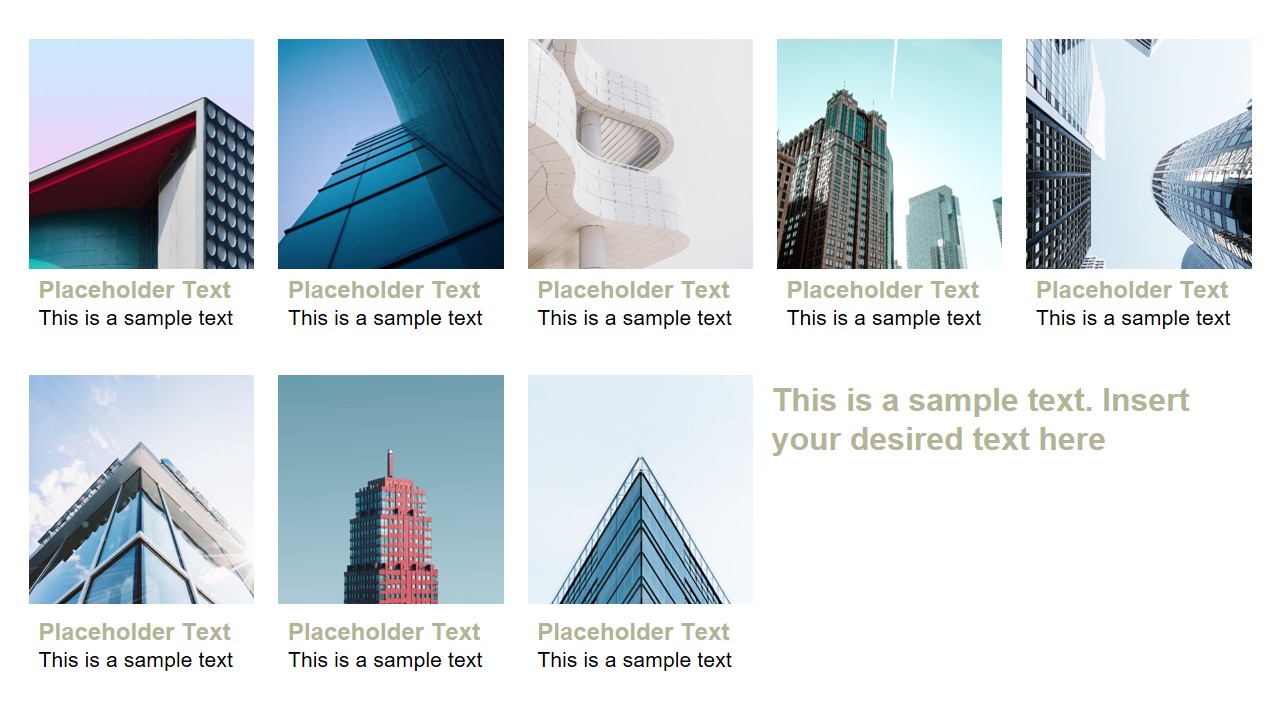
The Minimalist Design PowerPoint Templates enables users to choose desired slide layout for existing business presentations. These slides are ideal for business introduction or to begin a professional project proposal. Furthermore, the presentation contains few image gallery slides that are suitable to demonstrate past projects i.e. project portfolios.
The Business PowerPoint Template of Minimalist style needs no major modifications. Simply fill it with necessary textual content because these slides are designed to save user’s time. Users can also change background colors, add slide transitions, apply various font style and size, etc. Furthermore, brand this presentation by adding company’s logo. The collection of modern PowerPoint templates have similar slide designs which will put focus on speech while supporting presentation content. Moreover, replace images in picture placeholders to personalize according to a brand theme.
Alternatively, check our complete collection of minimalist presentation templates.
What’s inside this template
Example presentation scenarios
- A business development manager can introduce a firm to a new client by using the title cover, contents slide, and text-plus-photo profile layouts to frame the company story.
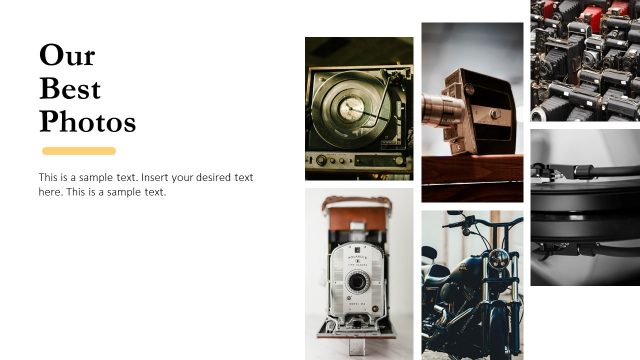
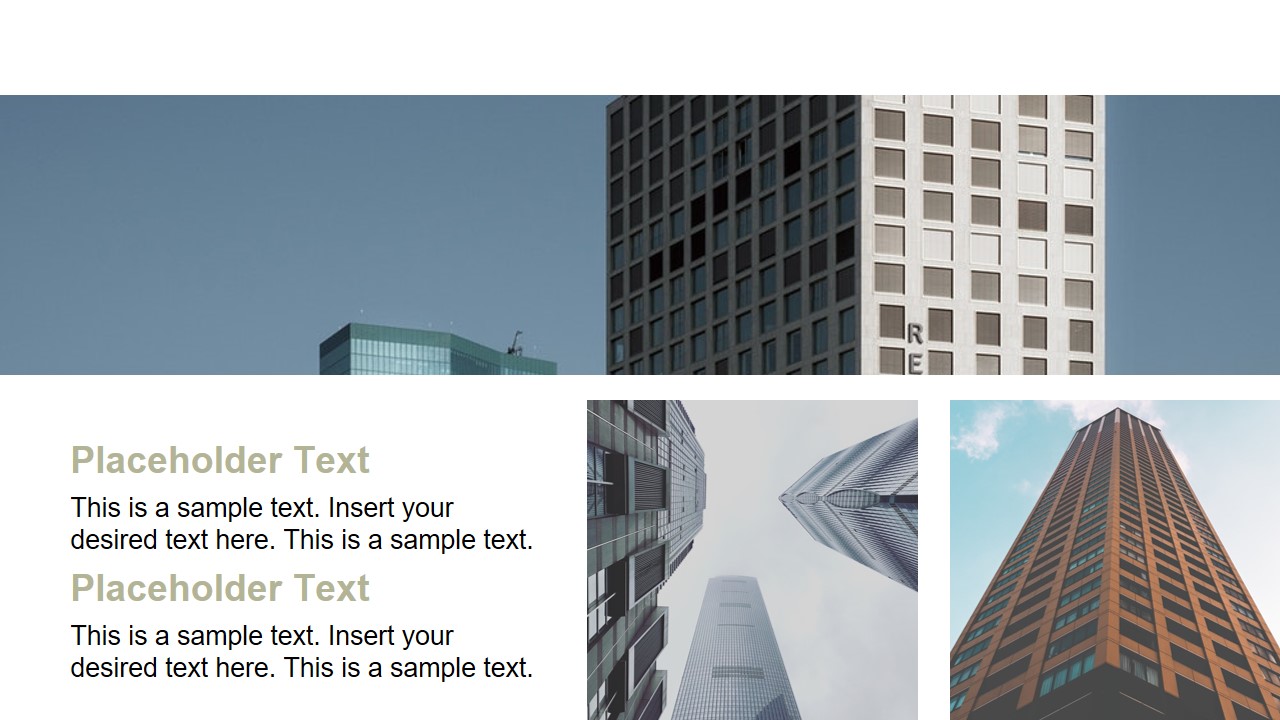
- An architecture or real estate presenter can show a project portfolio with the image gallery grid, two-photo layouts, and full-image skyscraper slide.
- A consultant can open a proposal meeting with the minimalist name slides and text-heavy profile layouts to explain context before moving into a custom solution.
- An executive assistant can prepare a leadership or team overview using the avatar-based biography slide and four-person team layout.
Features
- 100% editable presentation template
- Compatible with Microsoft PowerPoint and Google Slides
- 16:9 aspect ratio slides
- Scalable vector shapes, icons and illustrations
- AI-Ready for Microsoft Copilot and Claude
- Instant access and download
Frequently asked questions
Q: How should a presenter structure a clear company profile with this template?
A: Start with the cover montage or large name slide to establish identity, then use the contents slide as a simple agenda. Follow with text-plus-photo layouts for the company overview, the avatar-based slides for people, and the gallery or portfolio slides for proof. Keep each slide focused on one idea because the minimalist design rewards restraint.
Q: Who is this template best suited for in a business setting?
A: This template fits presenters who need a polished company introduction without heavy data slides. Business development teams, consultants, real estate groups, and architecture firms can use the skyscraper photography, profile layouts, and portfolio grids to present credibility, services, people, and selected work in a formal client meeting.
Q: Why does the skyscraper imagery work as a design metaphor here?
A: The skyscraper photos suggest scale, structure, stability, and a corporate environment, which supports company profile and proposal messages. The large white space keeps attention on the presenter while the architectural images add context. Repeating the vertical building forms across profile, team, and gallery slides creates continuity without adding visual clutter.









Minimalist Design PowerPoint Templates
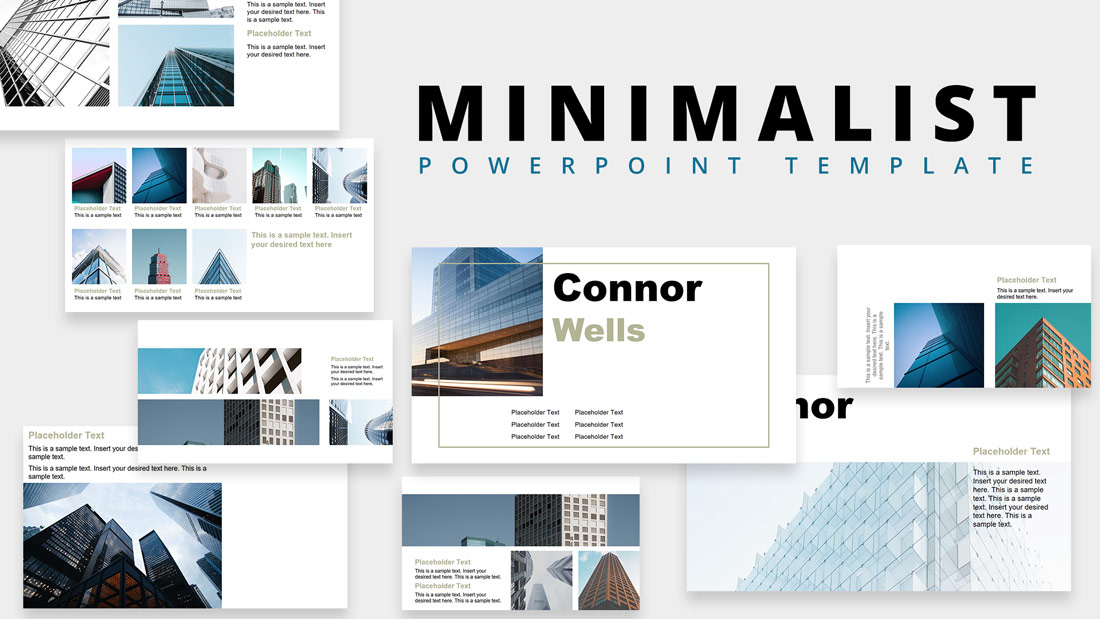
30-slide minimalist presentation template for company profiles, skyscraper portfolios, contents pages, and team introductions
Minimalist Design PowerPoint Templates is a 30-slide business presentation template for company profiles and executive introductions in Microsoft PowerPoint and Google Slides. The contact sheet shows a title cover, contents slide, team profile layouts, and photo gallery pages built around skyscraper imagery, neutral typography, and editable text and image placeholders.
- Category
- Business PowerPoint Templates
- Rating


 Loading...
- Aspect ratio
- 16:9
- Item ID
- 13084-01
- Colors
 Microsoft PowerPoint
 Microsoft Copilot
 Claude for PowerPoint
Other formats supported
Subscribe today and get immediate
access to download our PowerPoint templates.