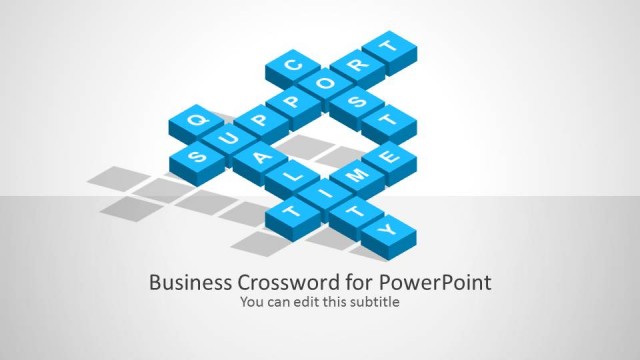
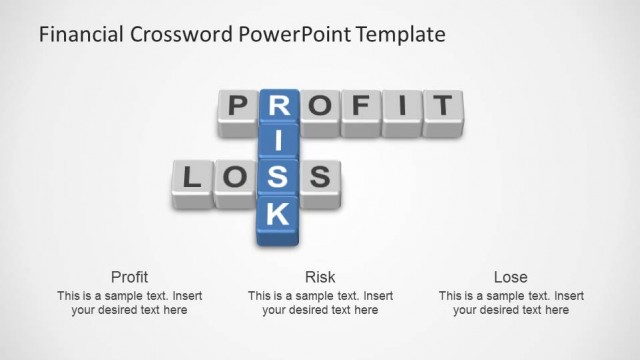
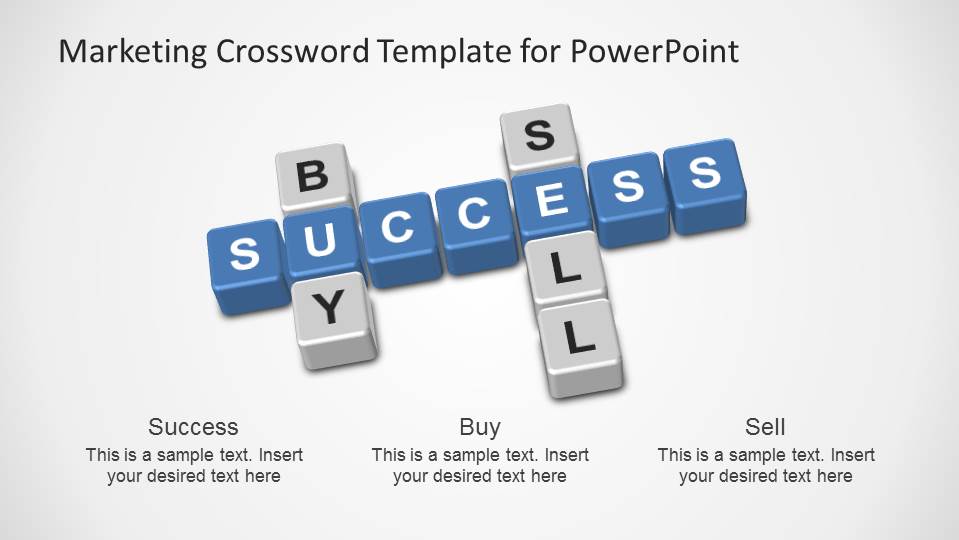
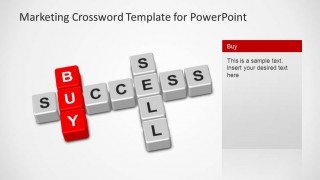
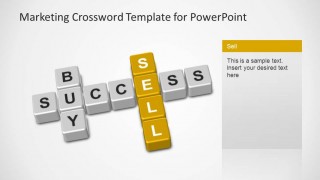
Marketing Crossword Template for PowerPoint is a creative crossword built using 3D shapes, that resembles the Scrabble game letters. This PowerPoint Template pictures the words buy, sell and success, ideal for a marketing presentation or sales pitch. Each word has a highlighting slide where the presenter can focus his speech, and the final summary slide for the presentation closure.
Combine our Marketing Crossword Template for PowerPoint with our Marketing PowerPoint Templates or Business PowerPoint Templates, to create outstanding presentations that will impress and engage your audience.
What’s inside this template
Example presentation scenarios
- A sales leader can use the crossword title slide and Buy focus slide to introduce how a product removes friction from a purchasing decision.
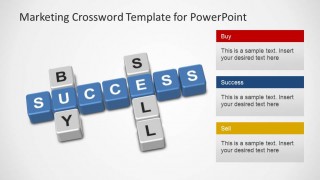
- A marketing manager can use the three message-card slide to compare audience motivation, conversion path, and expected success criteria in one view.
- An agency presenter can use the Success focus slide to define the campaign outcome before discussing tactics with a client team.
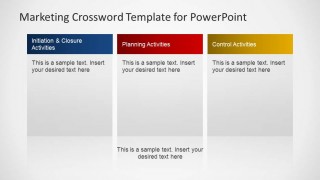
- A business development consultant can use the three-column closing summary to turn the creative crossword concept into next steps, responsibilities, or activity groups.
Features
- 100% editable presentation template
- Compatible with Microsoft PowerPoint and Google Slides
- 16:9 aspect ratio slides
- Scalable vector shapes, icons and illustrations
- AI-Ready for Microsoft Copilot and Claude
- Instant access and download
Frequently asked questions
Q: How should a presenter build a clear message with the crossword metaphor?
A: Start with Slide 1 to show the relationship between success, buy, and sell as one connected idea. Then use Slide 2 to preview the three talking points. The individual focus slides work best when each word becomes a short argument: buyer need, selling approach, and definition of success.
Q: Who is this template best suited for in a business presentation?
A: This template fits marketing teams, sales leaders, consultants, and agencies that need a memorable way to frame a pitch or campaign concept. It is strongest when the message depends on a few strategic words rather than dense analysis. The crossword tile graphic helps open a discussion and keep attention on the core terms.
Q: Why does the crossword design help communicate a sales or marketing idea?
A: The Scrabble-style tiles make abstract business terms feel connected and intentional. Because the words intersect, the audience can see that buying, selling, and success are not isolated topics. The colored word-highlight slides then narrow attention to one idea at a time, which improves pacing and recall.


Marketing Crossword Template for PowerPoint
6-slide presentation template with 3D crossword tiles for marketing and sales messaging
The Marketing Crossword Template for PowerPoint is a 6-slide presentation template built around 3D Scrabble-style crossword tiles spelling success, buy, and sell. It includes a title overview, three labeled message cards, individual word-highlight slides, and a three-column closing summary for marketing teams and sales presenters in Microsoft PowerPoint and Google Slides.
- Category
- Marketing
- Rating


 Loading...
- Aspect ratio
- 16:9
- Item ID
- 6491-01
- Colors
 Microsoft PowerPoint
  Microsoft Copilot
  Claude for PowerPoint
 Other formats supported
Subscribe today and get immediate
access to download our PowerPoint templates.