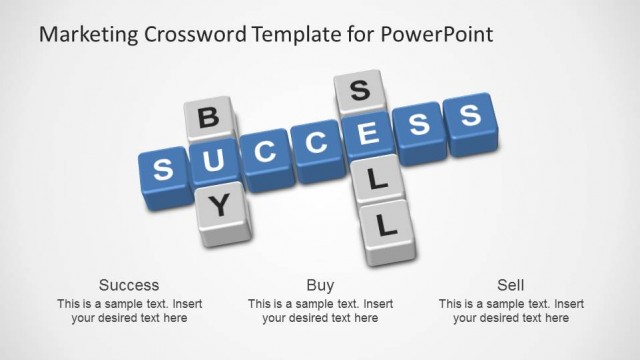
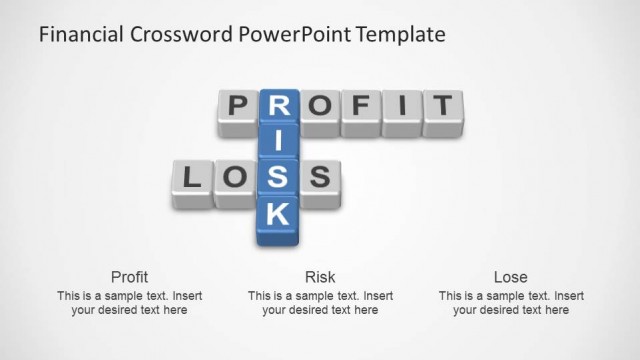
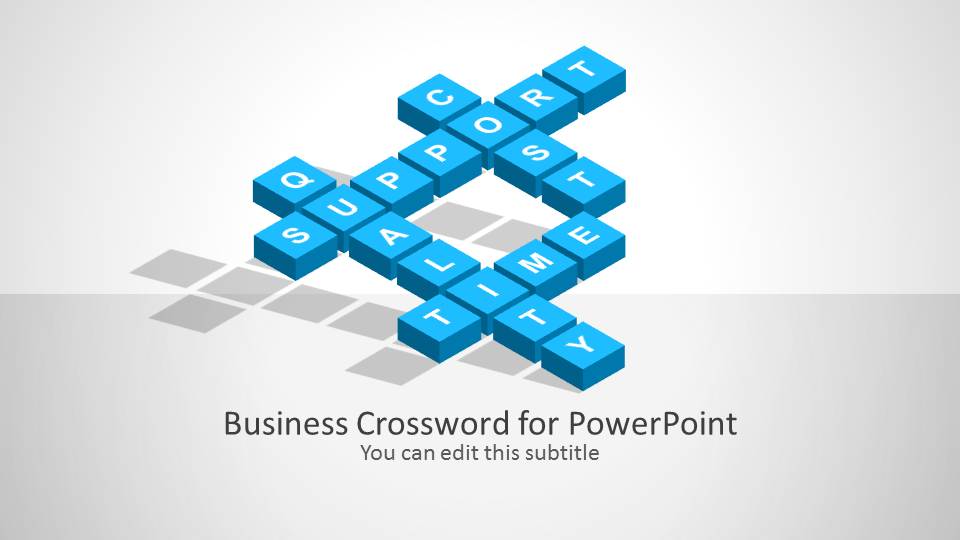
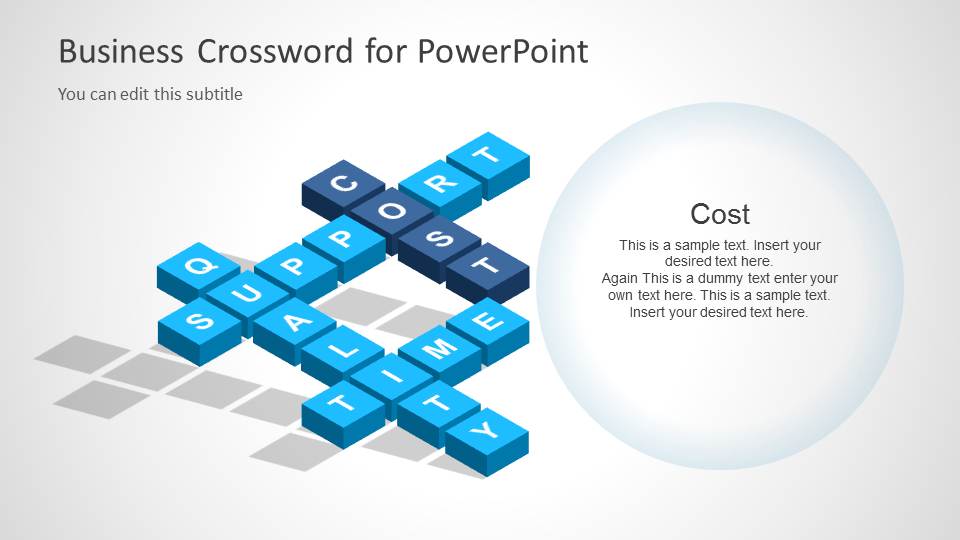
Business Crossword Template for PowerPoint – a collective PowerPoint design to illustrate important marketing aspects. The picture creates a smart and conventional atmosphere for the report. This can connect the presenter to any professional audience.
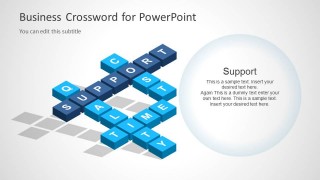
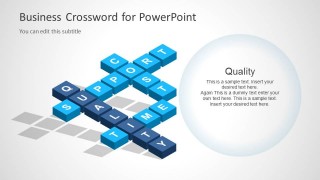
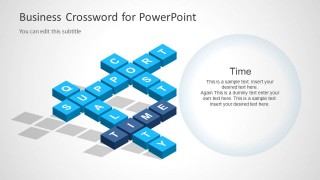
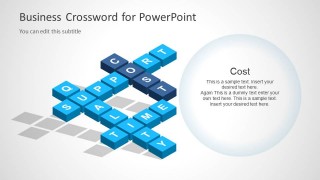
The crossword in the PowerPoint template features key words quality, support, cost and time. These words can be associated to marketing or advertising a product. In planning for an advertisement, one must identify all of these 4 factors. They are the marketing aspects that one can focus to achieve a successful advertisement. Quality refers to the product condition. Support means the force behind any marketing activity. It can refer to manpower or public relations. Cost can either be the value of the product endorsed, or the budget for the planned advertisement. Lastly, time is the target date in general.
The template design is not limited to marketing reports. It is ideal to any business concept since the words found in the crossword are all business terms. It is also applicable to project management and event organizing.
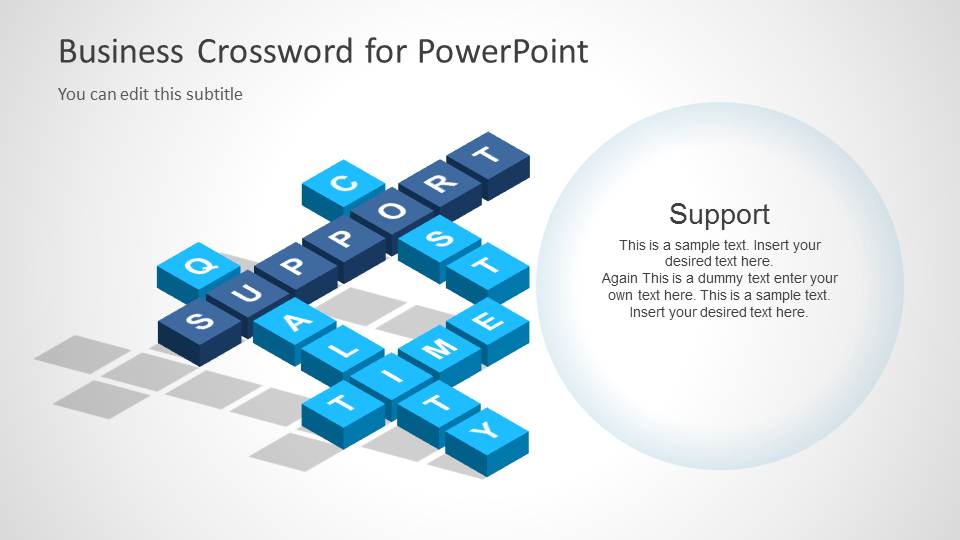
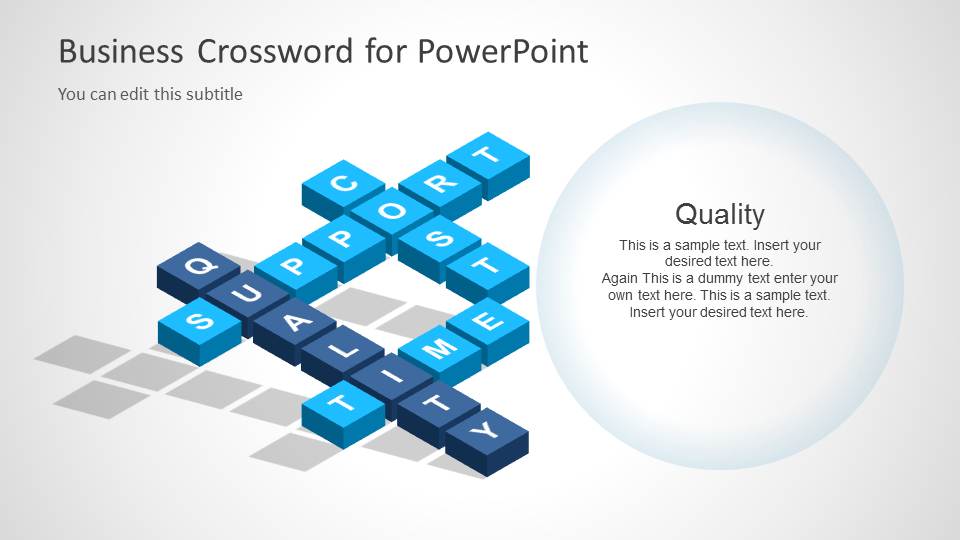
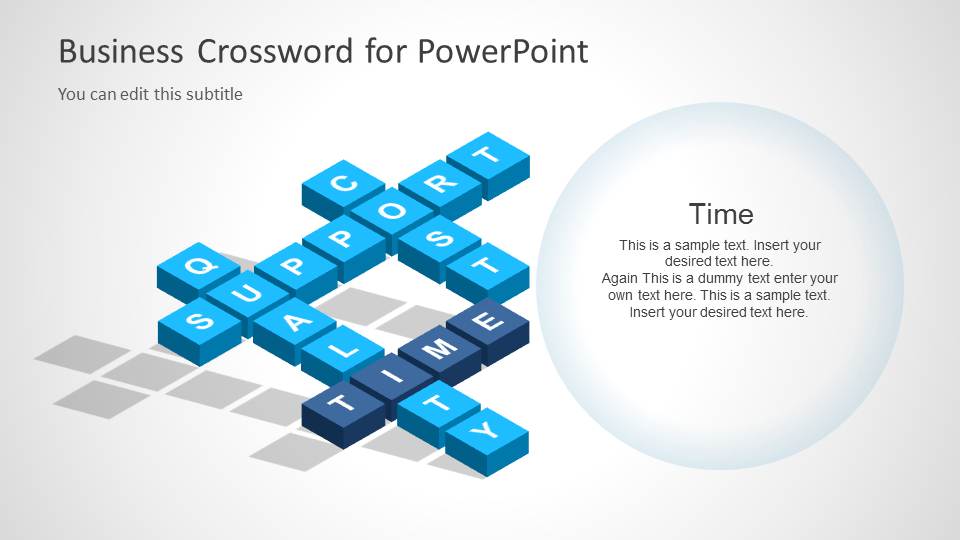
The first slide shows the Business Crossword image and title. The user can utilize this as a background when giving an introduction about the product marketing objectives. It is also possible to give a short overview in this part. The remaining slides can support the first. The presenter can explain each aspect further using the slide allocated to each one of them. Details about the support system can be written in the second slide. Important points regarding the product quality can be shown in the third slide, and so on. The user can use the template as a supplement to a larger report as well.
As a crossword powerpoint template, every piece of the clipart is created as a PowerPoint shape, allowing the user to customize the crossword with different words just changing the text of the side of the cube and adding new pieces. The scrabble presentations crossword is ideal for agenda slides or concept mapping discussions.
Business Crossword Template for PowerPoint lets the user generate a neat and stylish presentations. With its wide application, one can always use it for another report. Customizing its elements can give it a fresh look. Full Funnel Marketing PowerPoint Template is another marketing approach available for download at the SlideModel gallery.
What’s inside this template
Example presentation scenarios
- A marketing manager can use the crossword title slide to frame a campaign planning meeting around quality, support, cost, and time before assigning each topic to the detail slides.
- A project manager can use the circular callout slides to explain how time and cost constraints affect delivery decisions during a stakeholder update.
- A consultant can use the highlighted term tiles to guide a client workshop where each business factor is discussed as part of a connected system.
- An operations lead can use the Support and Quality slides to explain service priorities and internal responsibilities during a process improvement briefing.
Features
- 100% editable presentation template
- Compatible with Microsoft PowerPoint and Google Slides
- 16:9 aspect ratio slides
- Scalable vector shapes, icons and illustrations
- AI-Ready for Microsoft Copilot and Claude
- Instant access and download
Frequently asked questions
Q: How should a presenter explain the four crossword terms without making the deck feel repetitive?
A: Treat the crossword as the shared concept on Slide 1, then give each detail slide a distinct job. Use Support for resources or teams, Quality for standards, Time for deadlines, and Cost for budget tradeoffs. Keep the circular callout text short so the highlighted tile word remains the anchor for the audience.
Q: Who is this template best suited for in a business presentation?
A: This template fits presenters who need to explain connected business priorities rather than dense analysis. Marketing managers, project leads, consultants, and operations presenters can use the crossword metaphor to show that cost, time, support, and quality interact. It is strongest for introductions, workshops, and short concept briefings.
Q: Why does the crossword metaphor work for business concepts?
A: A crossword shows ideas crossing and depending on each other, which supports a discussion about tradeoffs. The isometric tiles make the words feel like building blocks, while the repeated left-right layout gives each factor equal weight. The audience sees both the whole system and the selected term on each slide.
Business Crossword Template for PowerPoint
5-slide presentation template with isometric crossword tiles for cost, support, time, and quality
The Business Crossword Template for PowerPoint is a 5-slide presentation template built around an isometric crossword of business terms. It includes a title cover plus circular callout slides for Support, Quality, Time, and Cost, with editable tile letters and text areas for marketing, project planning, or operations discussions in PowerPoint and Google Slides.
- Category
- Shapes
- Rating


 Loading...
- Aspect ratio
- 16:9
- Item ID
- 6094-01
- Colors
 Microsoft PowerPoint
  Microsoft Copilot
  Claude for PowerPoint
 Other formats supported
Subscribe today and get immediate
access to download our PowerPoint templates.