Slide 16 of 19 from Management Consulting PowerPoint Template
Implementation Roadmap Arrow Diagram Slide with Icons
Implementation Roadmap Slide for Presentations
- Diagram
- Arrow Sequence
- Process Slide
- 16:9
- 100% Editable
The Implementation Roadmap Slide from the Management Consulting PowerPoint Template offers a clear, sequential diagram ideal for strategic planning presentations and project management updates. Featuring editable shapes and vector icons arranged in a horizontal flow, this slide template helps communicate project phases effectively within a corporate presentation or consulting pitch deck.
What’s on This Slide
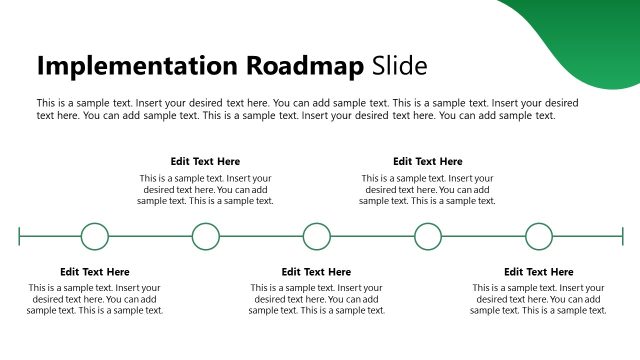
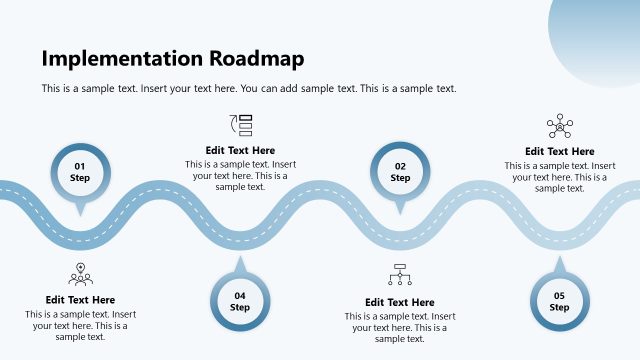
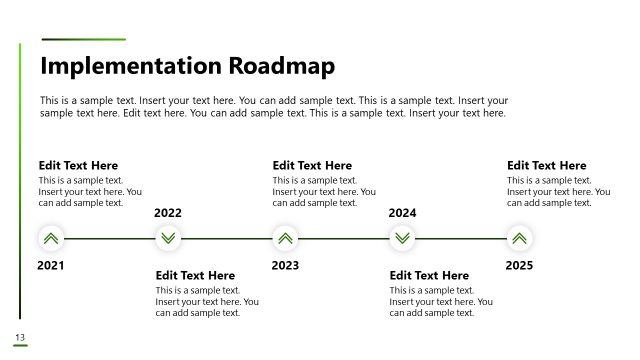
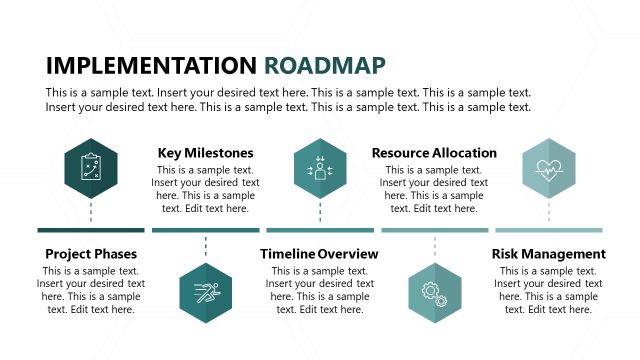
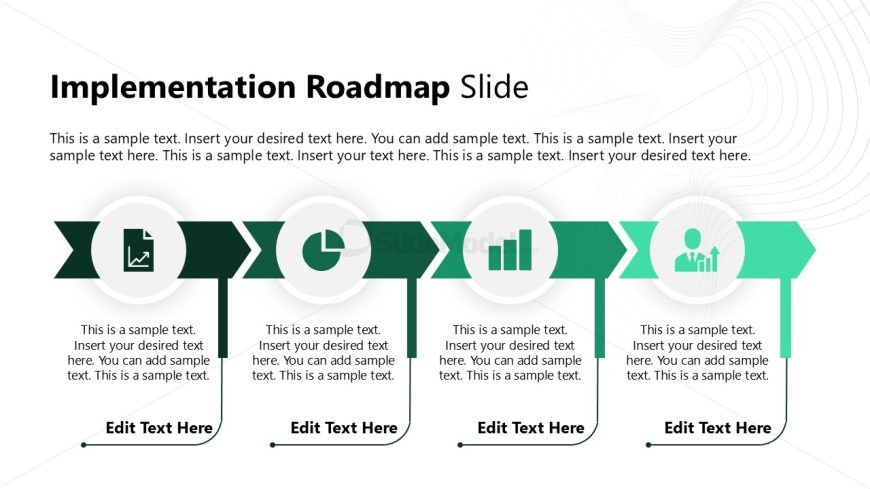
The layout features a horizontal arrangement of four circular nodes, each containing an icon and a text placeholder. The nodes are connected by a green arrow band, indicating a flow from left to right. Each node is visually distinct, with icons representing different concepts such as a document, a pie chart, a bar graph, and a person. Text placeholders are centrally aligned within each node, with additional text areas below each node for descriptions. The background is light with subtle wave patterns, enhancing the overall visual hierarchy.
How to Use It
This layout serves as a roadmap for implementation, guiding viewers through sequential stages or steps. It fits well within a presentation that outlines project phases or strategic initiatives. Common scenarios include project management updates, consulting presentations, or strategic planning discussions. This slide can effectively communicate progress and next steps in a structured manner, making it suitable for business contexts where clarity and direction are essential.
Text Placeholders & Capacity
Keep your copy within these limits so it fits without resizing. Node body slots can hold about 25-30 words each.
| Placeholder | Count | Max characters (approx.) |
|---|---|---|
| Item heading | 4 | 30 |
| Item body | 4 | 150 |
Slide Keywords
Download unlimited PowerPoint templates, charts and graphics for your presentations with our annual plan.
DOWNLOADReturn to Management Consulting PowerPoint Template.