Slide 4 of 5 from Light Bulb Shape for PowerPoint
1183-light-bulb-shape-wide-4
Bulb Shapes with Colors Presentation Slide
- Diagram
- Comparison Split
- Comparison Slide
- 16:9
- 100% Editable
The Bulb Shapes with Colors slide from the Light Bulb Shape for PowerPoint template offers a clear visual comparison ideal for business presentations focused on product features or energy efficiency. This slide layout uses editable shapes and vector icons to highlight design alternatives, making it a practical choice for corporate presentations and pitch deck templates that require distinct visual differentiation.
What’s on This Slide
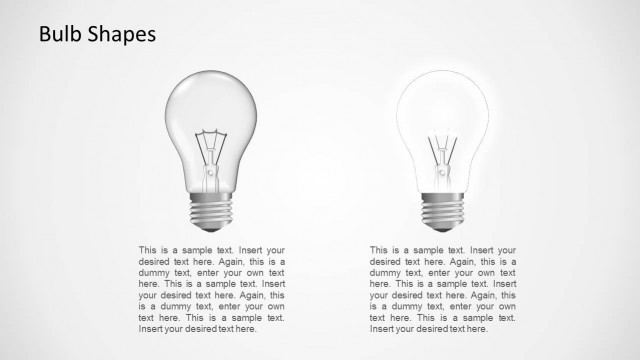
The layout features two bulb illustrations positioned side by side, one green and one red. Each bulb is centered vertically with the green bulb on the left and the red bulb on the right. Below each bulb, there are text placeholders aligned to the left, providing space for descriptive content. The background is a light gradient, enhancing the visibility of the bulbs. The visual hierarchy emphasizes the bulbs, with larger shapes drawing attention. Each bulb has a metallic base, and the overall composition is balanced and symmetrical.
How to Use It
This layout serves as a comparison slide, showcasing two distinct bulb designs. It fits well in presentations discussing energy efficiency, product features, or innovation in lighting. The structure allows for clear differentiation between the two options, making it suitable for business scenarios like product launches or feature comparisons. This slide can be used to visually represent choices or alternatives in discussions about energy solutions or design aesthetics.
Text Placeholders & Capacity
Keep your copy within these limits so it fits without resizing. Node body slots can hold roughly 40-50 words each.
| Placeholder | Count | Max characters (approx.) |
|---|---|---|
| Item heading | 2 | 100 |
| Item body | 2 | 300 |