Slide 2 of 5 from Light Bulb Shape for PowerPoint
1183-light-bulb-shape-wide-2
Bulb Shapes for Presentations
- Diagram
- Comparison Split
- Concept Explanation Slide
- 16:9
- 100% Editable
The Bulb Shapes slide from the Light Bulb Shape for PowerPoint template offers a clear visual comparison ideal for business presentations on energy solutions or design innovation. This slide layout uses editable shapes and vector icons to highlight differences between two light bulb designs, supporting effective communication in corporate presentations and pitch deck templates.
What’s on This Slide
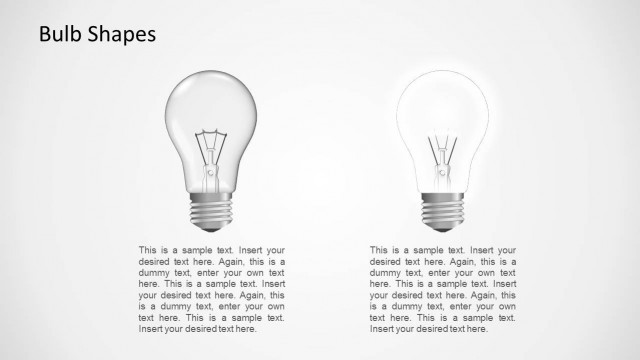
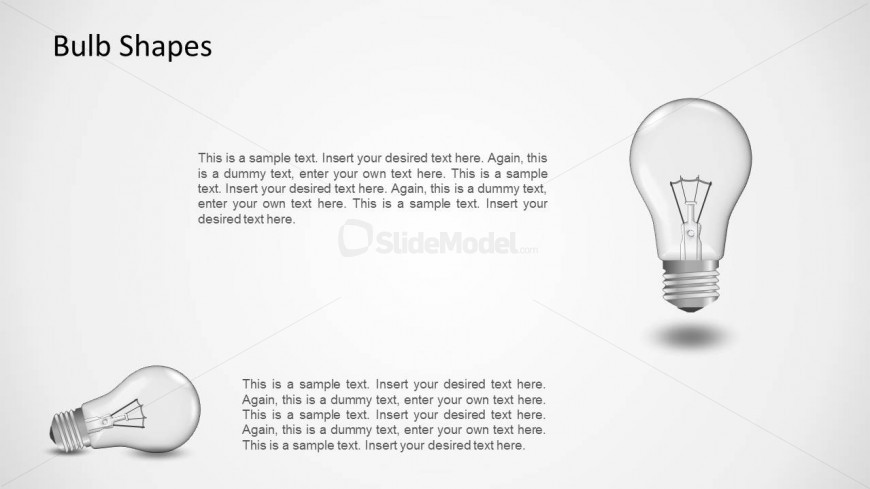
The layout features two light bulb illustrations positioned on the right and left sides of the slide. The left bulb is smaller and has a more rounded shape, while the right bulb is larger and more elongated. A title placeholder is located at the top left, with the text aligned left. Below the title, there are multiple text placeholders arranged in a vertical stack, each with a consistent size and alignment. The background is a light gradient, enhancing the visibility of the bulb images. The overall composition is balanced, with ample white space around the elements.
How to Use It
This layout serves as a visual comparison between two bulb shapes, making it suitable for discussions on energy efficiency or design variations. It fits well in a presentation sequence that introduces different concepts or ideas related to lighting. This structure can be used in business contexts such as product comparisons, innovation discussions, or presentations focused on energy solutions. It is effective for visually engaging audiences while conveying information clearly.
Text Placeholders & Capacity
Keep your copy within these limits so it fits without resizing. Body slots can accommodate roughly 15-20 words each.
| Placeholder | Count | Max characters (approx.) |
|---|---|---|
| Slide title | 1 | 20 |
| Body paragraph | 5 | 100 |