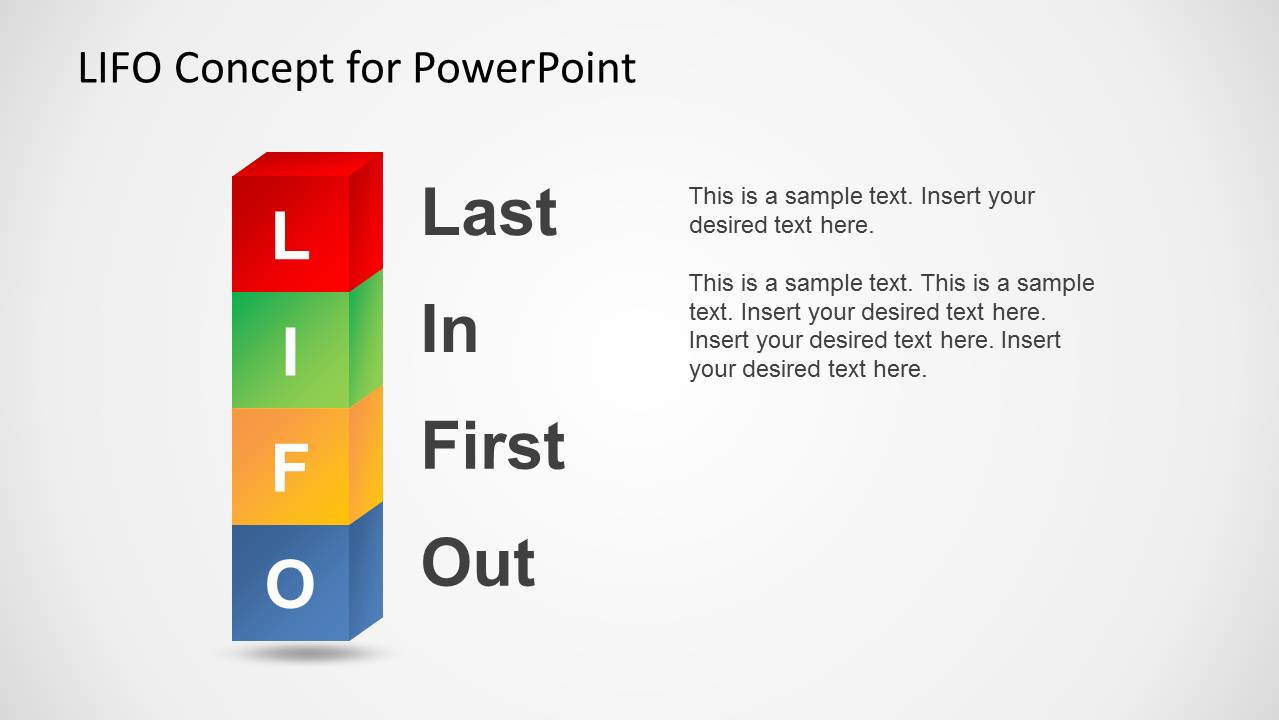
LIFO PowerPoint Template is a presentation design template for Microsoft PowerPoint with useful diagrams to make presentation slides on LIFO queues. LIFO stands for Last In First Out and this concept is part of the Queuing Theory.
LIFO stands for last in, first out. It is widely used in many industries, as an inventory management valuation model, but also in Computer Sciences. In Inventory Management, the LIFO model assumes goods produced or purchased last are sold first.
Alternatively you can download other diagram templates for PowerPoint including popular business and computer science models, or the FIFO PowerPoint template instead.
What’s inside this template
Example presentation scenarios
- A computer science instructor can use the acronym breakdown and word-grid diagram to introduce stack behavior before moving into code or algorithm examples.
- An inventory analyst can use the forklift In and Out slides to explain how a LIFO assumption affects the order in which stock is treated as removed.
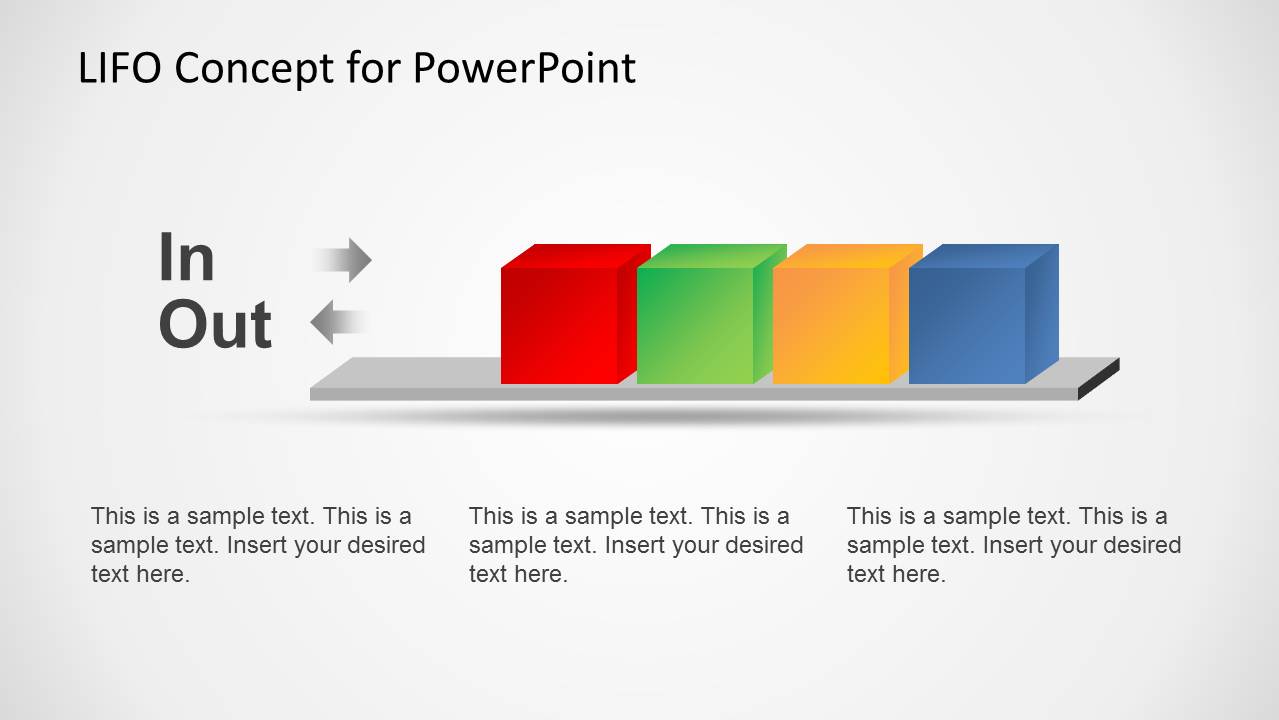
- A supply chain trainer can use the in-out process layout to compare item movement through a stack before discussing warehouse procedures or valuation models.
- A business educator can use the colored cube sequence to make queuing theory terminology easier for nontechnical learners to follow.
Features
- 100% editable presentation template
- Compatible with Microsoft PowerPoint and Google Slides
- 16:9 aspect ratio slides
- Scalable vector shapes, icons and illustrations
- AI-Ready for Microsoft Copilot and Claude
- Instant access and download
Frequently asked questions
Q: How should I present the LIFO concept so the audience understands it quickly?
A: Start with the colored LIFO cube diagram to anchor the acronym visually, then use the acronym breakdown to define Last In First Out in plain language. Move to the in-out process and warehouse slides only after the audience understands the stack rule. Keep each slide focused on one behavior: entry order, exit order, or real-world inventory movement.
Q: Who is this template best suited for?
A: This template is best for presenters who need to explain a process rule rather than show financial calculations. Computer science instructors, operations trainers, and inventory analysts can use the cube stack, grid, and forklift layouts to make LIFO behavior concrete for students, warehouse teams, or business stakeholders who are new to queuing concepts.
Q: Why do the cube and forklift metaphors help explain LIFO?
A: The cube stack creates a simple physical metaphor for an abstract rule: the last item placed into the stack is the first one available to remove. The forklift scenes translate that same rule into an inventory setting, which helps business audiences connect the algorithmic idea to warehouse movement and operational decisions.










LIFO PowerPoint Template
6-slide LIFO presentation template with inventory queue diagrams and editable cube process visuals
LIFO PowerPoint Template is a 6-slide diagram deck for explaining Last In First Out logic in inventory, queues, and data structures. It includes cube stack illustrations, an acronym breakdown, a word-grid diagram, an in-out process layout, and forklift inventory scenes for trainers, operations teams, and technical presenters.
- Category
- Shapes
- Rating


 Loading...
- Aspect ratio
- 16:9
- Item ID
- 6250-02
- Colors
 Microsoft PowerPoint
  Microsoft Copilot
  Claude for PowerPoint
 Other formats supported
Subscribe today and get immediate
access to download our PowerPoint templates.