Slide 5 of 5 from Level Meter Shape for PowerPoint
4 Step Meter Component Slide for PowerPoint
How to Adjust the Needle in a Meter Shape
- Text Layout
- Other
- Process Slide
- 16:9
- 100% Editable
The Performance Meter Adjustment Instructions slide from the Level Meter Shape for PowerPoint template offers a clear process layout ideal for business presentations focused on performance tracking and project evaluations. This slide integrates editable shapes and vector icons to visually guide users in adjusting performance meters, making it a practical addition to corporate presentation slide decks and dashboard presentations.
About This Slide
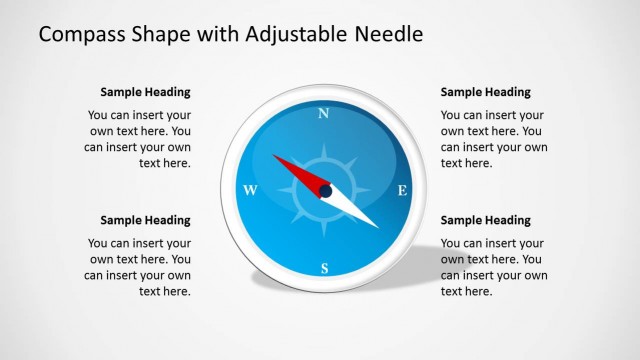
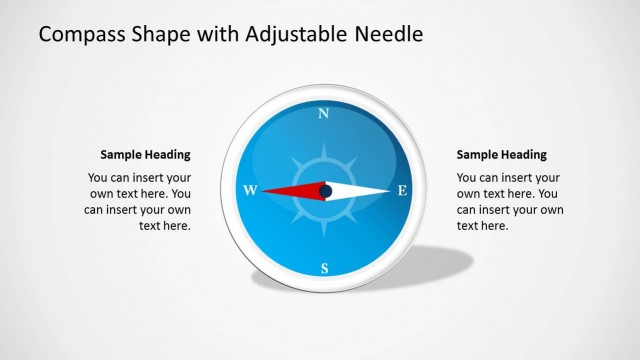
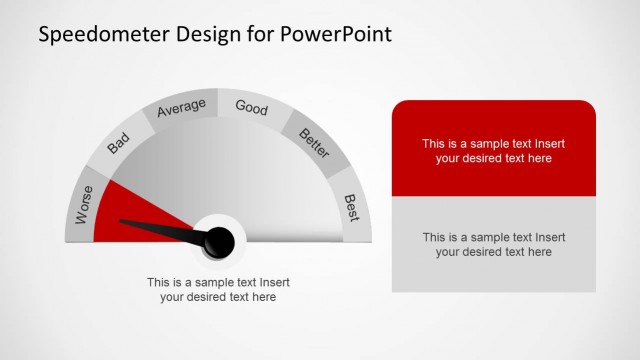
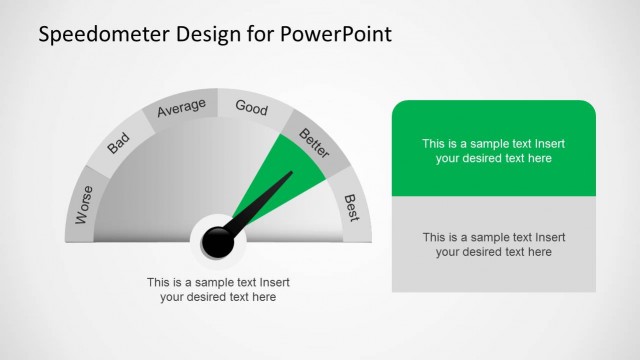
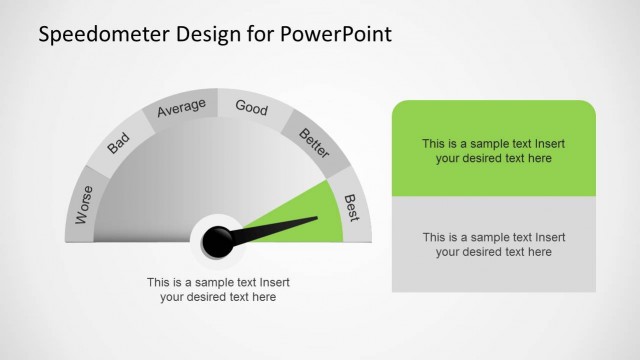
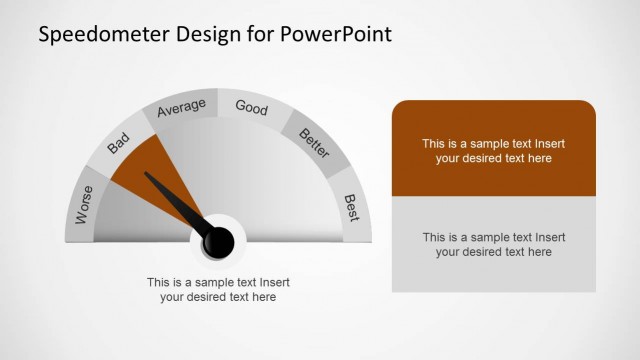
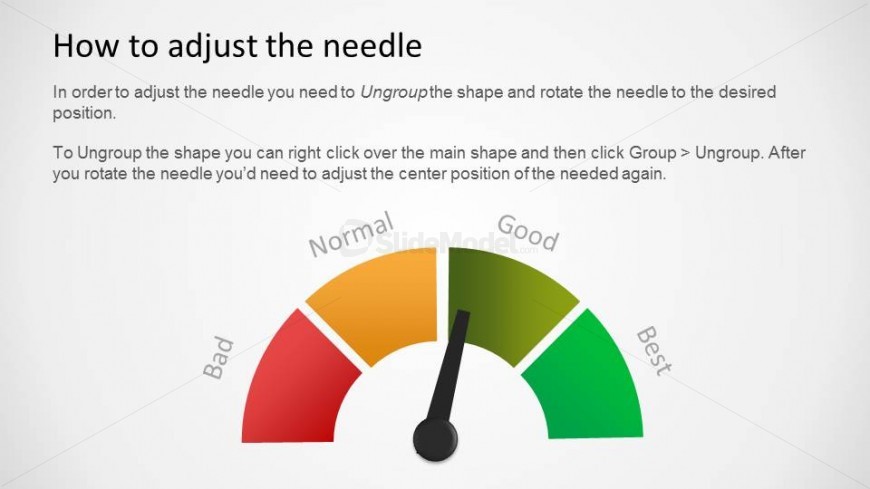
This slide shows the same four-part meter and arrow with a heading and paragraph field. In this case, the sample text instructs you on how to adjust the needle location, allowing you to customize the meter template.
What’s on This Slide
The slide features a performance meter graphic positioned centrally, displaying a gradient color scheme from red to green. The meter includes labels for 'Bad,' 'Normal,' 'Good,' and 'Best' along the arc. A needle icon is present, indicating the current performance level. Text placeholders are located at the top and bottom of the slide, with the title aligned left and body text centered below. The overall layout is clean, with a light background enhancing readability and visual focus on the meter.
How to Use It
This layout serves as instructional content for adjusting a performance meter's needle. It fits within a presentation sequence that explains how to use visual metrics effectively. Suitable for business scenarios involving performance tracking, project evaluations, or dashboard presentations, this slide can guide users in modifying visual elements for accurate representation. It is particularly useful in training sessions or workshops focused on data visualization techniques.
Text Placeholders & Capacity
Keep your copy within these limits so it fits without resizing. Body slots can accommodate roughly 30-40 words each.
| Placeholder | Count | Max characters (approx.) |
|---|---|---|
| Slide title | 1 | 30 |
| Body paragraph | 2 | 200 |
Slide Keywords
Download unlimited PowerPoint templates, charts and graphics for your presentations with our annual plan.
DOWNLOADReturn to Level Meter Shape for PowerPoint.