Slide 3 of 5 from KPI Categories PowerPoint Template
Operational KPIs Diagram Slide – KPI Categories Template
KPI Categories Matrix for Business Strategy
- Diagram
- Matrix Quadrant
- Strategic Analysis Slide
- 16:9
- 100% Editable
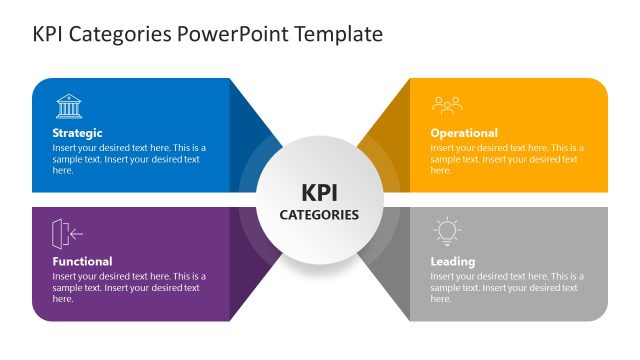
The KPI Categories Matrix slide from the KPI Categories PowerPoint Template offers a structured four-quadrant diagram ideal for strategic analysis. This slide layout helps organize key performance indicators into Strategic, Operational, Functional, and Leading categories, supporting clear communication in business presentations and strategic planning meetings. Its editable shapes and vector icons enhance customization within slide templates, making it a practical choice for corporate presentation decks focused on performance metrics.
What’s on This Slide
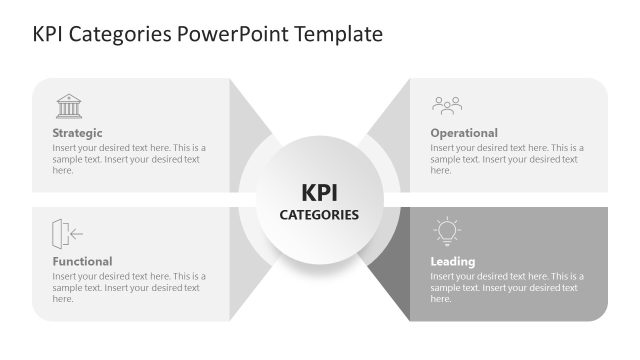
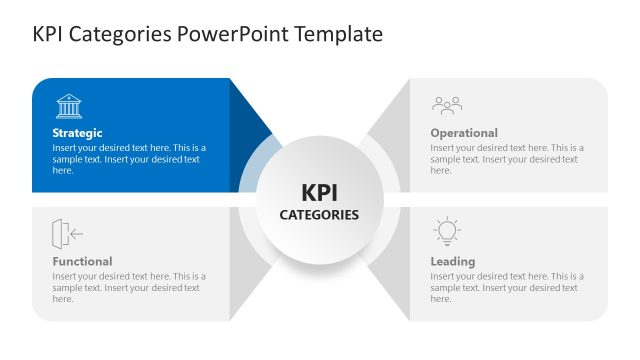
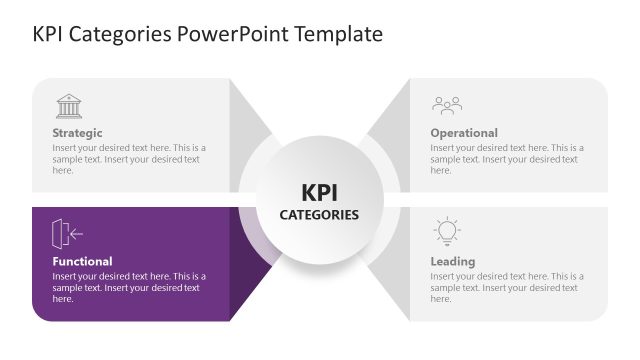
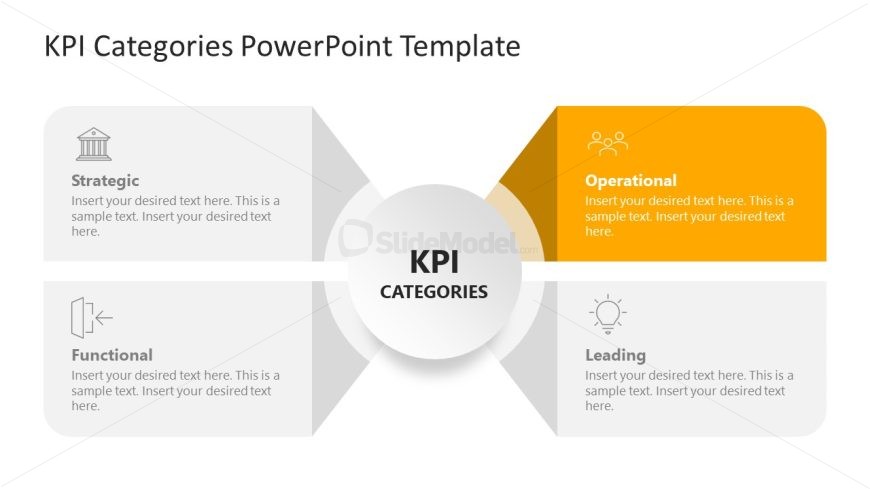
The layout features a central circular node labeled 'KPI CATEGORIES' surrounded by four quadrants. Each quadrant is designated for a KPI category: Strategic, Operational, Functional, and Leading. The top left quadrant contains the label 'Strategic', while the bottom left has 'Functional'. The top right quadrant highlights 'Operational' with an orange background, and the bottom right features 'Leading'. Each quadrant includes text placeholders aligned to the left or right, with ample space for additional content. The overall composition is symmetrical, emphasizing the central node.
How to Use It
This layout serves as a four-quadrant matrix to categorize key performance indicators. It is suitable for presentations that require a clear distinction between different KPI types, making it ideal for strategy discussions or operational reviews. This slide fits well in a sequence following an introduction to KPIs, helping to clarify their roles within a business strategy. It can be used in meetings with management teams or during strategic planning sessions to facilitate discussions on performance metrics.
Text Placeholders & Capacity
Keep your copy within these limits so it fits without resizing. Node body slots can hold about 30-40 words each.
| Placeholder | Count | Max characters (approx.) |
|---|---|---|
| Item heading | 4 | 50 |
| Item body | 4 | 150 |
| Slide title | 1 | 30 |
Slide Keywords
Download unlimited PowerPoint templates, charts and graphics for your presentations with our annual plan.
DOWNLOADReturn to KPI Categories PowerPoint Template.