Slide 1 of 5 from KPI Categories PowerPoint Template
Editable KPI Categories PPT Template Cover Slide
KPI Categories Matrix for Performance Indicators
- Diagram
- Matrix Quadrant
- Strategic Analysis Slide
- 16:9
- 100% Editable
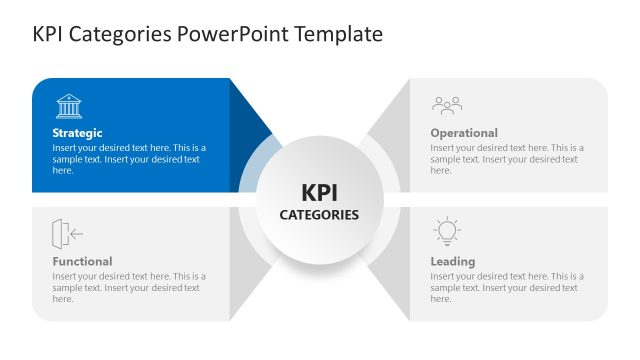
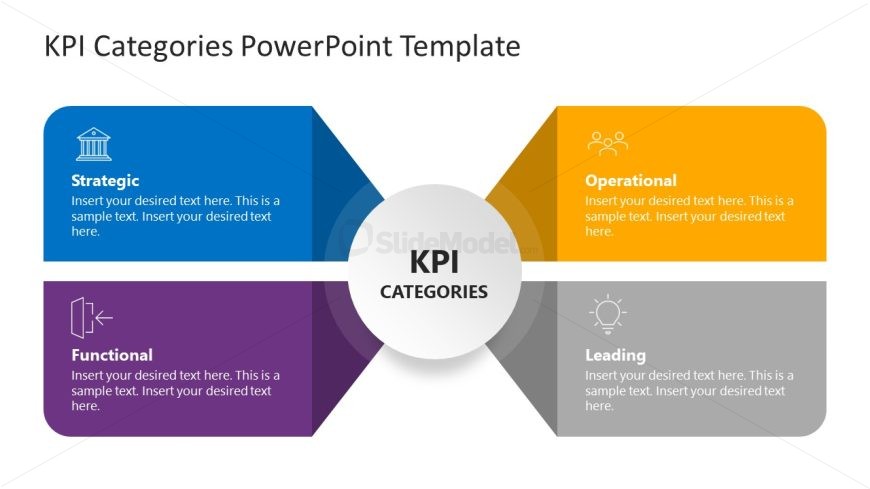
The KPI Categories Matrix slide from the KPI Categories PowerPoint Template offers a clear visual framework for categorizing key performance indicators. This editable slide features a central node with four distinct quadrants, each representing strategic, operational, functional, and leading KPIs. Designed for business presentations and strategic analysis, it supports management teams in outlining performance metrics and operational planning within a corporate presentation or pitch deck template.
What’s on This Slide
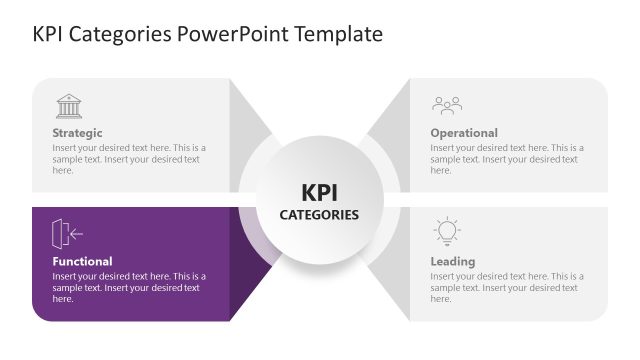
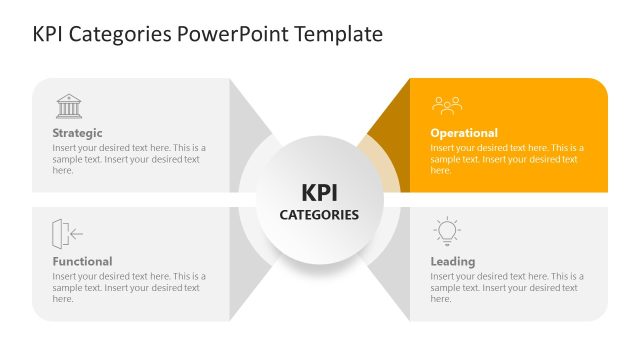
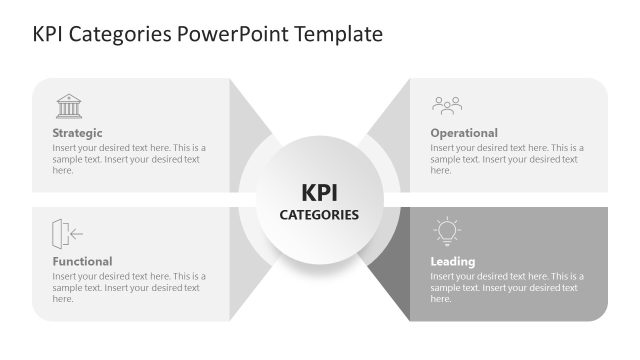
The slide features a central circular node labeled 'KPI CATEGORIES' surrounded by four quadrants. Each quadrant is a distinct color: blue for 'Strategic', orange for 'Operational', purple for 'Functional', and gray for 'Leading'. The quadrants contain text placeholders aligned to the left, with icons representing each category positioned above the text. The layout emphasizes a clear visual hierarchy, with the central node being the focal point. The background is white, providing contrast to the colored quadrants, which are arranged symmetrically around the center.
How to Use It
This layout serves as a category matrix, effectively displaying different KPI groups. It is suitable for presentations focusing on performance metrics in business strategy discussions. This slide fits well at the beginning of a presentation, introducing key performance indicators. It can be used in meetings to outline strategic objectives or operational plans. The layout is ideal for managers and strategy teams to communicate KPI categories clearly.
Text Placeholders & Capacity
Keep your copy within these limits so it fits without resizing. Node body slots can hold around 15-20 words each.
| Placeholder | Count | Max characters (approx.) |
|---|---|---|
| Item heading | 4 | 30 |
| Item body | 4 | 100 |
| Chart title | 1 | 30 |
Slide Keywords
Download unlimited PowerPoint templates, charts and graphics for your presentations with our annual plan.
DOWNLOADReturn to KPI Categories PowerPoint Template.