Slide 12 of 17 from Infotainment PowerPoint Template
Real World Example Presentation Slide with Four Blocks
Real-World Example Slide in Infotainment Template
- Text Layout
- Other
- Concept Explanation Slide
- 16:9
- 100% Editable
The Real-World Example slide from the Infotainment PowerPoint Template offers a structured layout ideal for showcasing case studies and practical applications. This slide design supports business presentations by combining editable shapes and clear sections to enhance audience engagement. It is well-suited for illustrating how concepts translate into real-world results within a corporate presentation or pitch deck template.
What’s on This Slide
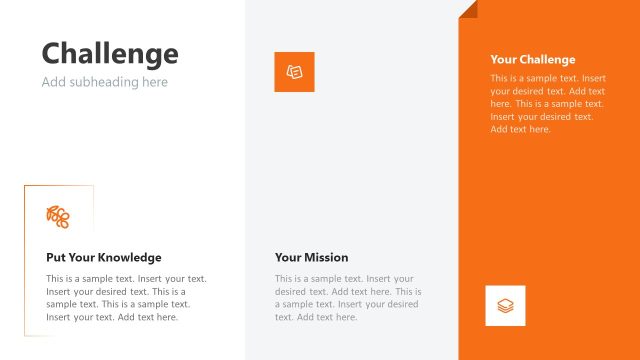
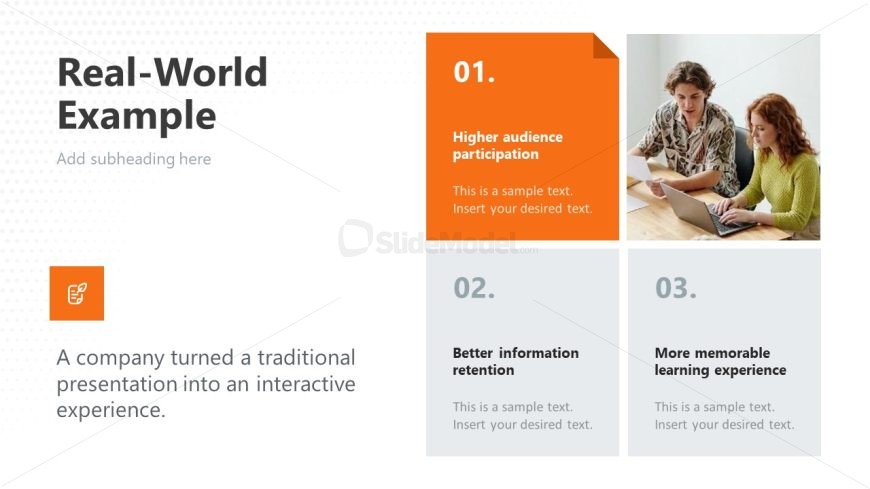
The layout features a large title on the left, with a subtitle beneath it. To the right, there are three distinct sections arranged in a vertical column. Each section has a number label at the top, followed by a bold title and a text placeholder for additional information. The first section has an orange background, while the other two have gray backgrounds. An icon appears in a colored box at the bottom left, with a text placeholder describing a company's transformation of a traditional presentation. The overall composition is clean and organized, emphasizing clarity.
How to Use It
This layout serves as a case study or example slide, ideal for illustrating real-world applications of concepts. It fits well in a presentation sequence after problem framing and before summarizing key takeaways. This structure is useful for showcasing how theoretical ideas can be applied practically, particularly in business contexts where audience engagement and learning outcomes are highlighted. It can be used to present success stories or innovative approaches in various fields.
Text Placeholders & Capacity
Keep your copy within these limits so it fits without resizing. Body slots can hold around 20-25 words each.
| Placeholder | Count | Max characters (approx.) |
|---|---|---|
| Slide title | 1 | 30 |
| Subtitle | 1 | 40 |
| Item heading | 3 | 30 |
| Item body | 3 | 100 |
| Body paragraph | 1 | 120 |
Slide Keywords
Download unlimited PowerPoint templates, charts and graphics for your presentations with our annual plan.
DOWNLOADReturn to Infotainment PowerPoint Template.