Slide 16 of 17 from Infotainment PowerPoint Template
Challenges Discussion – Infotainment PowerPoint Slide
Challenge Overview Slide in Infotainment Template
- Text Layout
- Other
- Problem Framing Slide
- 16:9
- 100% Editable
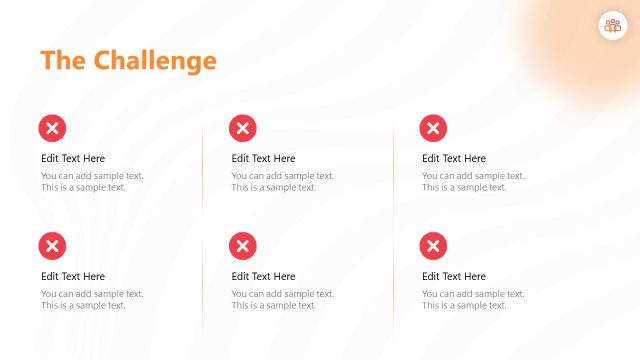
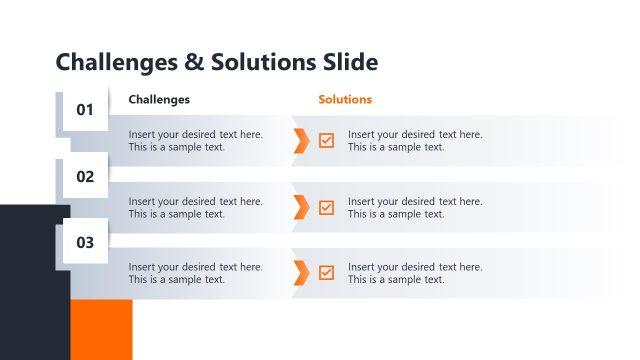
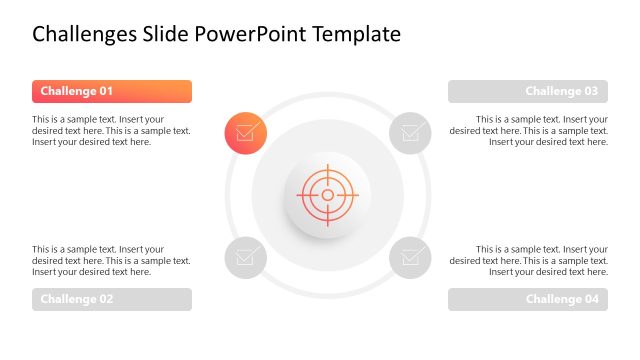
The Challenge Overview slide from the Infotainment PowerPoint Template is designed for clear problem framing in business presentations. This slide template supports strategic planning and brainstorming by organizing challenges with editable shapes and text placeholders. Its vertical split layout enhances communication during team discussions, making it a practical addition to any corporate presentation or slide deck focused on problem-solving.
What’s on This Slide
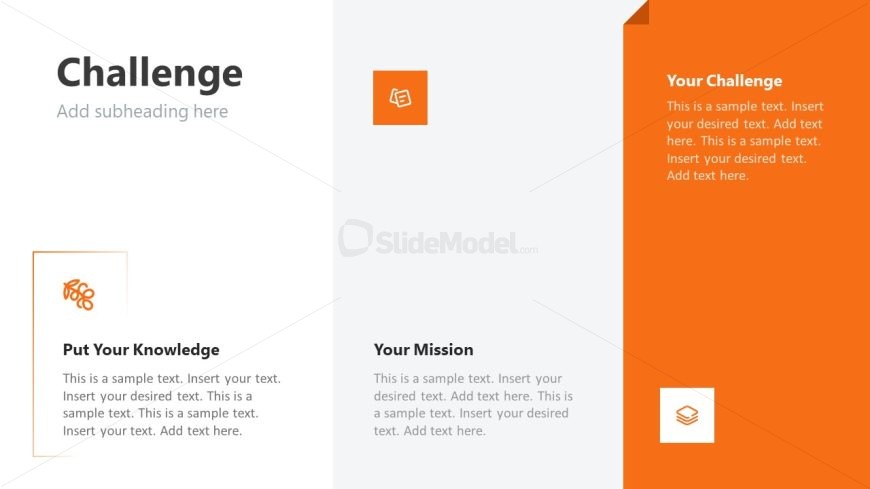
The layout features a vertical split with a left section containing three text placeholders and a right section with a larger text area. The left side includes a title 'Challenge' at the top, followed by a subheading placeholder. Below, there are two smaller placeholders labeled 'Put Your Knowledge' and 'Your Mission,' each with accompanying icons. The right side has a prominent section titled 'Your Challenge,' with a larger placeholder for detailed text. The background is predominantly light gray with an orange accent on the right side, creating a clear visual hierarchy.
How to Use It
This layout serves to present a challenge or problem statement, suitable for discussions in various contexts. It can be used in business presentations to outline challenges faced by a team or organization. The structure allows for clear communication of key points, making it effective for brainstorming sessions or strategy meetings. It fits well in a sequence following problem identification slides, leading into solutions or action plans.
Text Placeholders & Capacity
Keep your copy within these limits so it fits without resizing. Body slots can accommodate roughly 25-30 words each.
| Placeholder | Count | Max characters (approx.) |
|---|---|---|
| Slide title | 1 | 30 |
| Subtitle | 1 | 40 |
| Item heading | 2 | 25 |
| Item body | 3 | 150 |
Slide Keywords
Download unlimited PowerPoint templates, charts and graphics for your presentations with our annual plan.
DOWNLOADReturn to Infotainment PowerPoint Template.