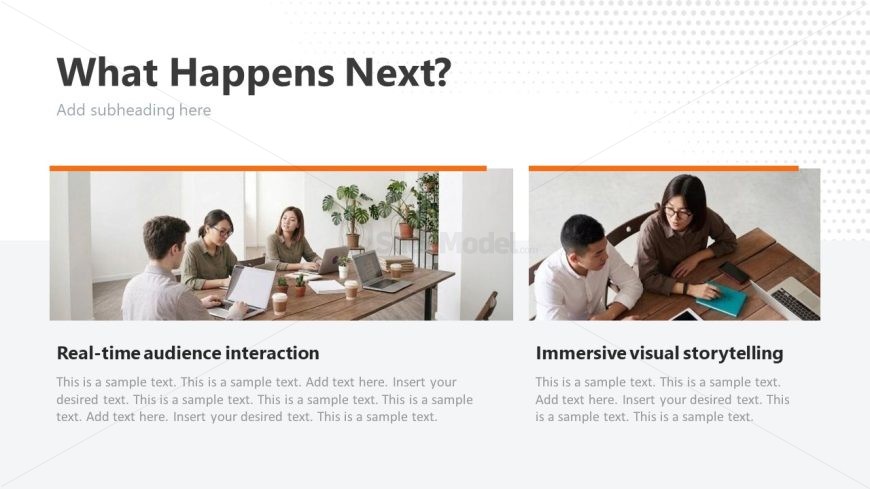
Slide 14 of 17 from Infotainment PowerPoint Template
What Happens Next Slide – Infotainment Presentation Template
Audience Engagement and Storytelling Slide
- Text Layout
- Two Column Text
- Concept Explanation Slide
- 16:9
- 100% Editable
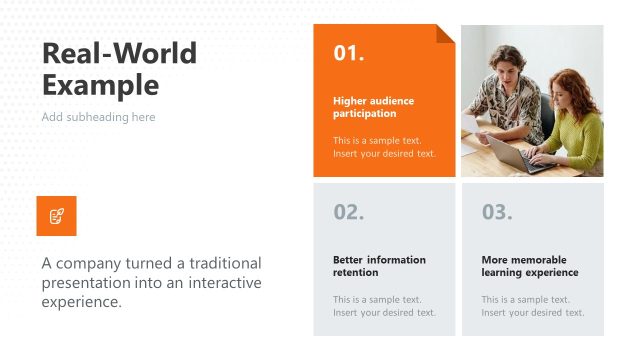
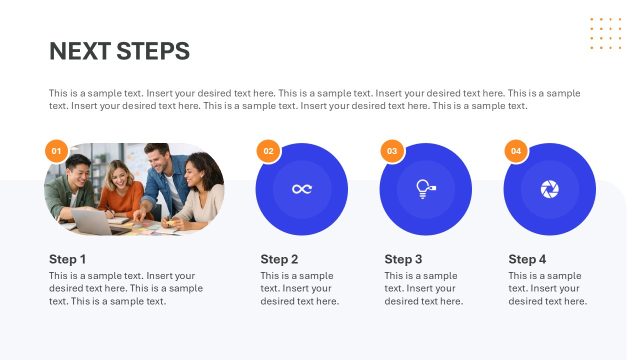
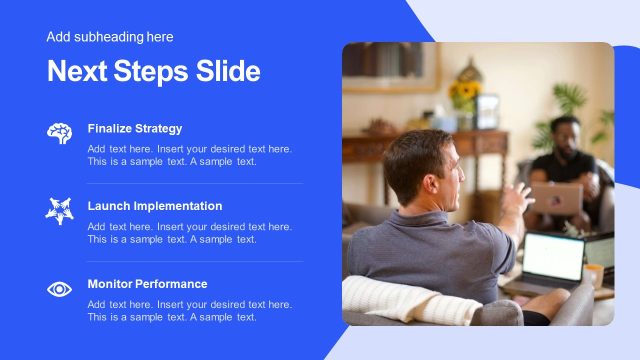
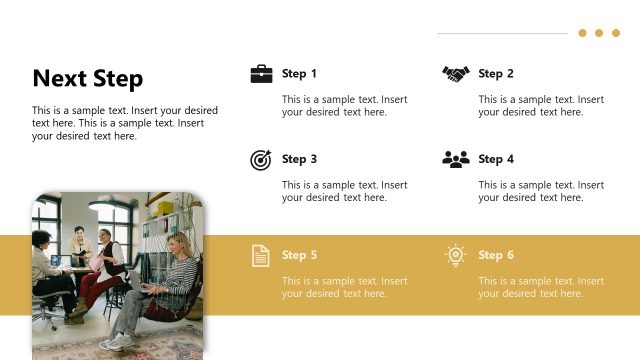
The Audience Engagement and Storytelling slide from the Infotainment PowerPoint Template offers a dual-column layout designed for clear comparison of concepts like real-time audience interaction and immersive visual storytelling. This slide layout is suitable for business presentations, workshops, and marketing strategy discussions, featuring editable shapes and a clean design that supports effective communication in corporate presentation slide decks.
What’s on This Slide
The layout features two main sections side by side. The left section contains a title and a text placeholder for 'Real-time audience interaction,' aligned at the bottom. Below this, there is a larger text placeholder for additional details. The right section mirrors this with a title for 'Immersive visual storytelling' and a similar text placeholder below. Both sections have a prominent orange bar at the top, creating visual separation. The background is light with a subtle pattern, enhancing readability and focus on the content.
How to Use It
This layout serves to present two related concepts or strategies in parallel, ideal for comparing approaches or highlighting distinct aspects of a topic. It fits well in a presentation sequence after introducing a challenge or question, guiding the audience toward solutions. Scenarios include workshops, training sessions, or marketing strategies where audience interaction and storytelling are essential components for engagement.
Text Placeholders & Capacity
Keep your copy within these limits so it fits without resizing. Body slots can hold roughly 30-40 words each.
| Placeholder | Count | Max characters (approx.) |
|---|---|---|
| Slide title | 1 | 30 |
| Item heading | 2 | 50 |
| Item body | 2 | 200 |
Slide Keywords
Download unlimited PowerPoint templates, charts and graphics for your presentations with our annual plan.
DOWNLOADReturn to Infotainment PowerPoint Template.