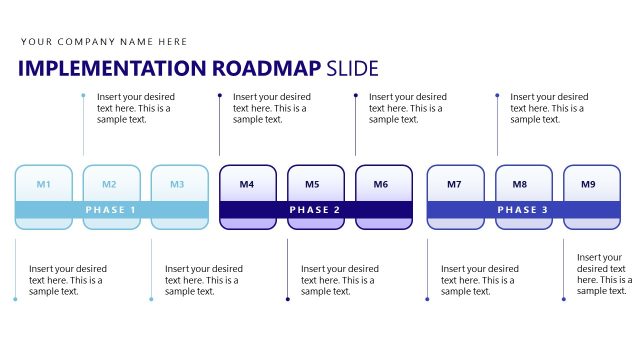
Slide 3 of 5 from Implementation Roadmap PowerPoint Template
Implementation Roadmap Template Layout with Infographics
Implementation Phase Overview Slide
- Diagram
- Roadmap
- Process Slide
- 16:9
- 100% Editable
The Implementation Phase Overview slide from the Implementation Roadmap PowerPoint Template visually outlines project progress using editable shapes and vector icons. This slide template is designed for business presentations, providing a clear roadmap graphic that supports strategic planning and project management updates within a slide deck.
What’s on This Slide
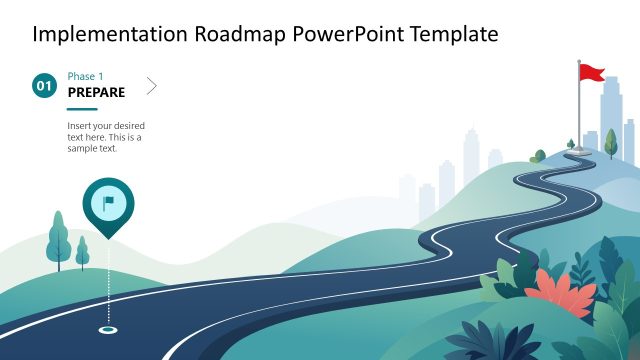
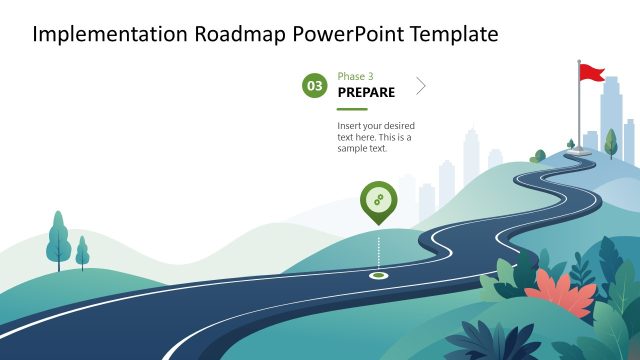
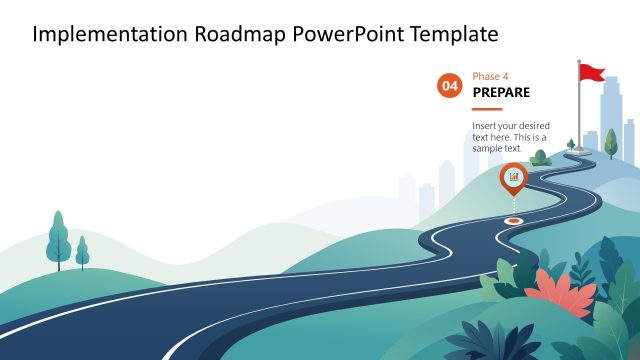
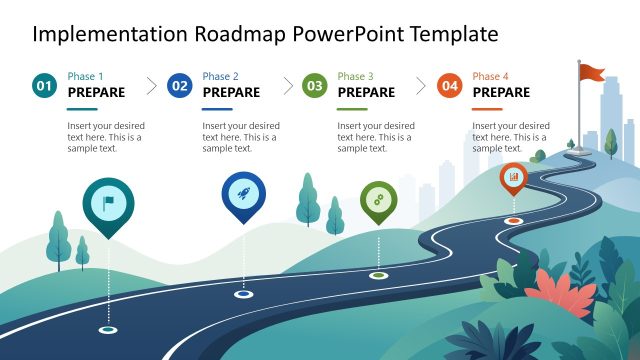
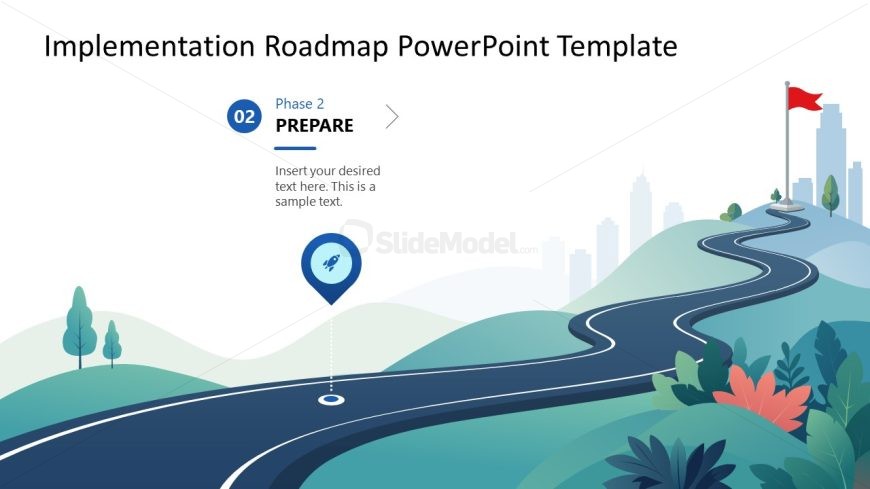
The slide features a winding road graphic that occupies the lower half, leading towards a city skyline in the background. On the left, a circular icon with a rocket symbol indicates the current phase, labeled 'Phase 2'. The phase title 'PREPARE' is positioned above the icon, with a number '02' in a blue circle. A text placeholder is located to the left of the icon, aligned vertically, allowing for additional details. The background includes soft gradients and stylized foliage, creating a scenic view. The overall layout emphasizes the phase's importance within the roadmap.
How to Use It
This layout serves as a phase overview within a timeline presentation, ideal for detailing specific steps in a project. It fits well after a problem framing slide and before subsequent phases, guiding the audience through the implementation process. It is suitable for business contexts such as project management, strategic planning, or product development. This slide can effectively communicate progress and next steps, ensuring clarity in the execution of plans.
Text Placeholders & Capacity
Keep your copy within these limits so it fits without resizing. Body slots can accommodate roughly 15-20 words each.
| Placeholder | Count | Max characters (approx.) |
|---|---|---|
| Slide title | 1 | 30 |
| Item heading | 1 | 20 |
| Item body | 1 | 100 |
Slide Keywords
Download unlimited PowerPoint templates, charts and graphics for your presentations with our annual plan.
DOWNLOADReturn to Implementation Roadmap PowerPoint Template.