Slide 1 of 5 from Implementation Roadmap PowerPoint Template
Editable Implementation Roadmap PPT Template
Implementation Roadmap Stages Overview
- Diagram
- Process Flow
- Process Slide
- 16:9
- 100% Editable
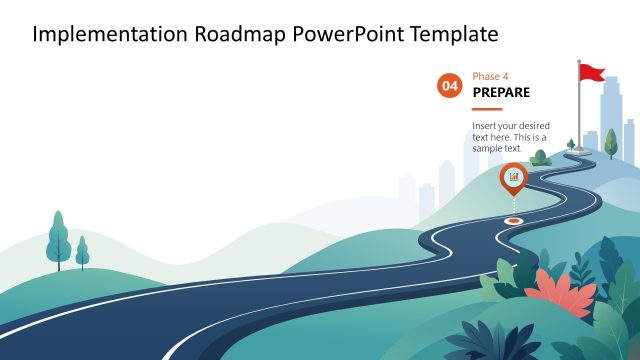
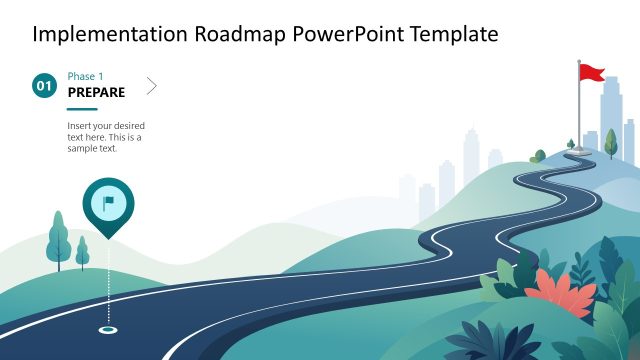
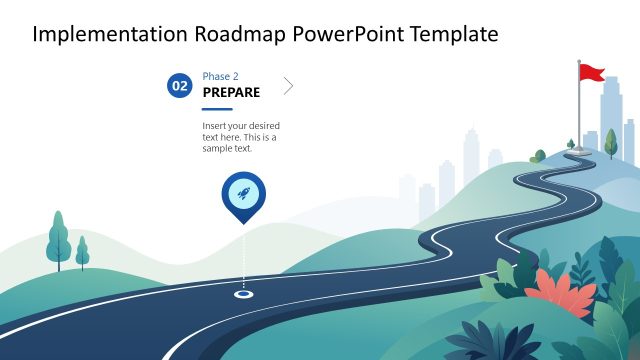
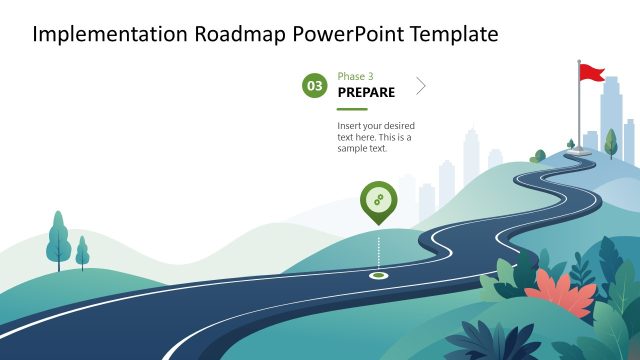
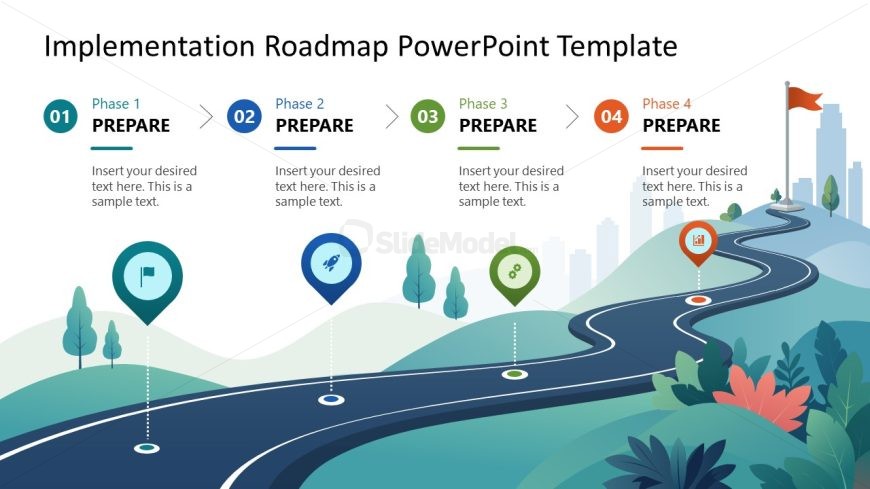
The Implementation Roadmap Stages slide from the Implementation Roadmap PowerPoint Template offers a clear visual process flow ideal for project timelines and execution strategies. This slide layout uses editable shapes and vector icons to represent four distinct phases, supporting detailed descriptions for each stage. It is well suited for business presentations and pitch deck templates that require a structured depiction of product development stages or implementation plans.
What’s on This Slide
The slide features a horizontal layout with four distinct phases labeled 01 to 04. Each phase includes a circular icon representing a milestone, positioned above a curved road. The icons vary in design, including a flag, a rocket, and a marker. Text placeholders are aligned below each phase label, indicating where descriptive text can be inserted. The background includes stylized hills and trees, contributing to a cohesive visual theme. The overall composition emphasizes a clear progression from one phase to the next, supported by directional arrows.
How to Use It
This layout serves as a sequential roadmap, ideal for illustrating phases in a project or implementation plan. It fits well in presentations discussing project timelines, execution strategies, or product development processes. Each phase can be expanded with specific details relevant to the project, making it suitable for business meetings or stakeholder updates. The visual flow guides the audience through the implementation steps, enhancing understanding of the overall strategy.
Text Placeholders & Capacity
Keep your copy within these limits so it fits without resizing. Node body slots can hold approximately 15-20 words each.
| Placeholder | Count | Max characters (approx.) |
|---|---|---|
| Item heading | 4 | 20 |
| Item body | 4 | 100 |
Slide Keywords
Download unlimited PowerPoint templates, charts and graphics for your presentations with our annual plan.
DOWNLOADReturn to Implementation Roadmap PowerPoint Template.