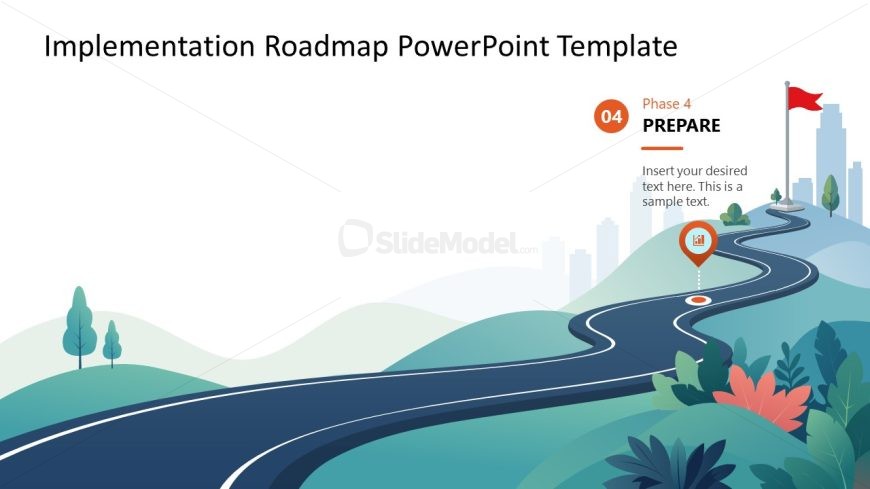
Slide 5 of 5 from Implementation Roadmap PowerPoint Template
Implementation Roadmap Slide with Focus Effect
Implementation Phase Overview Slide
- Diagram
- Roadmap
- Process Slide
- 16:9
- 100% Editable
The Implementation Phase Overview slide from the Implementation Roadmap PowerPoint Template offers a clear visual of project progress using editable shapes and vector icons. This slide template is ideal for business presentations and pitch deck templates that require a concise summary of implementation strategies and team updates within a corporate presentation or slide deck.
What’s on This Slide
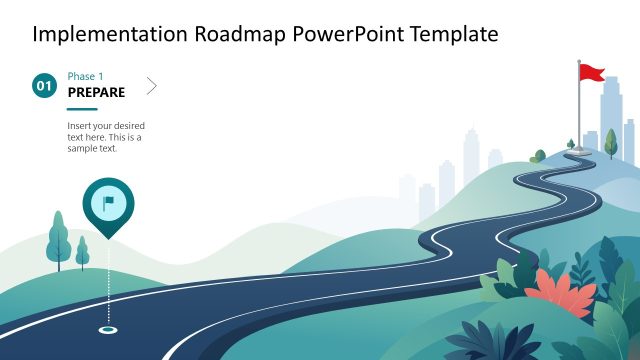
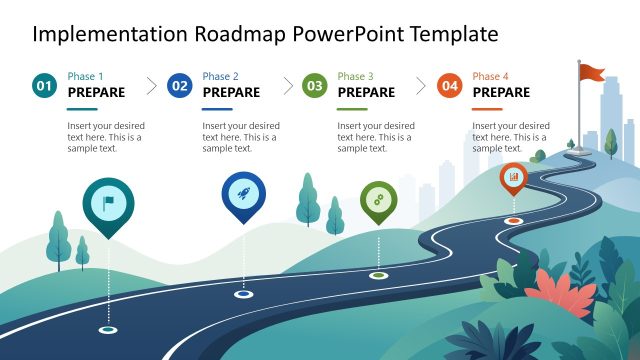
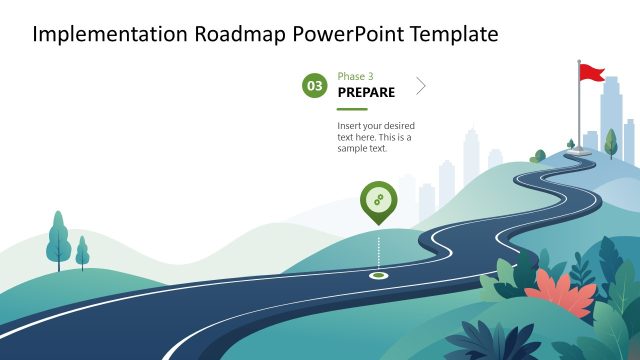
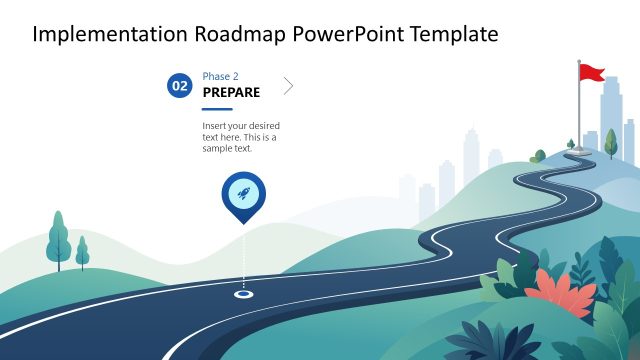
The slide features a winding road graphic that represents a phase in a roadmap. Positioned at the top is a title area, while a circular icon on the right indicates 'Phase 4' with the label 'PREPARE' beneath it. A text placeholder is centrally located, allowing for additional content. The background consists of rolling hills and trees, with a flag at the top right. The overall layout emphasizes the road's flow, guiding the viewer's eye from the left to the right side of the slide.
How to Use It
This layout serves as a visual representation of a specific phase in a project implementation roadmap. It is suitable for presentations that outline sequential steps in a project, particularly in planning or execution contexts. This slide can effectively summarize the current phase's objectives and tasks, making it ideal for project updates or strategic discussions. It fits well at the conclusion of a series of phases, providing a clear transition to the next steps.
Text Placeholders & Capacity
Keep your copy within these limits so it fits without resizing. The body text slot can accommodate roughly 15-20 words comfortably.
| Placeholder | Count | Max characters (approx.) |
|---|---|---|
| Slide title | 1 | 30 |
| Item heading | 1 | 20 |
| Item body | 1 | 100 |
Slide Keywords
Download unlimited PowerPoint templates, charts and graphics for your presentations with our annual plan.
DOWNLOADReturn to Implementation Roadmap PowerPoint Template.