Slide 6 of 13 from Human vs Machine Collaboration PowerPoint Template
Concentric Circles Diagram for In Acrtion Collaboration
Collaboration in Action Slide for Presentations
- Diagram
- Circular Cycle
- Process Slide
- 16:9
- 100% Editable
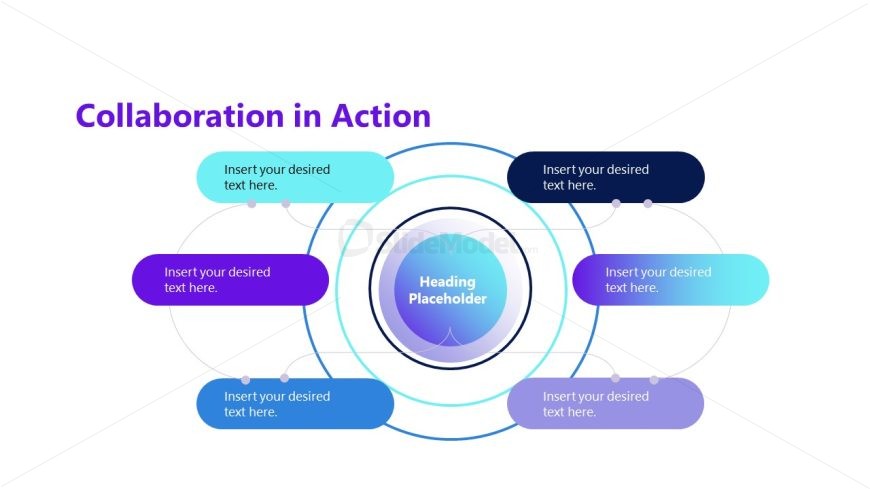
The Collaboration in Action slide from the Human vs Machine Collaboration PowerPoint Template visually represents teamwork and stakeholder contributions through a circular cycle diagram. This slide layout is ideal for illustrating collaborative processes in business presentations, using editable shapes and vector icons to enhance clarity. It supports project planning and team collaboration by clearly linking multiple elements to a central concept, making it a practical choice for corporate slide decks and pitch deck templates.
What’s on This Slide
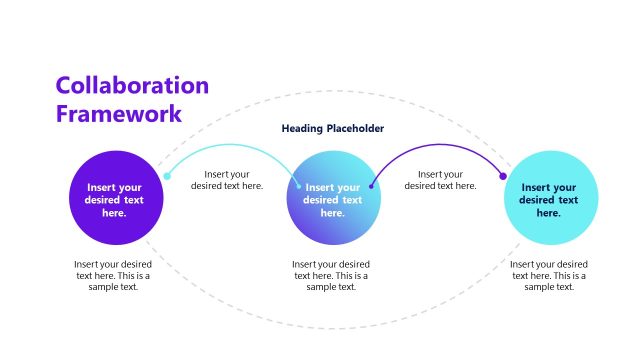
The layout features a central circular placeholder surrounded by six oval text placeholders. The central circle is visually prominent, containing a heading placeholder. The surrounding ovals are arranged in a circular pattern, with three positioned above and three below the central circle. Each oval has a connecting line to the central circle, indicating a relationship. Text placeholders are evenly distributed, allowing for balanced content placement. The background is white, enhancing the visibility of the colorful elements, which include shades of blue and purple.
How to Use It
This layout serves to illustrate collaborative processes or concepts, making it suitable for discussions on teamwork or partnerships. It fits well in a presentation sequence after introducing a problem or concept, providing a visual representation of collaboration. This structure is useful in business scenarios such as project planning, team dynamics, or explaining collaborative tools. It can be employed to highlight contributions from various stakeholders or elements in a collaborative environment.
Text Placeholders & Capacity
Keep your copy within these limits so it fits without resizing. Node slots can accommodate concise text, roughly 6-8 words each.
| Placeholder | Count | Max characters (approx.) |
|---|---|---|
| Slide title | 1 | 30 |
| Item body | 6 | 40 |
| Item heading | 6 | 30 |
| Body paragraph | 1 | 30 |
Slide Keywords
Download unlimited PowerPoint templates, charts and graphics for your presentations with our annual plan.
DOWNLOADReturn to Human vs Machine Collaboration PowerPoint Template.