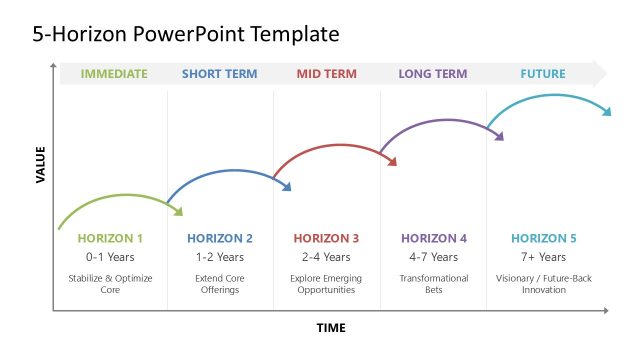
Horizon Perspective PowerPoint Timeline – Help your organization achieve its business goals by effectively communicating the company’s projects, plans and milestones. Identifying a business goal is now a common knowledge to entrepreneurs. However, there are more things beneath a business goal that all entrepreneurs must also recognize. Planning a route on how arrive to a goal is one of the business success elements that needs a lot of attention. The most important part of planning is its beginning. In this stage, the business entity needs to determine where it is now, where it wants to be, when to get there and how to get there. All these aspects are always in line with the company goals. However, in determining the company’s current status, aspirations and projects, sometimes goals change. There could be a realization along the way that the company needs to set a more realistic goal. On the other hand, the laid out plans and projects could stimulate unexpected potentials of the business that can inspire the company to have a higher set of goals. Most business organization takes profit as its top priority in setting a goal. In this sense, a periodic project and plan could be useful because a company’s profit changes according to season, unexpected events and other stimuli.
Projects and milestones facilitate a business in reaching its goals. In terms of profit, a company project is usually planned periodically such as Christmas season, Valentine’s Day, Tax season, winter, summer and other big social feasts. Seasonal projects such must also have a goal like a certain amount of sales by the end of the month. This is when milestones are very useful. Setting a specific target sales for each week based on the target sales for the month will keep the whole organization aware of where they are at the moment and how much effort is needed to proceed to the next level.
What’s inside this template
Example presentation scenarios
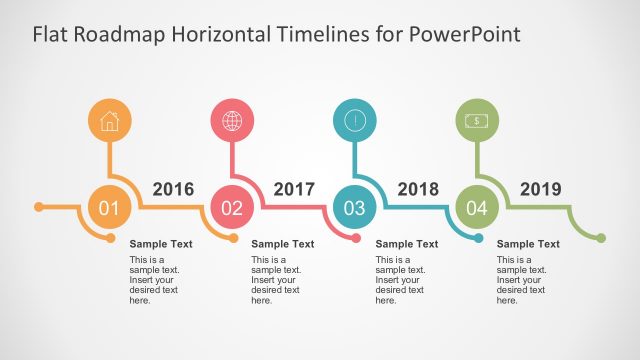
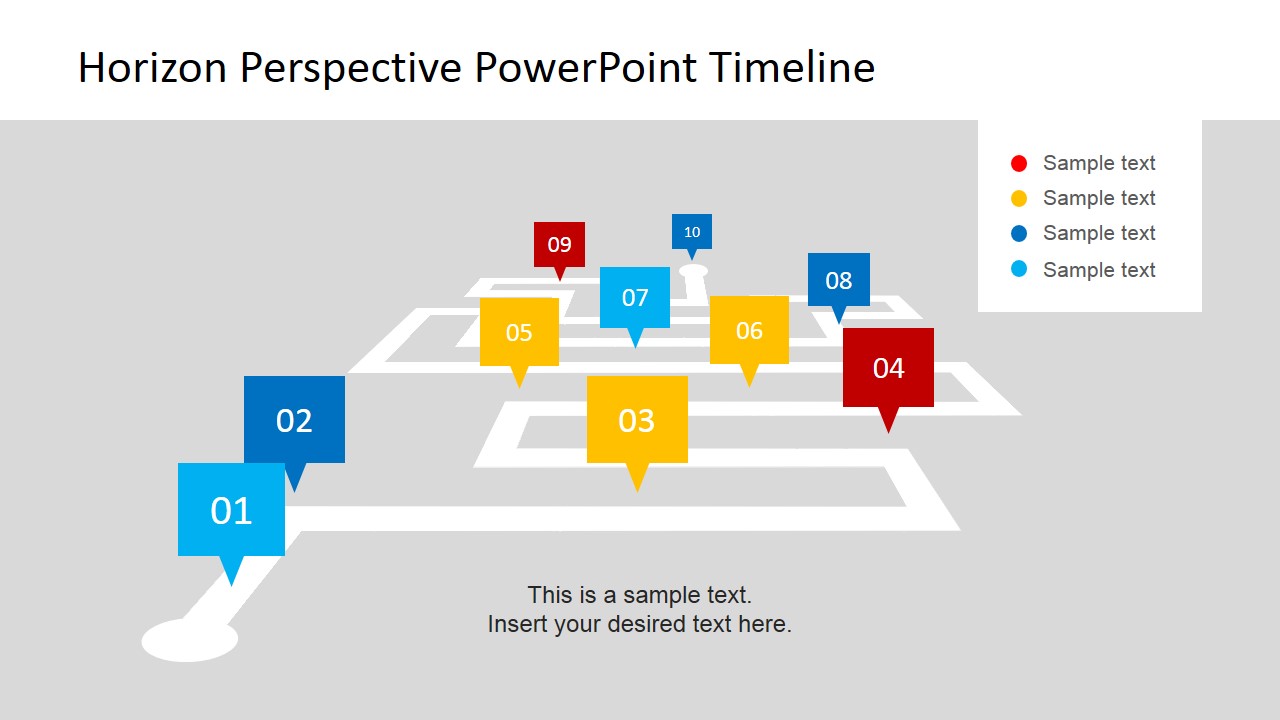
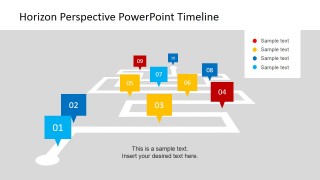
- A project manager can use the numbered milestone path to explain the sequence of deliverables, deadlines, and checkpoints to an internal steering committee.
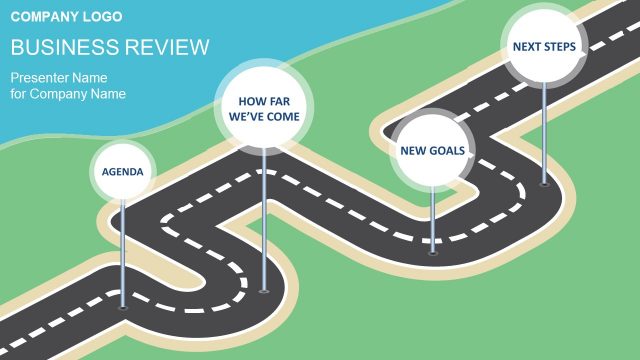
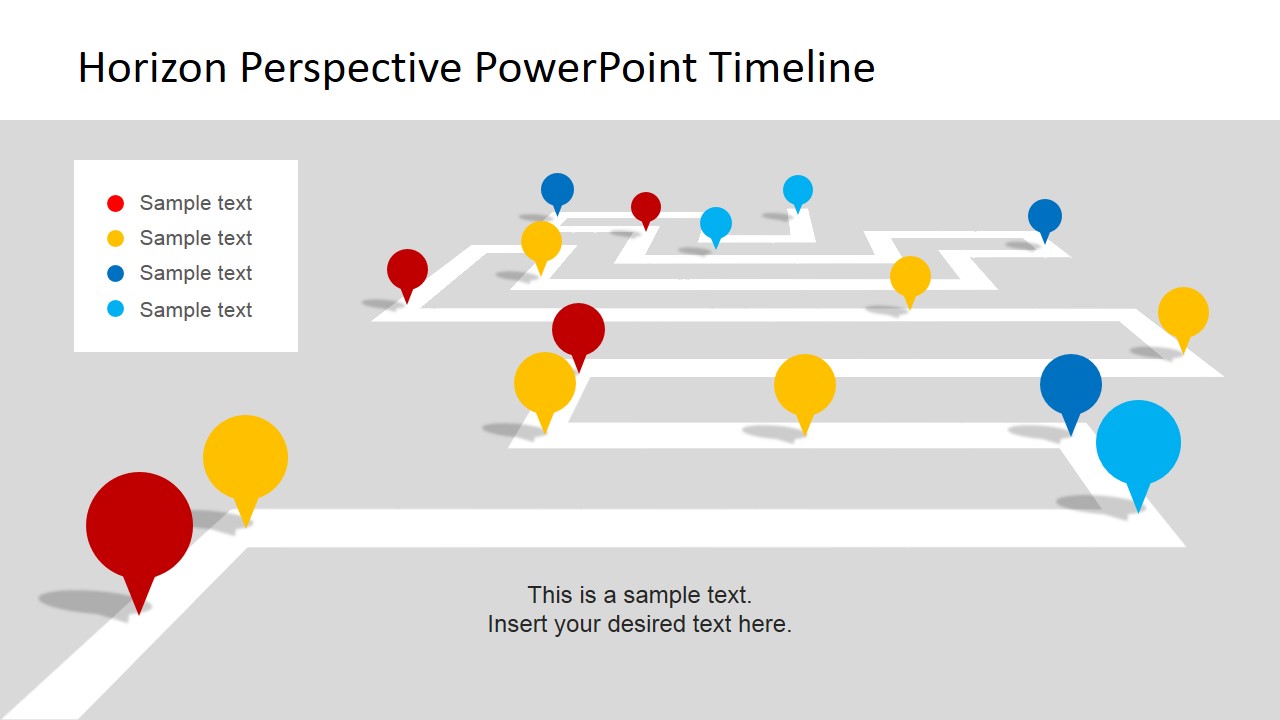
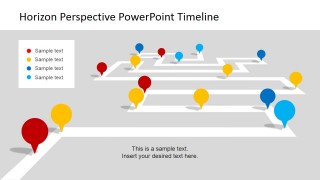
- A consultant can use the perspective roadmap overview to show a client's current position, planned route, and target state during a planning workshop.
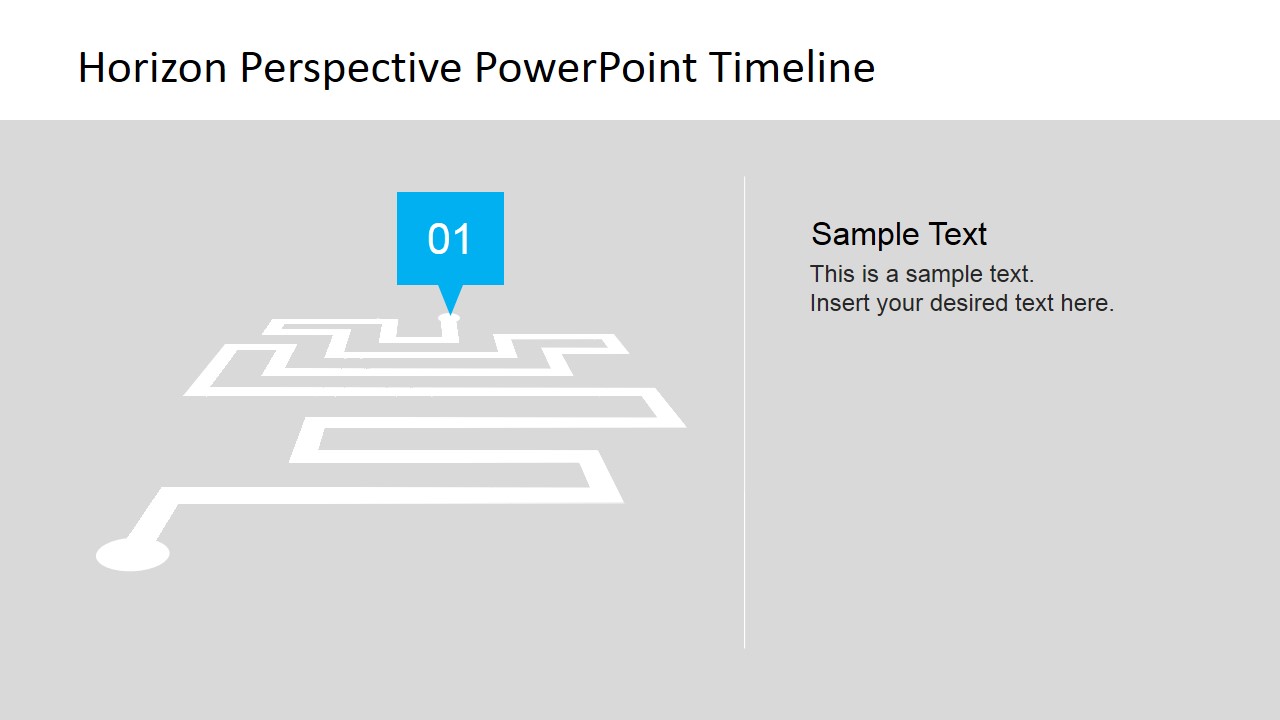
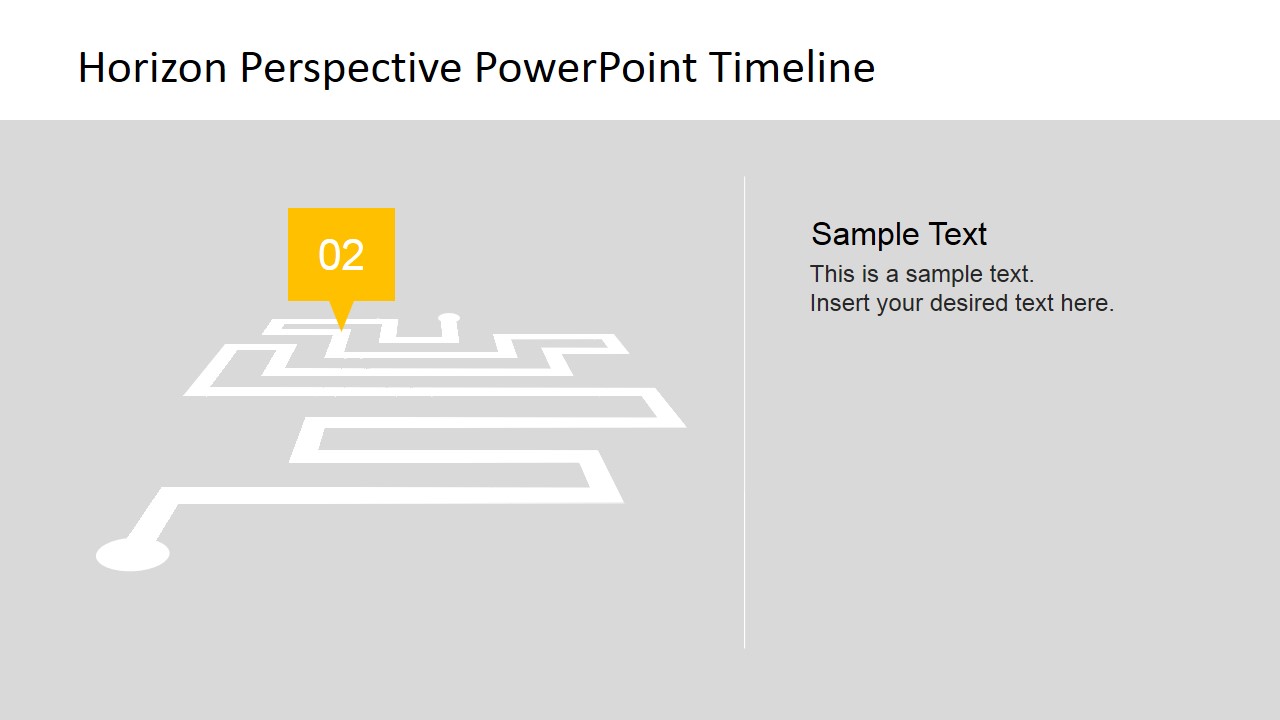
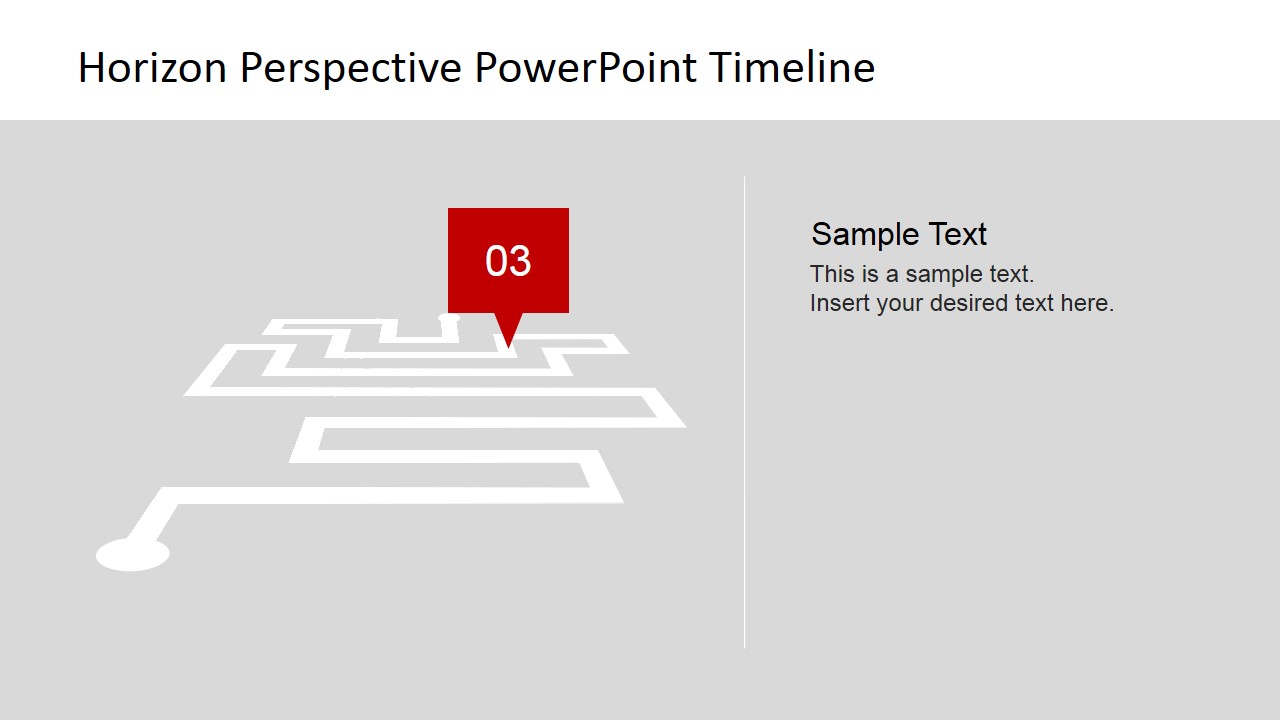
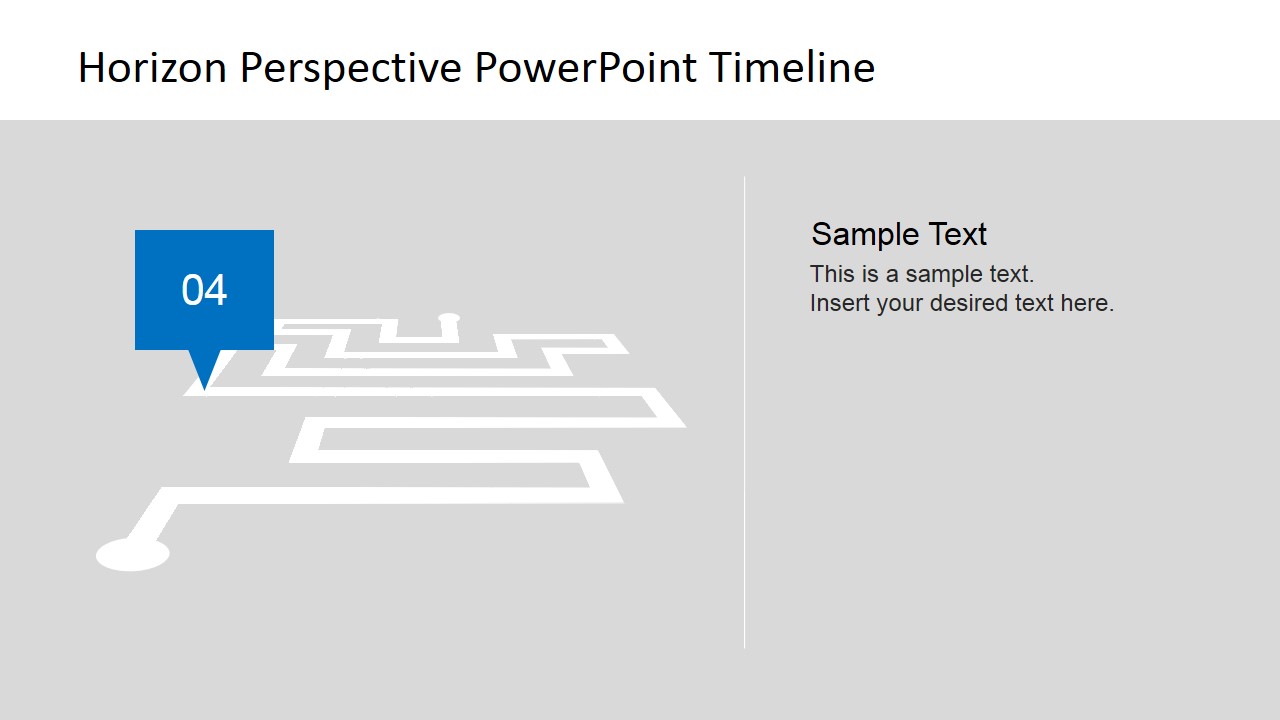
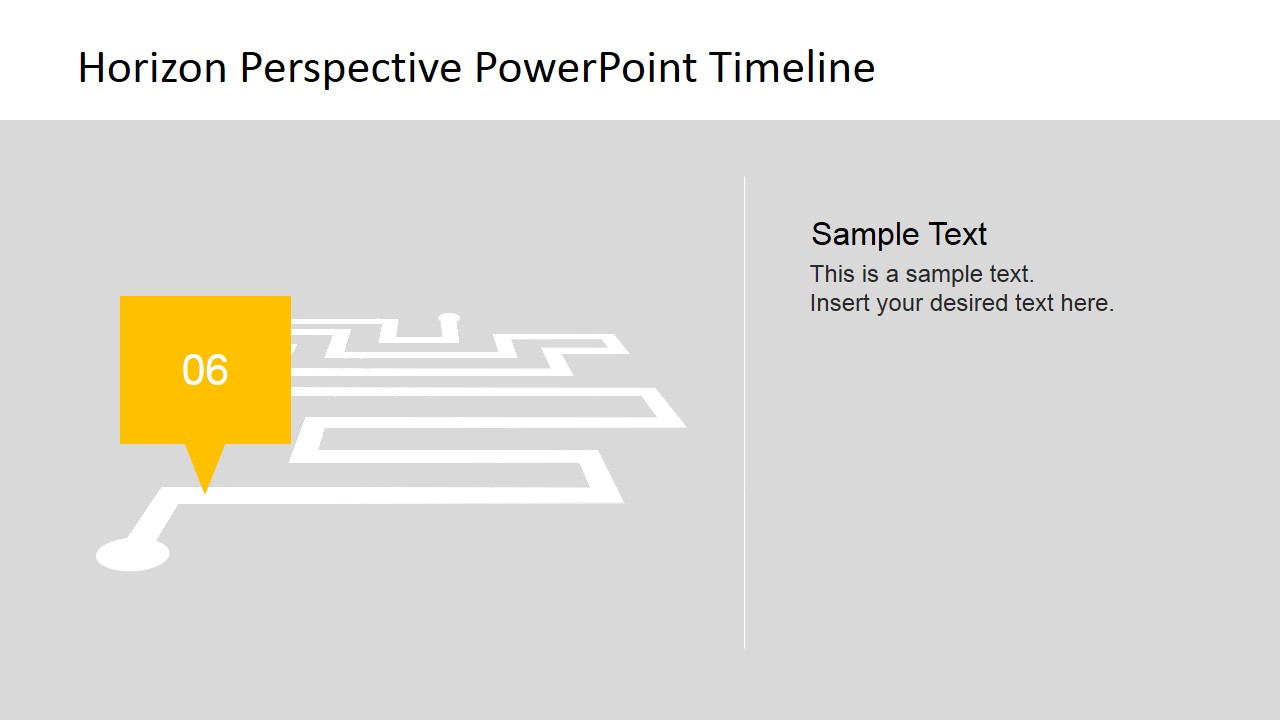
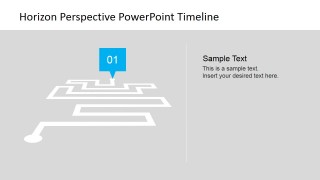
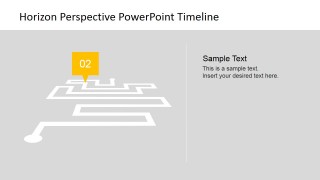
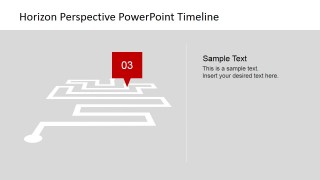
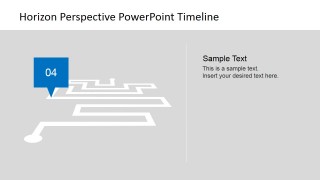
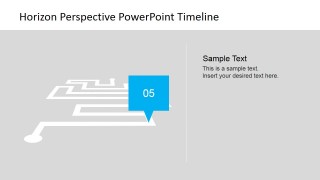
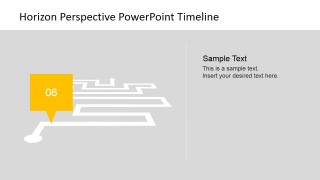
- An operations leader can use the single-milestone detail slides to assign owners, describe risks, and clarify what must happen at each stage of an initiative.
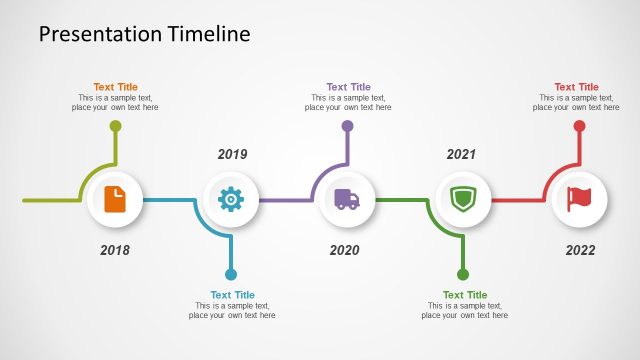
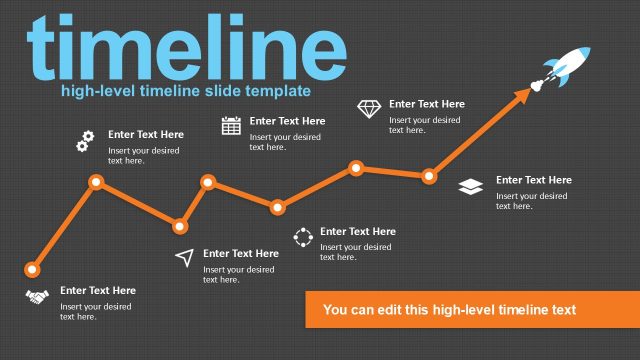
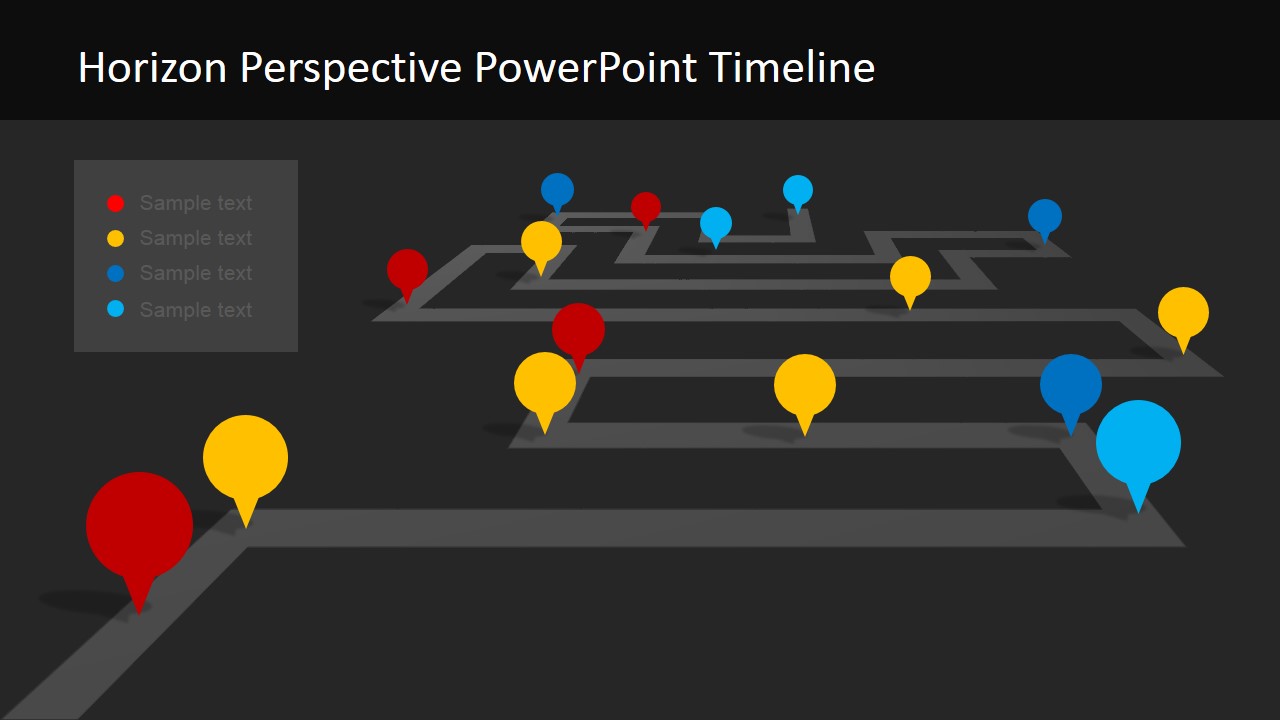
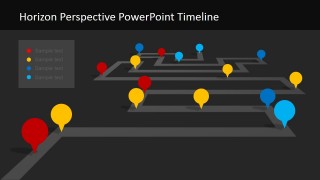
- A business planner can use the dark timeline overview as a closing summary that restates major milestones and keeps attention on the full project journey.
Features
- 100% editable presentation template
- Compatible with Microsoft PowerPoint and Google Slides
- 16:9 aspect ratio slides
- Scalable vector shapes, icons and illustrations
- AI-Ready for Microsoft Copilot and Claude
- Instant access and download
Frequently asked questions
Q: How should I present a project plan with this horizon timeline?
A: Start with the overview roadmap to establish the full journey, then move to the numbered milestone path to set sequence. Use the individual marker slides only for milestones that need explanation, such as ownership, timing, risk, or expected outcome. This keeps the presentation from becoming a slide-by-slide task list.
Q: Who benefits most from this timeline format?
A: This template fits presenters who need to align stakeholders around direction and progress, such as project managers, consultants, and operations leaders. The road metaphor works well when the audience must understand where the initiative starts, what checkpoints matter, and how each milestone moves the project toward a defined goal.
Q: Why does the perspective road design help the message?
A: The perspective path creates a visual sense of distance, sequence, and destination. Large foreground pins draw attention to near-term actions, while smaller horizon markers suggest later milestones. This depth cue helps the audience read the plan as a journey rather than as a flat list of dates.

Horizon Perspective PowerPoint Timeline
9-slide timeline presentation template with perspective roadmap paths and milestone markers for project planning
Horizon Perspective PowerPoint Timeline is a 9-slide timeline template for project managers and business planners. It includes a perspective roadmap, a numbered milestone path, single-milestone detail slides, and a dark timeline overview. The slides are designed for Microsoft PowerPoint and Google Slides.
- Category
- Timelines & Planning
- Rating


 Loading...
- Aspect ratio
- 16:9, 4:3
- Item ID
- 6696-01
- Colors
 Microsoft PowerPoint
  Microsoft Copilot
  Claude for PowerPoint
 Other formats supported
Subscribe today and get immediate
access to download our PowerPoint templates.