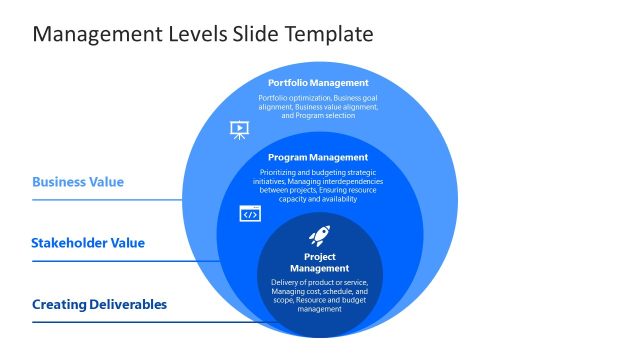
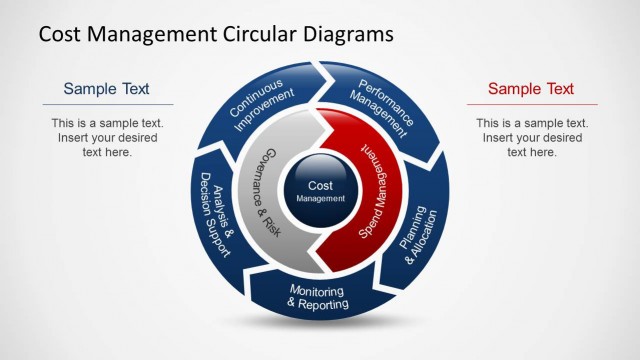
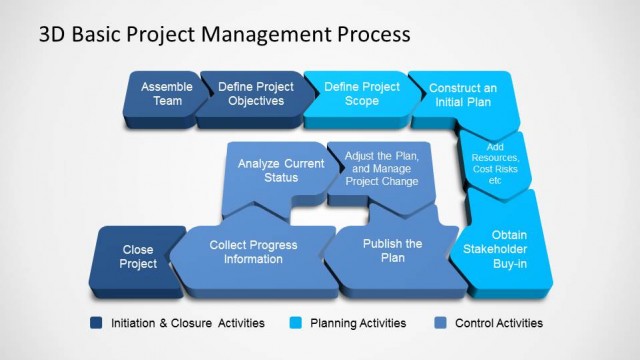
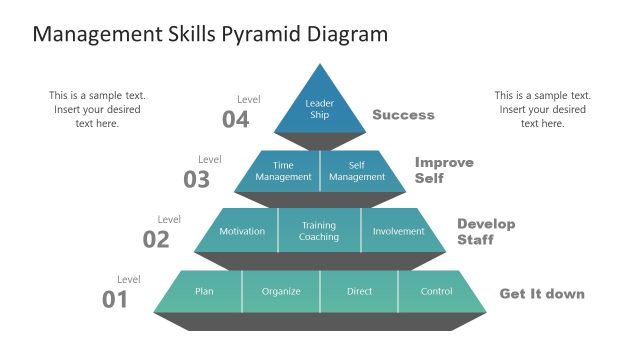
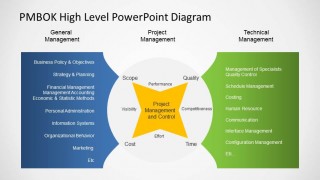
High Level Management Views PowerPoint Diagram describes different management views in an organization. It describes the “old school” understanding on layering management within a governance structure. Three main management views are described:
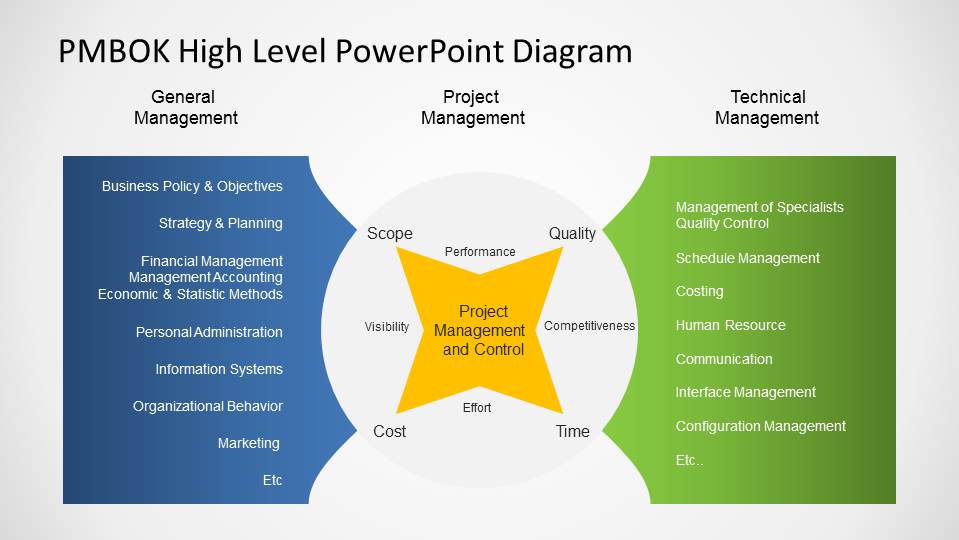
- General Management: Covering all the management knowledge areas focused on the business strategy, financial operation, administrative, sales, marketing and organizational behaviour.
- Project Management: For those organizations whose business is focused around projects, the project management view describes the basic knowledge areas required for project success.
- Technical Management: The Technical management view encapsulates the knowledge areas that requires specific knowledge or technology. This areas are serving the projects, and by transitive, the business.
What’s inside this template
Example presentation scenarios
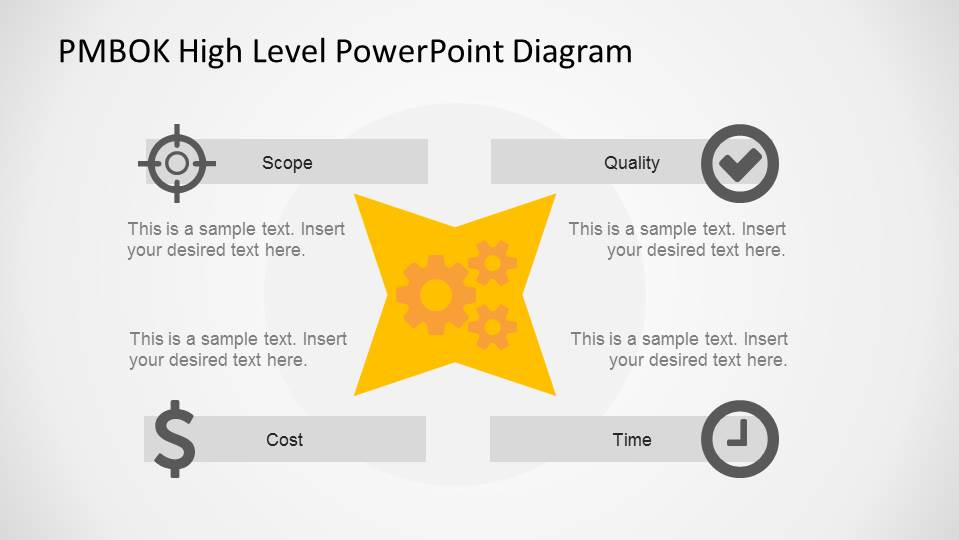
- A PMO leader can use the control-factor diagram to explain how scope, quality, cost, and time frame project decision making during a governance meeting.
- A management consultant can use the three-view management model to show executives how general management, project management, and technical management support the same organization.
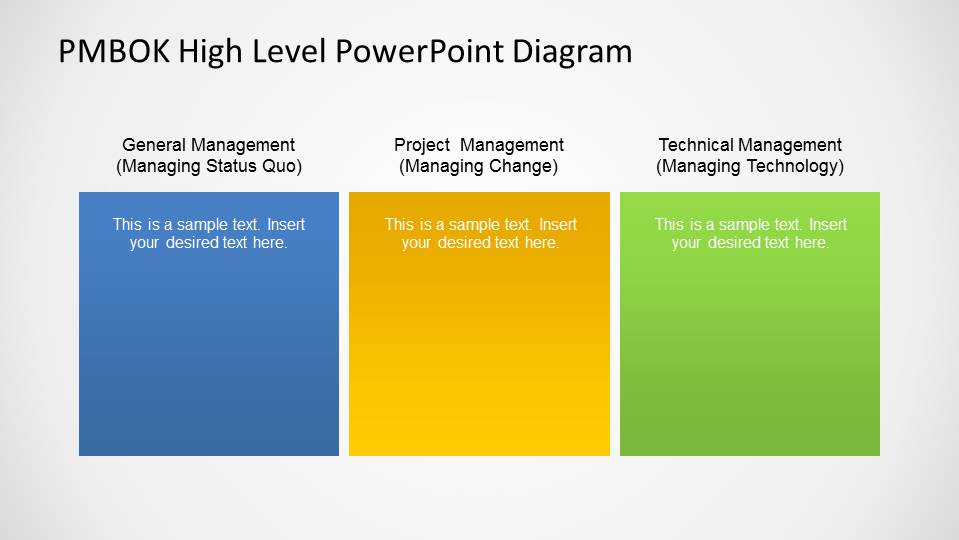
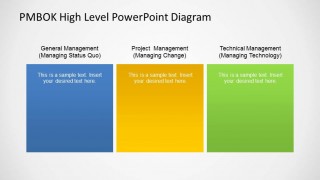
- A technical program manager can use the three-column comparison to clarify the difference between managing status quo, managing change, and managing technology for cross-functional teams.
- An operations manager can use the PMBOK-style diagrams to introduce project management concepts before discussing roles, controls, and accountability.
Features
- 100% editable presentation template
- Compatible with Microsoft PowerPoint and Google Slides
- 16:9 aspect ratio slides
- Scalable vector shapes, icons and illustrations
- AI-Ready for Microsoft Copilot and Claude
- Instant access and download
Frequently asked questions
Q: How should a presenter explain the management views without making the diagram feel abstract?
A: Start with the first slide's cost, time, scope, and quality factors because they are familiar control points. Then move to the three-view model and tie each list to a real responsibility in the audience's organization. Close with the three-column slide as a simple recap of who manages status quo, change, and technology.
Q: Who is this template best suited for in a business presentation?
A: This template is best for PMO leaders, project managers, consultants, and technology managers who need to align stakeholders around management responsibilities. It works well in executive briefings, PMBOK training introductions, and governance discussions where the message is conceptual: how general, project, and technical management relate to one another.
Q: Why does the template use a central shape and three large color blocks instead of dense text?
A: The central star and bowtie shapes act as a visual metaphor for project management connecting the control dimensions around it. The three color blocks on the comparison slide separate the roles before the audience reads details, which helps prevent general management, project management, and technical management from blending into one explanation.
High Level Management Views PowerPoint Diagram
3-slide presentation template for PMBOK management views, project controls, and three-column governance comparison
High Level Management Views PowerPoint Diagram is a 3-slide business diagram template for explaining management perspectives across PMBOK-style knowledge areas. It includes a cost-scope-quality-time control diagram, a three-view management model, and a three-column comparison. Built for managers, PMOs, and consultants in Microsoft PowerPoint and Google Slides.
- Category
- Business PowerPoint Templates
- Rating


 Loading...
- Aspect ratio
- 16:9, 4:3
- Item ID
- 6540-01
- Colors
 Microsoft PowerPoint
  Microsoft Copilot
  Claude for PowerPoint
 Other formats supported
Subscribe today and get immediate
access to download our PowerPoint templates.