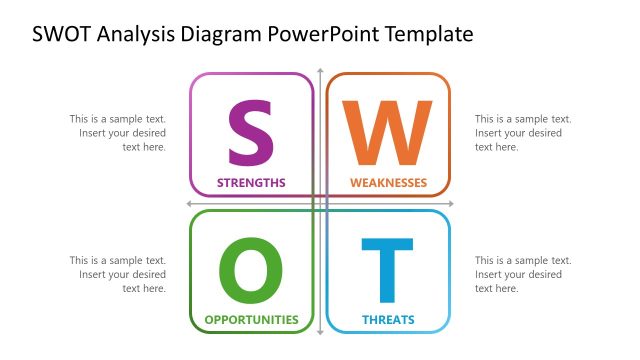
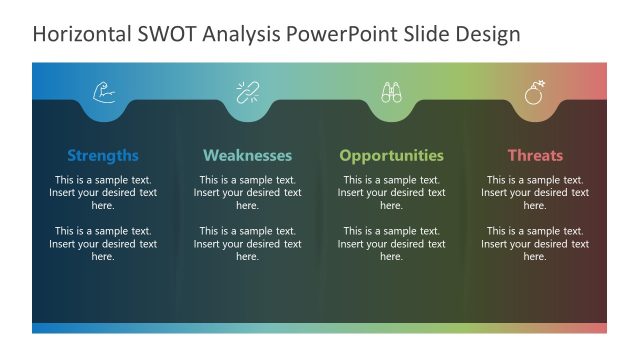
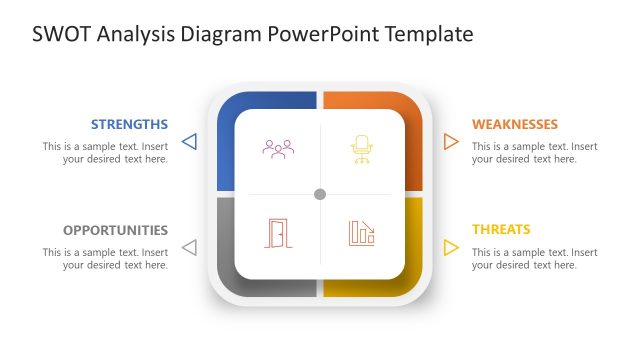
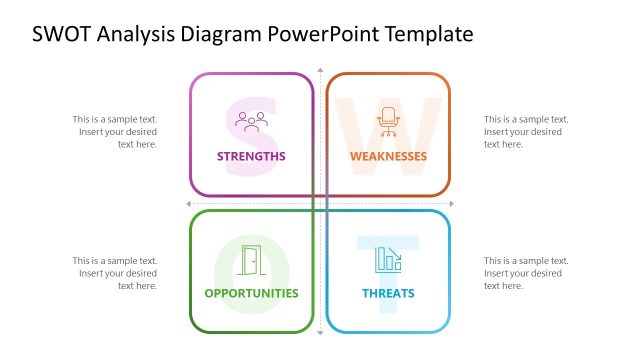
Share the analysis report on the company’s internal capabilities and external pressures with our Hexagonal SWOT Analysis PowerPoint Template in your executive presentations. Business leaders and strategists can use our hexagonal SWOT template to visually demonstrate the various dimensions of the SWOT framework, helping decision-makers assess priorities and next steps. SWOT is an acronym for Strengths, Weaknesses, Opportunities, and Threats. This is a business analysis framework that accounts for both internal and external factors that contribute to business success. Strategy consultants can present the company’s market position by presenting the structured SWOT analysis results at annual review meetings. In addition, a brand manager can customize the hexagonal SWOT layout to highlight strengths and weaknesses in product-launch evaluation presentations. Professionals can edit the layout components to suit their needs and adjust the design accordingly. This SWOT PPT layout is also compatible with Google Slides.
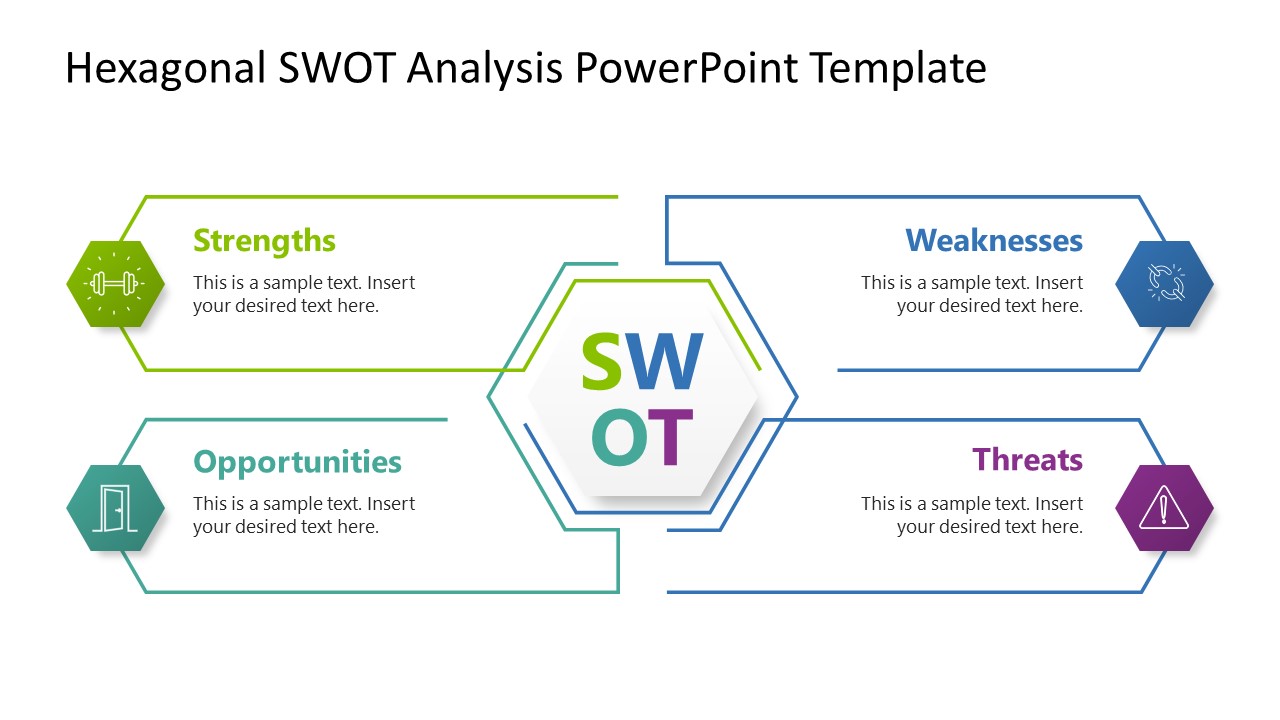
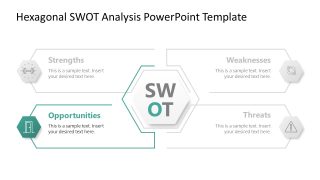
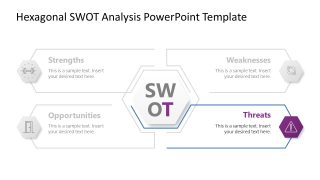
The Hexagonal SWOT Analysis PowerPoint Template shows a hexagon diagram in the center with title text. On both sides, two outward-facing arrows let users mark key strengths and weaknesses on the left and opportunities and threats on the right. Each shape includes an infographic icon to explain the concept to the audience visually. After the first slide, we have four slides with the same diagram, each with a focus effect for each SWOT aspect. This allows business development teams to present an accurate picture of the company before committing resources to a market-entry plan. A startup founder can edit this layout and pitch potential investors by highlighting the organization’s growth potential in a SWOT presentation.
Download our hexagonal SWOT Analysis PPT template and use it to demonstrate the strategic analysis in your next business planning presentation. Alternatively, check out our range of SWOT diagram templates for other versions.
What’s inside this template
Example presentation scenarios
- A strategy consultant can use the hexagonal SWOT overview to summarize a client's market position before discussing strategic priorities with senior leaders.
- A product manager can use the opportunities focus slide to explain launch openings, customer segments, or market gaps during a go-to-market planning meeting.
- A founder can use the strengths and weaknesses focus slides to brief investors on internal capabilities, operating gaps, and near-term business risks.
- A brand manager can use the threats focus slide to frame competitive pressure, category shifts, or customer perception risks in a product review.
Features
- 100% editable presentation template
- Compatible with Microsoft PowerPoint and Google Slides
- 16:9 aspect ratio slides
- Scalable vector shapes, icons and illustrations
- AI-Ready for Microsoft Copilot and Claude
- Instant access and download
Frequently asked questions
Q: How should a presenter explain the SWOT without overwhelming the audience?
A: Start with Slide 1 as the full map so the audience sees all four dimensions at once. Then move through the focus slides one category at a time, using the grayed-out areas as context rather than content. Keep each callout to one main finding, one implication, and one recommended action.
Q: Who is this template best suited for in a strategy meeting?
A: This template works best for leaders, consultants, analysts, product managers, and founders who need to translate qualitative findings into a clear decision conversation. The hexagonal overview fits an executive summary, while the category focus slides support deeper discussion of strengths, weaknesses, opportunities, and threats without changing the visual system.
Q: Why does the hexagon layout help communicate a SWOT analysis?
A: The central hexagon makes the SWOT acronym the anchor, while the four outward callouts separate internal and external factors into readable zones. The focus slides use contrast to guide attention, turning a potentially crowded framework into a sequence of four decisions: protect strengths, address weaknesses, pursue opportunities, and monitor threats.


Hexagonal SWOT Analysis PowerPoint Template
5-slide presentation template with hexagonal SWOT diagram and focused strengths, weaknesses, opportunities, threats layouts
The Hexagonal SWOT Analysis PowerPoint Template is a 5-slide 16:9 diagram template for strategic assessment in Microsoft PowerPoint and Google Slides. It includes a central hexagon SWOT overview plus focus slides for strengths, weaknesses, opportunities, and threats, with side callouts, arrows, and vector icons for business leaders and consultants.
- Category
- Diagrams
- Rating

 Loading...
- Aspect ratio
- 16:9
- Item ID
- 23630-01
- Colors
 Microsoft PowerPoint
  Microsoft Copilot
  Claude for PowerPoint
 Other formats supported
Subscribe today and get immediate
access to download our PowerPoint templates.