Slide 7 of 8 from Golf Ball Shapes for PowerPoint
Golf Ball for PowerPoint
Golf Ball with Text Box for Presentations
- Media Layout
- Image + Text Split
- Context Slide
- 16:9
- 100% Editable
The Golf Ball with Text Box slide layout from the Golf Ball Shapes for PowerPoint template offers a clear visual focus on golf-related topics. This slide design integrates editable shapes and a text box to complement the detailed golf ball image, making it suitable for golf training presentations, event summaries, or product feature highlights within a business presentation or pitch deck template.
What’s on This Slide
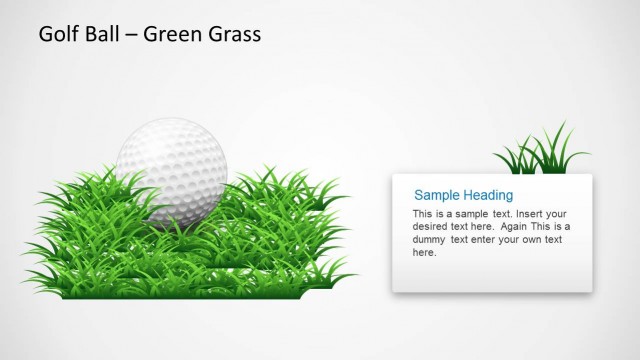
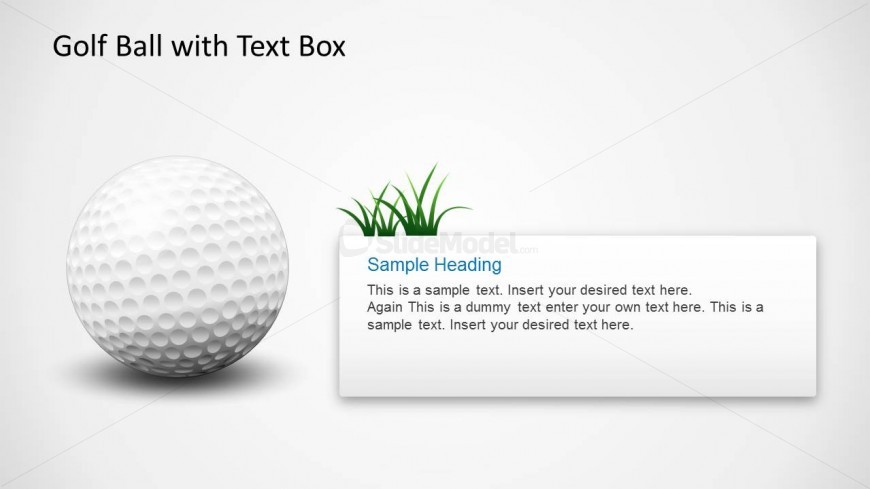
The slide features a prominent golf ball positioned on the left side, showcasing its dimpled texture. To the right, there is a rectangular text box with rounded corners, containing placeholder text. The text box is aligned vertically and includes a sample heading at the top, followed by two lines of sample text. Above the text box, a small graphic of grass adds a natural element. The background is a light gradient, enhancing the visibility of the central elements. The overall layout emphasizes the golf ball and the accompanying text.
How to Use It
This layout serves as a visual aid for presenting information related to golf, sports training, or event details. It fits well in a sequence that introduces concepts or highlights key points. Ideal for scenarios such as explaining golf techniques, showcasing product features, or providing event summaries. The text box allows for easy customization of content, making it suitable for various presentations in the sports domain.
Text Placeholders & Capacity
Keep your copy within these limits so it fits without resizing. Text slots can accommodate a moderate amount of content without overcrowding.
| Placeholder | Count | Max characters (approx.) |
|---|---|---|
| Slide title | 1 | 30 |
| Item body | 1 | 200 |
| Item heading | 1 | 30 |
Slide Keywords
Download unlimited PowerPoint templates, charts and graphics for your presentations with our annual plan.
DOWNLOADReturn to Golf Ball Shapes for PowerPoint.